About Business Landing Page
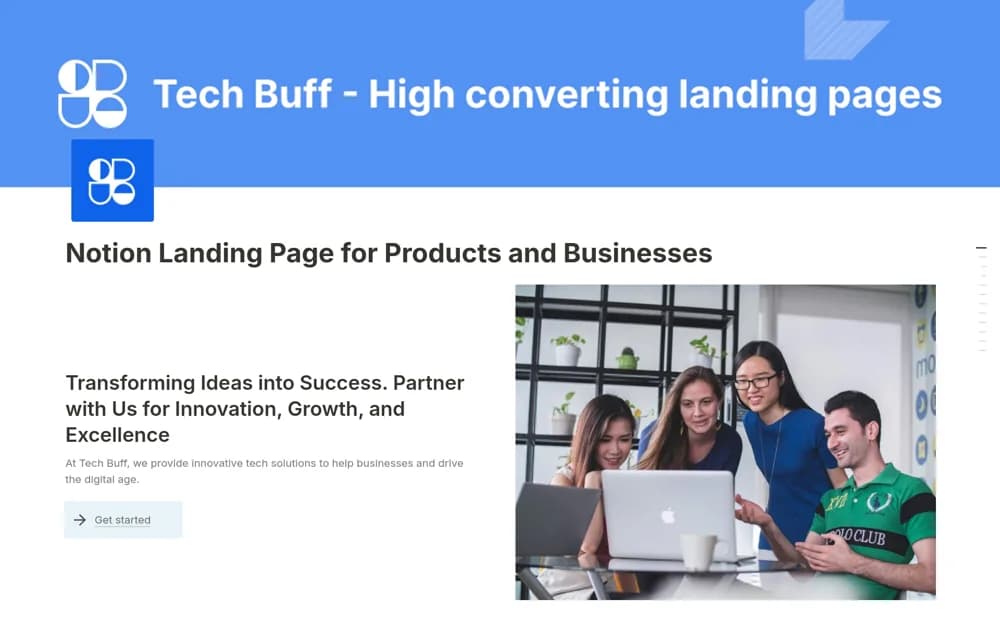
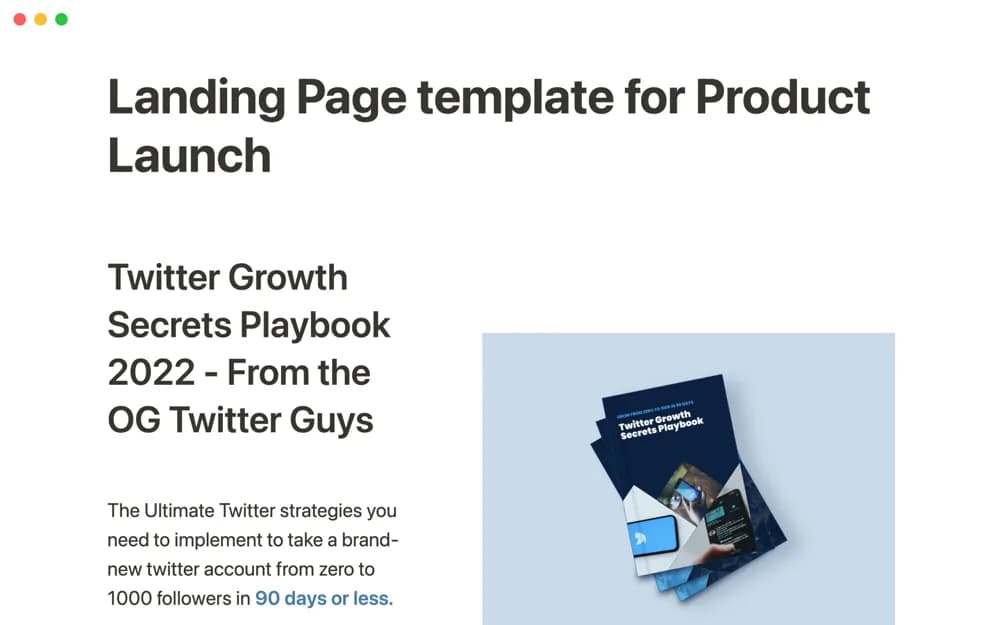
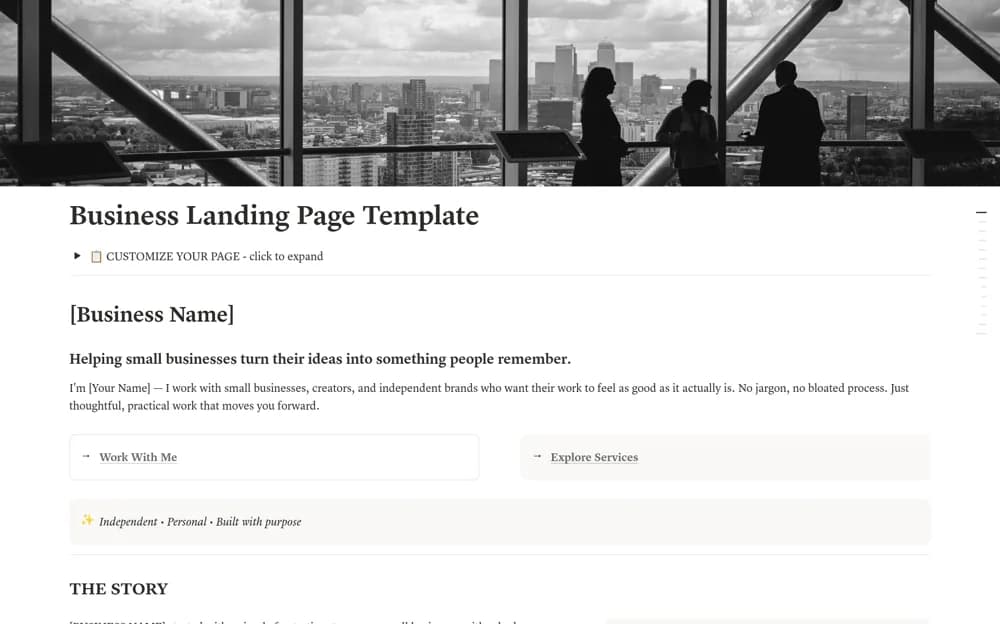
Present a business on a Notion landing page with its story, services, products, customer proof, FAQs, and clear contact actions.
What’s included
- Business introduction and founder sections
- Service and product showcases
- Process, testimonial, and FAQ sections
- Contact actions and footer links
How to use it in practice
Start with one audience and a clear action you want visitors to take. Replace the service and product examples, then add only testimonials you have permission to publish. Open the public page without signing in and test the contact or purchase route on a phone.
Set it up in your workspace
- Open the original Notion Marketplace listing and add the template to your chosen workspace while signed in. Keep its example records until you understand how the pages connect.
- Start with one audience and a clear action you want visitors to take.
- Try one complete example before adding a large backlog. Check that its views and any calculations show what you expect, then replace the sample content with your own.
Who it suits and what to consider
Small businesses and independent service providers publishing a concise introduction to their offer. Purchase and booking links point to your chosen services. The template does not itself process payments or guarantee search visibility.