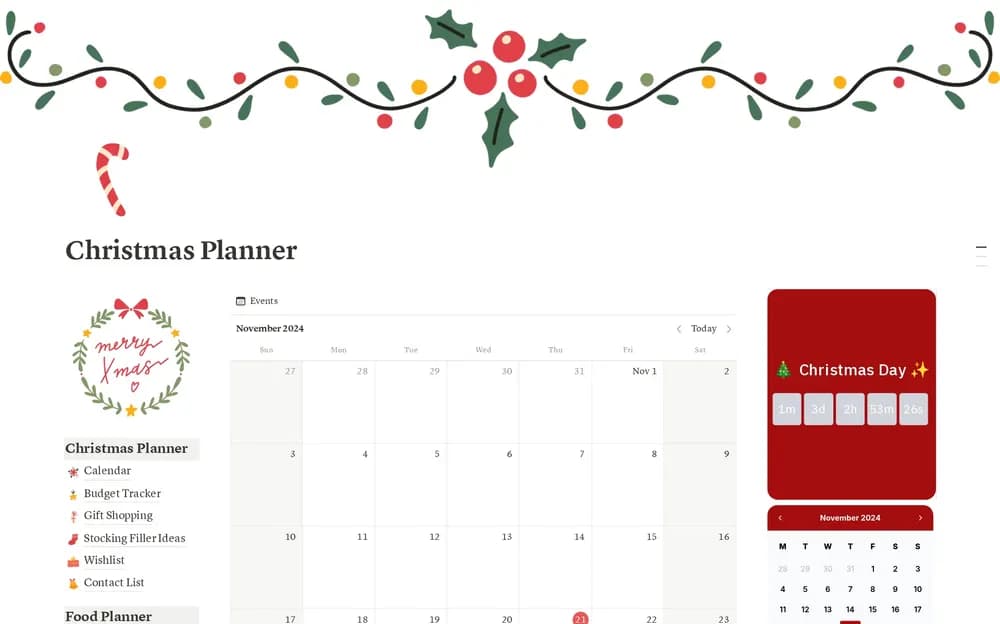
About Christmas Wishlist & Gift Tracker
Pair a shareable Christmas wishlist with a private gift planner in Notion, tracking recipients, budgets, purchase status, and a running total.
What’s included
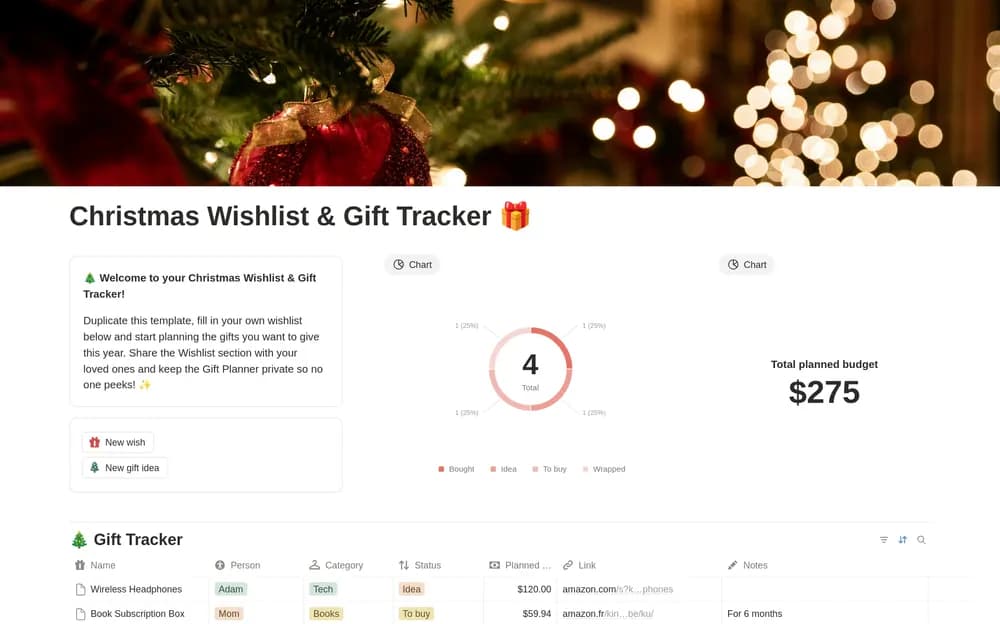
- Wishlist database for your own wishes
- Private gift planner with recipient, category, budget, and status
- Quick-add buttons for gift ideas
- Status overview of what to buy, bought, and ready to wrap
- Running total budget tracker
How to use it in practice
Set a rough budget for each person you are buying for and add any ideas you already have. Use the quick-add button whenever a new idea comes to mind this week. Update purchase status as you shop and check the running total before each order, then fill in your own wishlist before sharing it.
Set it up in your workspace
- Open the original Notion Marketplace listing and add the template to your chosen workspace while signed in. Keep its example records until you understand how the pages connect.
- Set a rough budget for each person you are buying for and add any ideas you already have.
- Try one complete example before adding a large backlog. Check that its views and any calculations show what you expect, then replace the sample content with your own.
Who it suits and what to consider
People buying presents for family and friends who also want a wishlist of their own to share. Both databases sit on one page, so sharing it needs care to keep the gift planner private; prices and spending are entered manually.