 Free
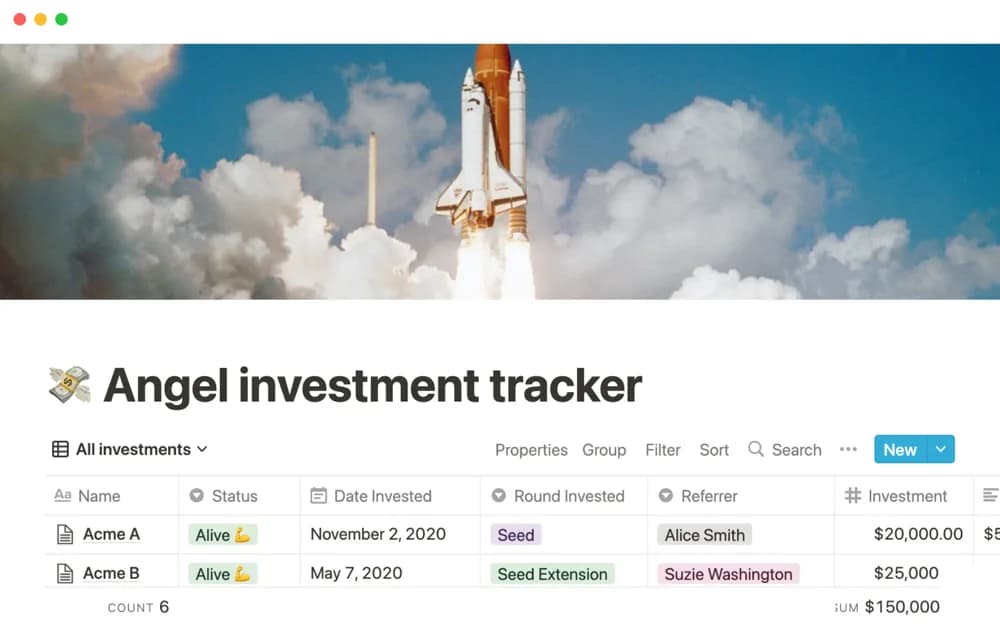
FreeAngel investment tracker
An angel-investment organizer for startup context, portfolio records, and coordination of an investment review process.
See where your money goes and make a plan for what comes next. Browse Notion budget templates, spending logs, and subscription trackers.
Showing 1–18 of 28 templates
A little structure goes a long way.FreeAn angel-investment organizer for startup context, portfolio records, and coordination of an investment review process.
 Free
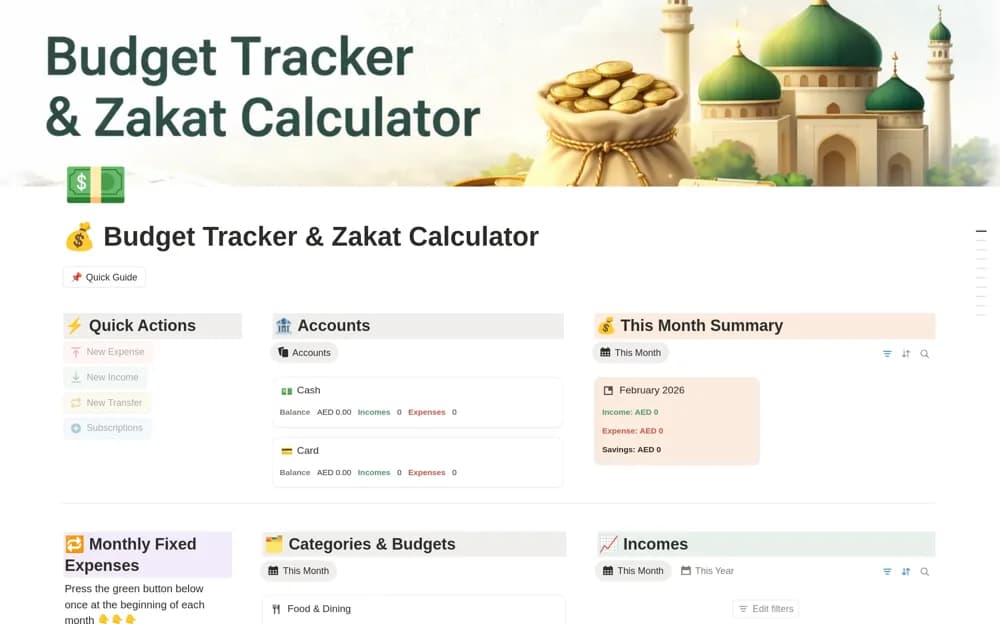
FreeA monthly money organizer for income, expenses, category budgets, savings goals, and visual summaries.
 Free
FreeA budget comparison system with variance records, alerts, charts, and a financial-control overview.
 Free
Free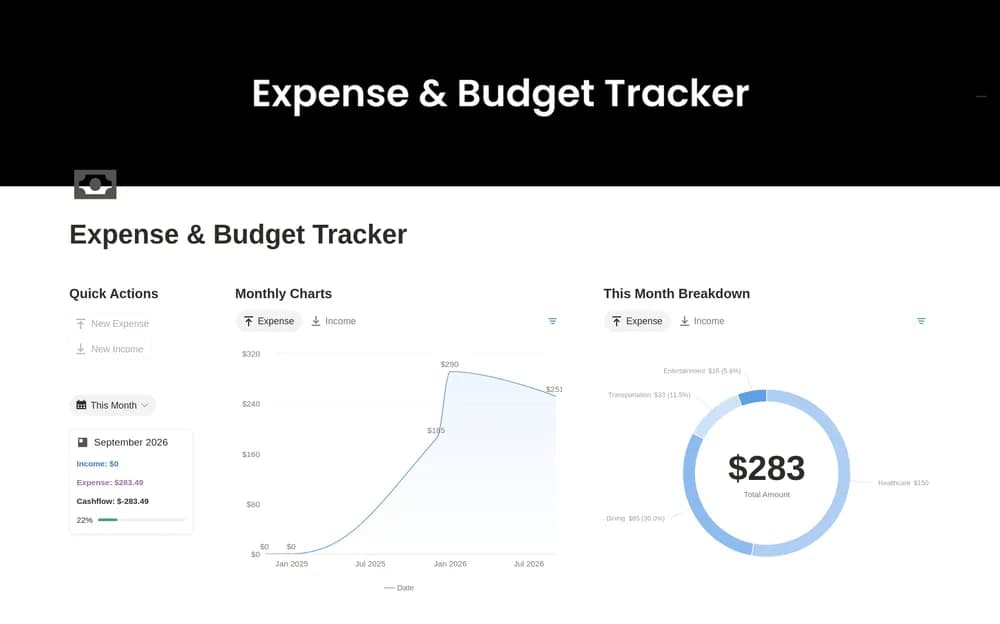 Free
Free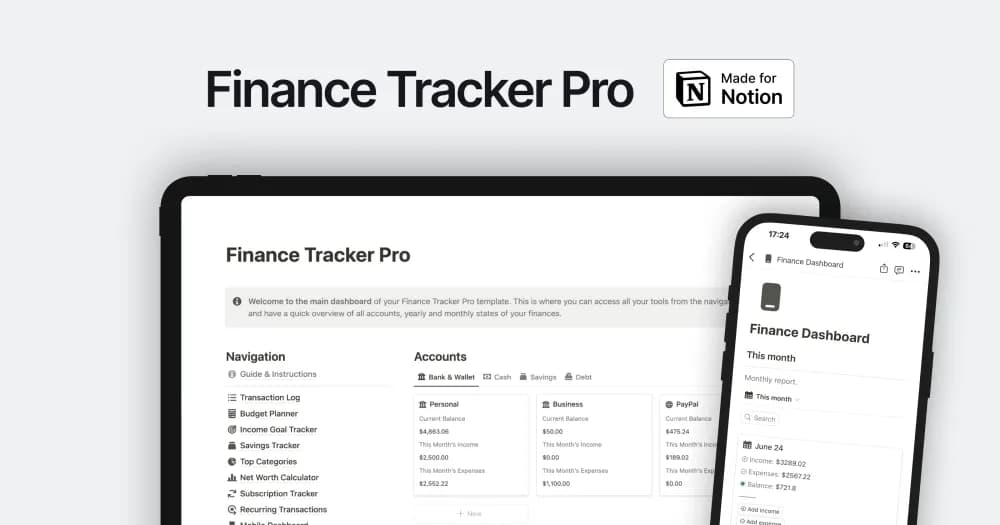 Paid
PaidA finance workspace for bringing personal or business money records into view.
 Free
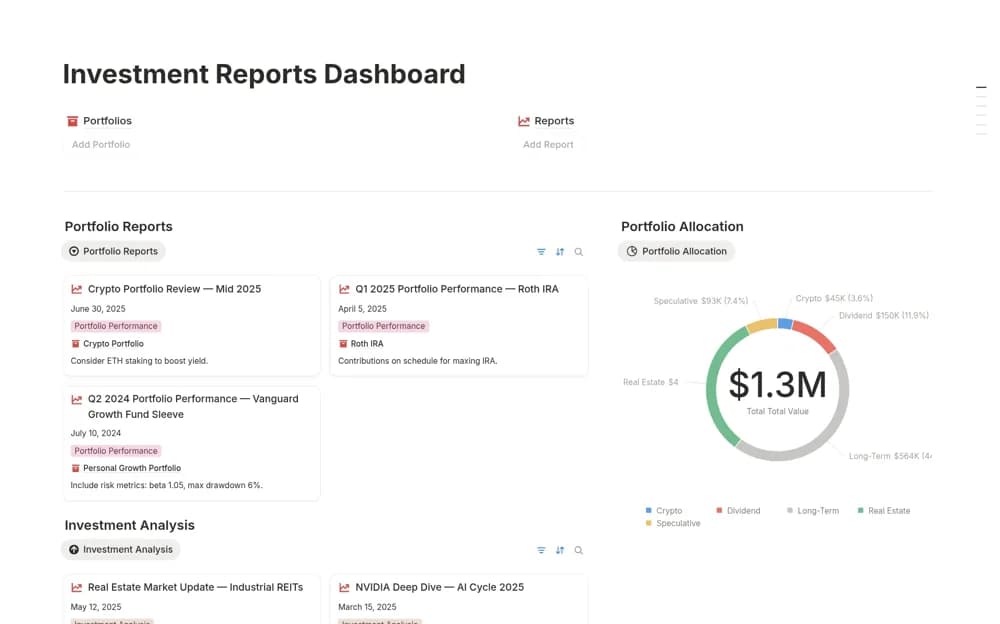
FreeAn investment reporting dashboard connecting portfolio records, periodic analyses, performance views, and ROI charts.
 Free
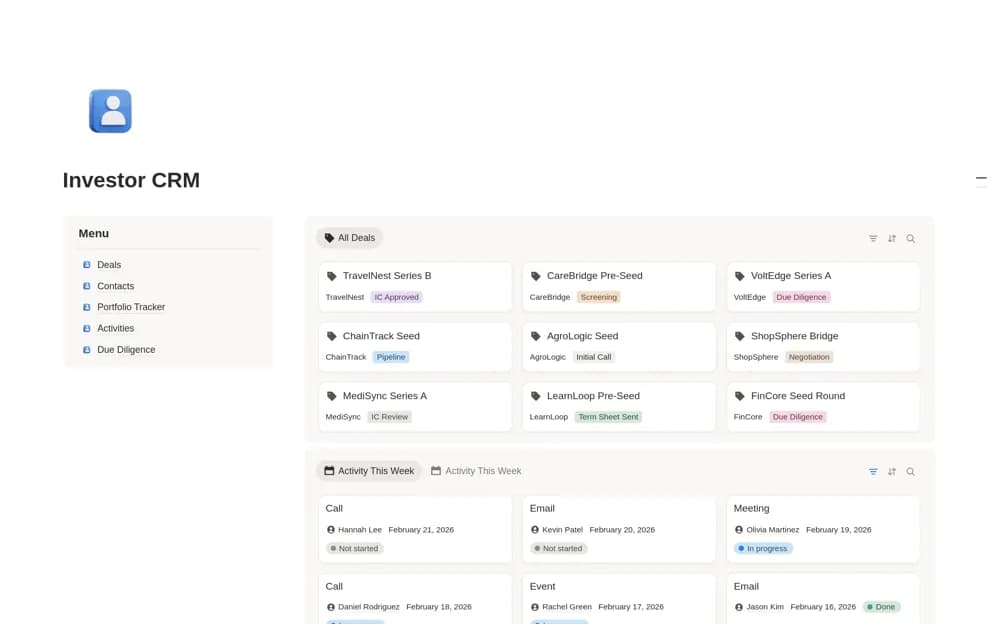
FreeAn investor CRM for startup deal flow, founder contacts, due diligence, investment memos, portfolio records, and follow-ups.
 Free
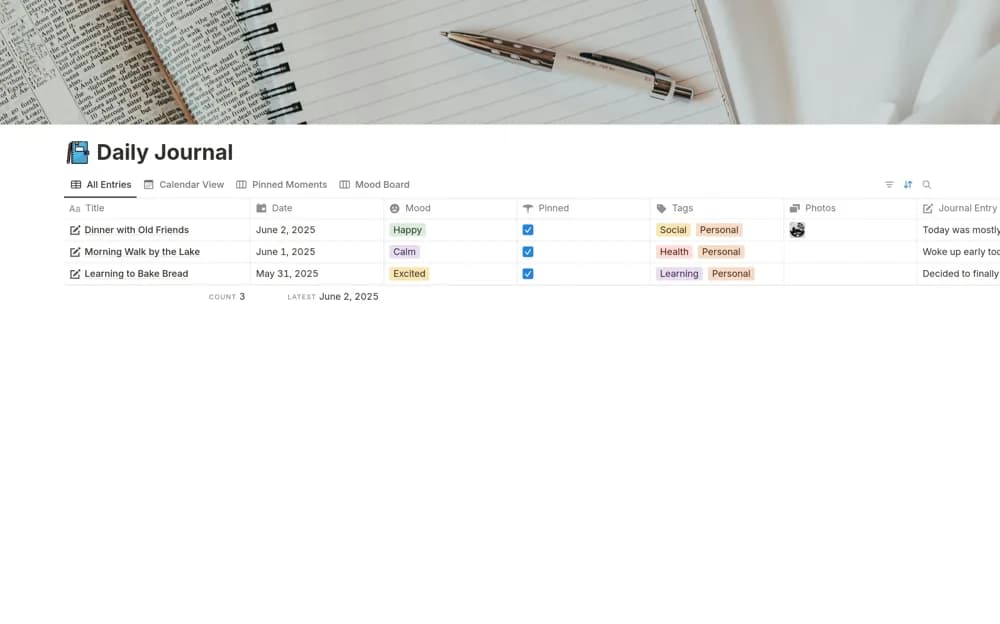
FreeA personal dashboard combining journal entries, remembered moments, an expense tracker, and habit organization.
 Free
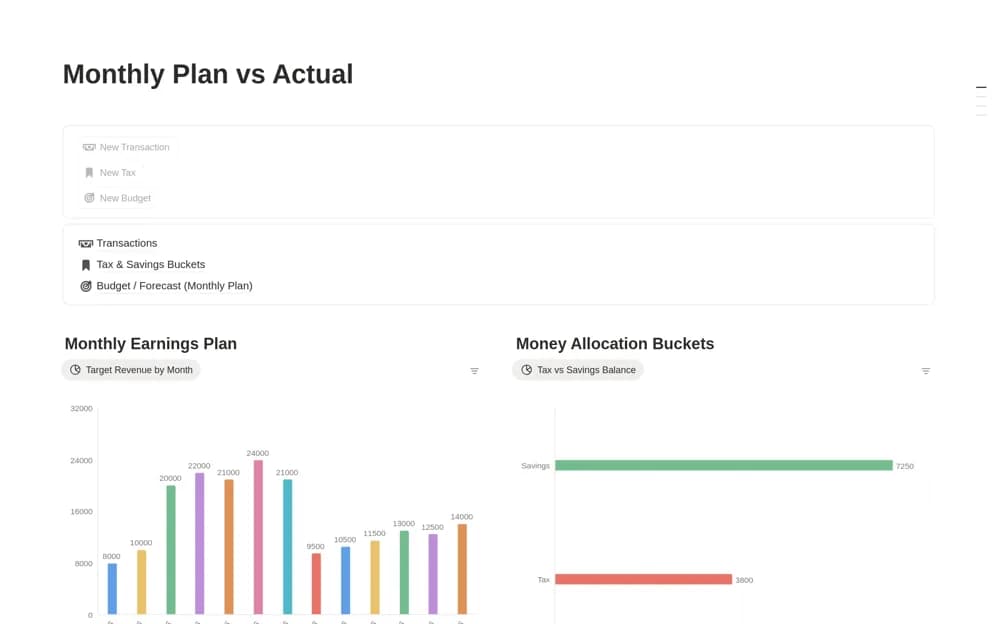
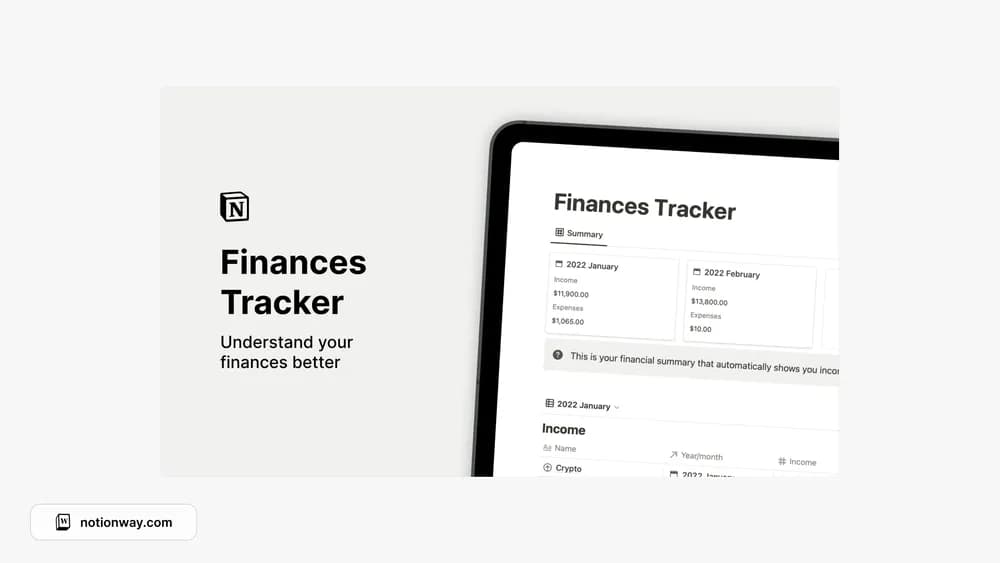
FreeA monthly finance planner separating a budget forecast from recorded transactions, with tax and savings buckets for allocating portions of the money you track.
 Free
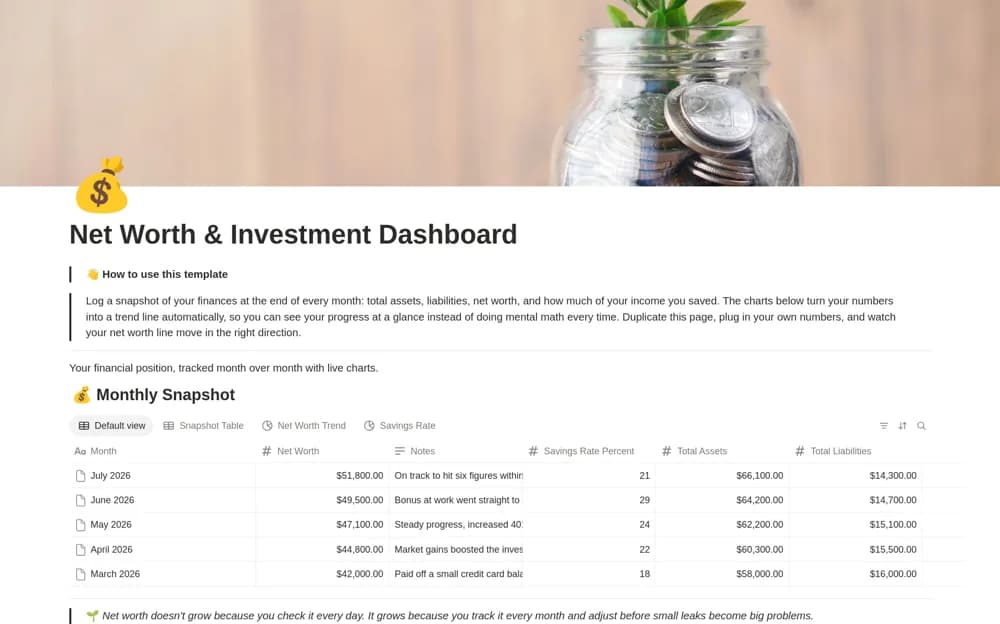
FreeA monthly financial snapshot dashboard charting assets, liabilities, net worth, and savings-rate records.
 Free
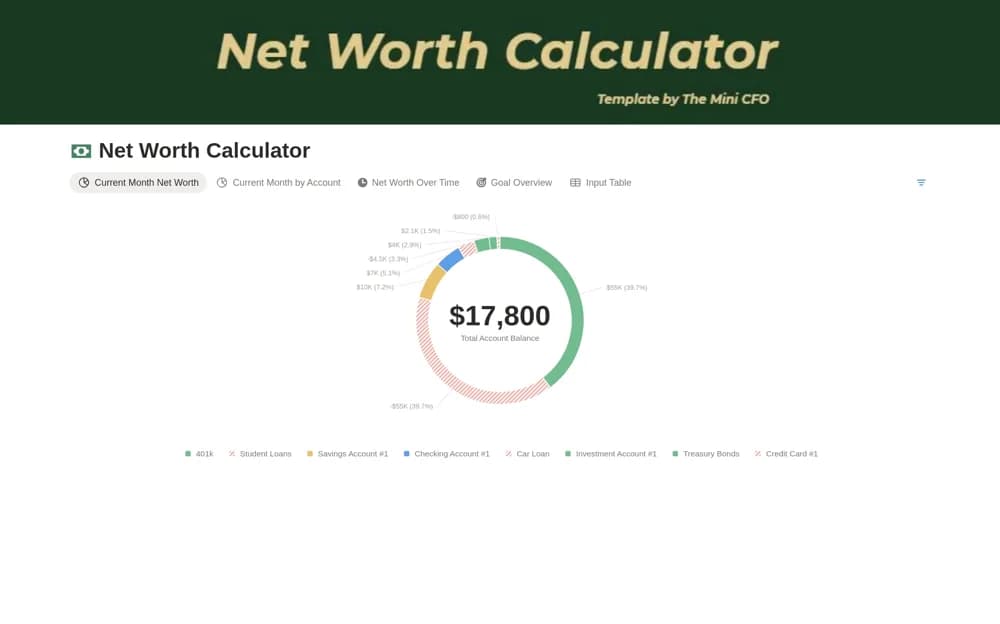
FreeA monthly net-worth calculator recording account balances, assets, liabilities, dates, and financial goals.
 Free
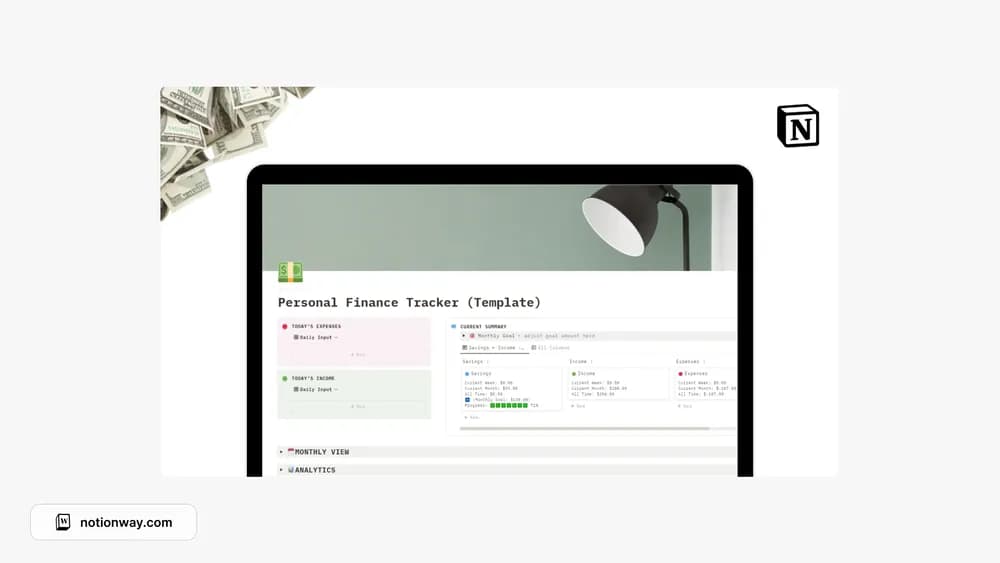
FreeLoegan Raj’s personal-finance tracker for everyday records.
 Free
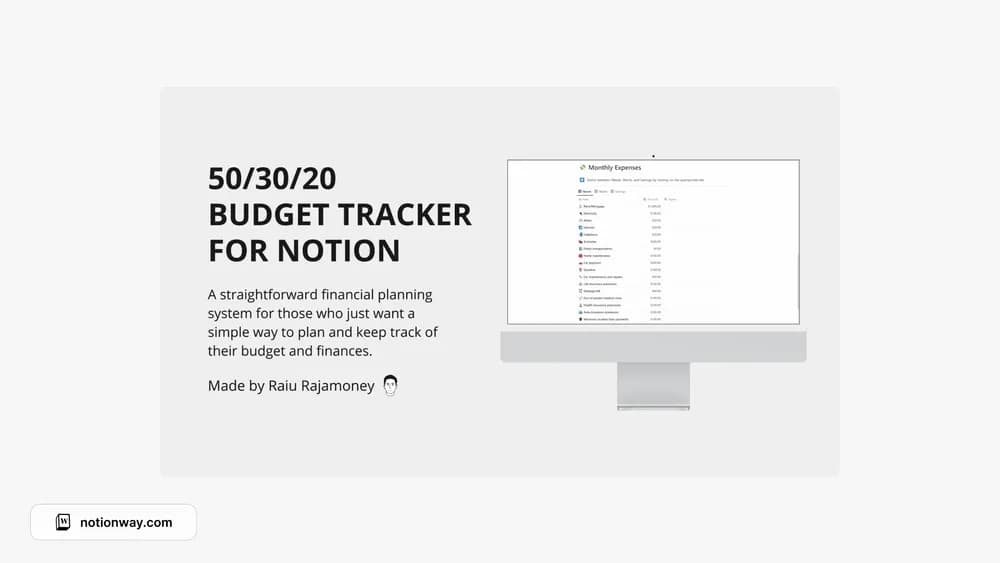
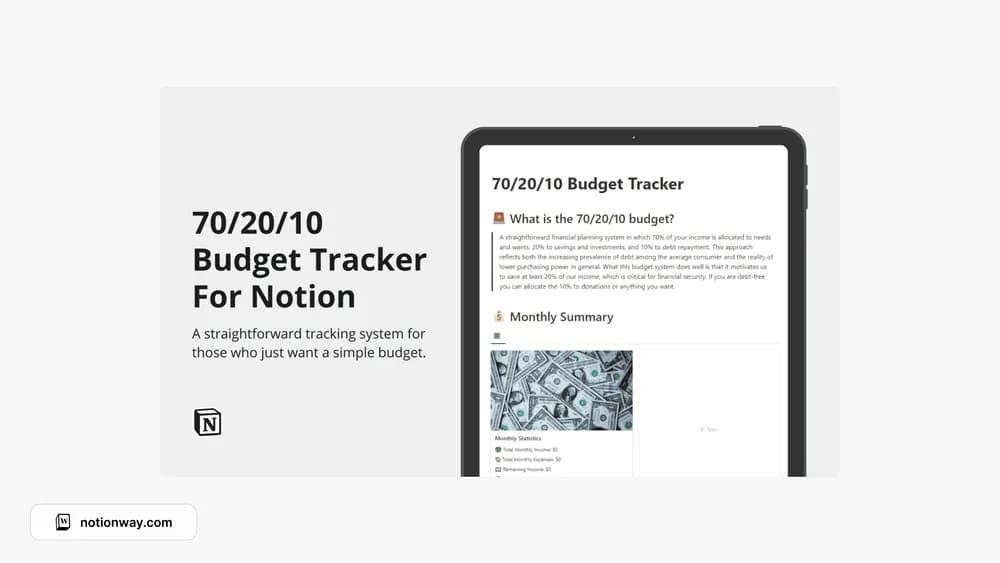
FreeA Notion budget layout built around the 50/30/20 approach.
 Free
Free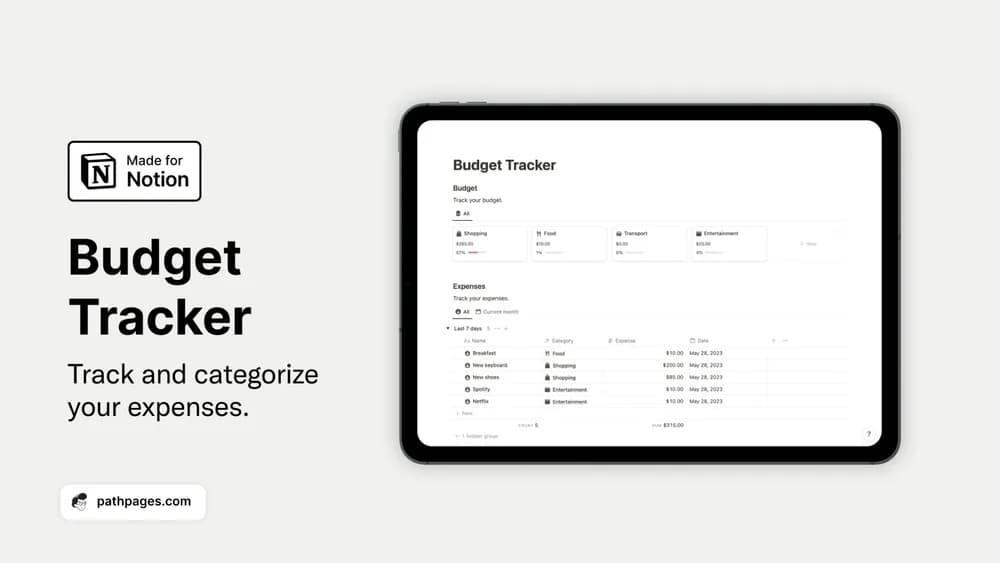 Free
FreeOrganize spending categories and bring a monthly budget into view.
 Free
Free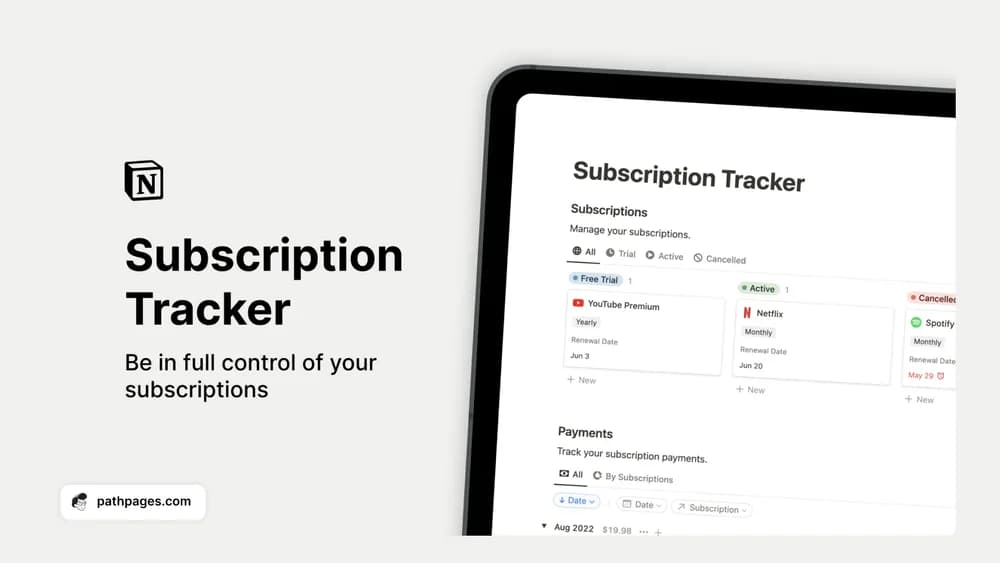 Free
FreeSee recurring subscriptions and payments before another renewal slips past.
Compare the purpose and included features before choosing a workspace.
Investors maintaining their own early-stage company and portfolio research records.
People looking for a simple record of monthly personal finances.
Finance teams, controllers, and founders reviewing performance against a plan.
Choose a money tracker around the decisions you want to make. A monthly budget, an everyday spending log, and a business cash-flow sheet serve different purposes. Check how income, transfers, and recurring costs are recorded. Most Notion templates need manual updates unless the creator explicitly documents an integration.
Clear spending categories
Monthly summaries
A simple update routine
About the directoryEnter a typical income payment, a purchase, a transfer, and a refund before loading older records. Check how categories, currencies, and reporting periods affect the totals. Keep a source note where an amount needs explanation and choose a regular update routine that fits how you manage your records.
A standalone template does not establish a bank connection. Some creators document separate integrations or imports; check those requirements explicitly. Otherwise, expect to enter or import transactions yourself and verify the results against source records.
Yes. This collection currently includes 26 listings with a confirmed free creator offer, alongside 2 paid or freemium options. Use the Free filter to compare them. A free version can have different features from a creator’s paid upgrade, so check the original listing and current access terms before adding it to your workspace.