About Competitor comparison
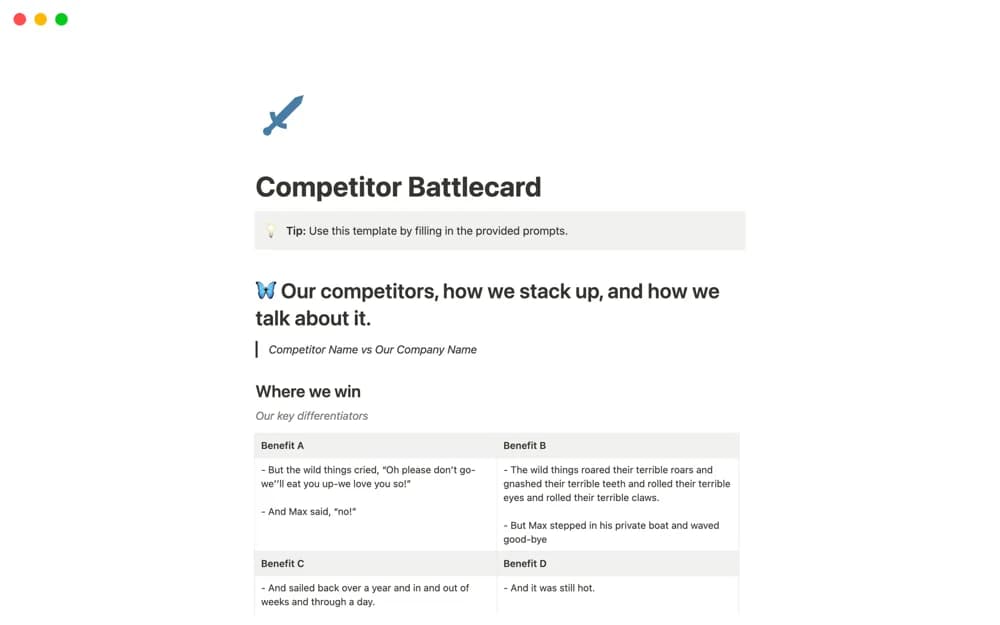
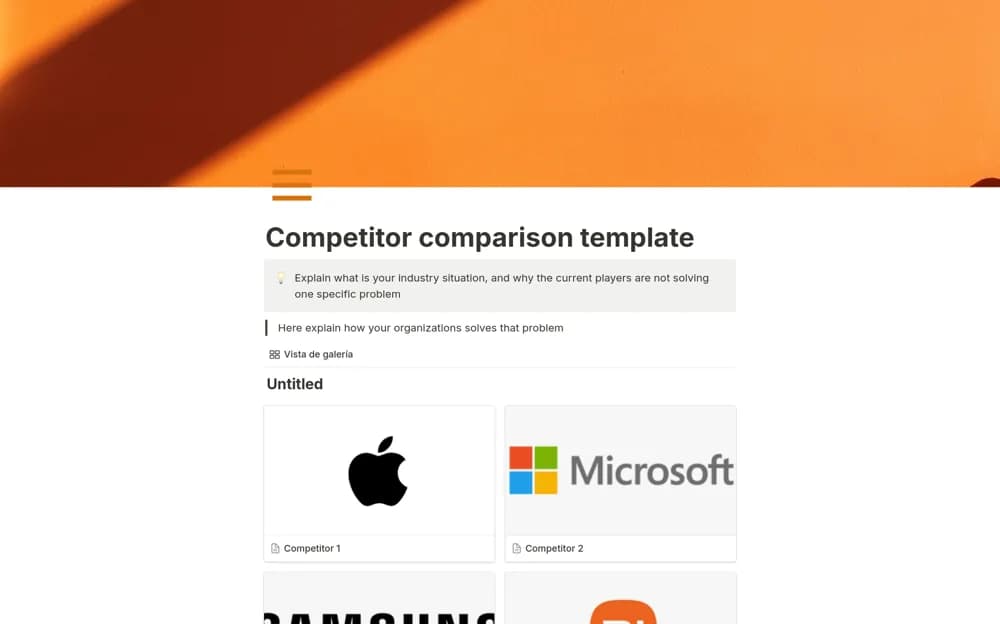
A visual competitor comparison page for organizing product differences, use cases, and sales explanations.
What’s included
- Competitor comparison structure
- Visual tables
- Space for product GIFs and supporting sales resources
How to use it in practice
Choose a specific customer question and compare the products against relevant criteria. Record the date and evidence behind each claim, then test whether the page helps a colleague explain a real difference. Update it when products or pricing change.
Set it up in your workspace
- Open the original Notion Marketplace listing and add the template to your chosen workspace while signed in. Keep its example records until you understand how the pages connect.
- Choose a specific customer question and compare the products against relevant criteria.
- Try one complete example before adding a large backlog. Check that its views and any calculations show what you expect, then replace the sample content with your own.
Who it suits and what to consider
Sales teams preparing clear, evidence-based product comparisons. The source describes a comparison resource, without establishing live monitoring or automatically verified competitor information.