About Daily Journal Collection
A collection of four prompt-based journals for mornings, evenings, personal entries, and gratitude practice.
What’s included
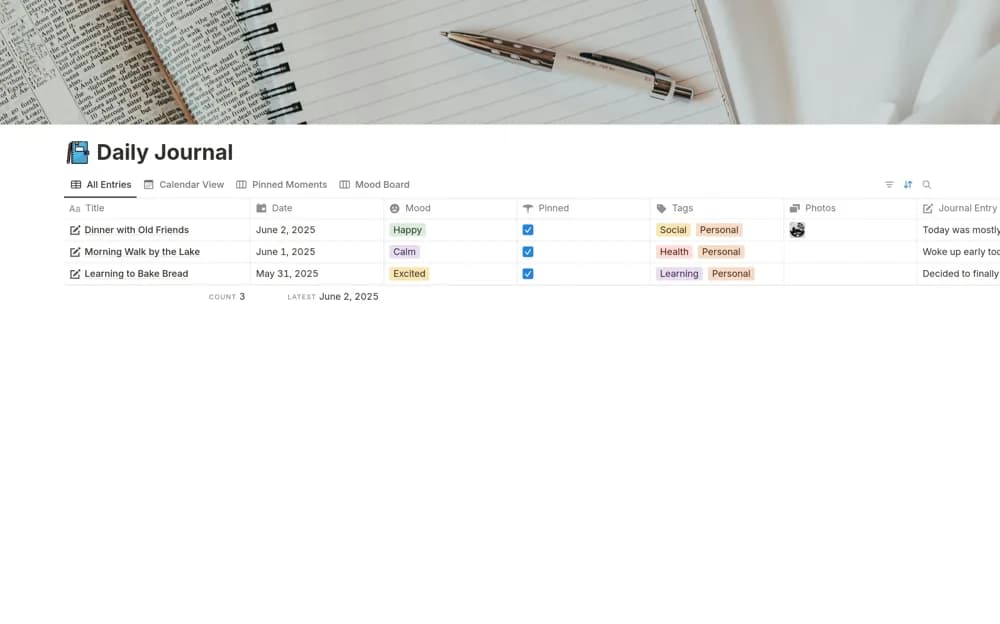
- Morning, evening, personal, and gratitude journals
- Prompts and a table of contents within each journal
- A check-in space for goals and daily intentions
How to use it in practice
Choose one journal format and try a short entry on several ordinary days. Keep prompts that lead to useful reflection and edit those that feel repetitive. Use the table of contents to revisit an entry instead of expanding the setup before building a writing habit.
Set it up in your workspace
- Open the original Notion Marketplace listing and add the template to your chosen workspace while signed in. Keep its example records until you understand how the pages connect.
- Choose one journal format and try a short entry on several ordinary days.
- Try one complete example before adding a large backlog. Check that its views and any calculations show what you expect, then replace the sample content with your own.
Who it suits and what to consider
People who prefer several focused journal formats in one workspace. Personal writing may contain sensitive details; review sharing settings before using a shared workspace.