About Notion Bullet Journal
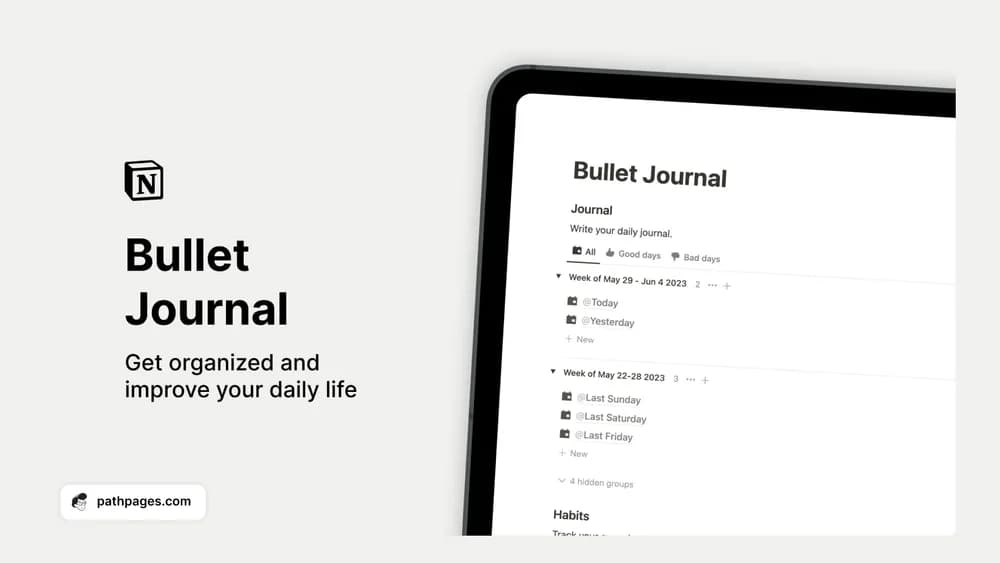
This combines several familiar bullet-journal activities in one place. It can hold a day’s thoughts as well as the actions and habits you want to remember. Choose the sections that help you; a daily page does not need to be completely filled in to be useful.
What’s included
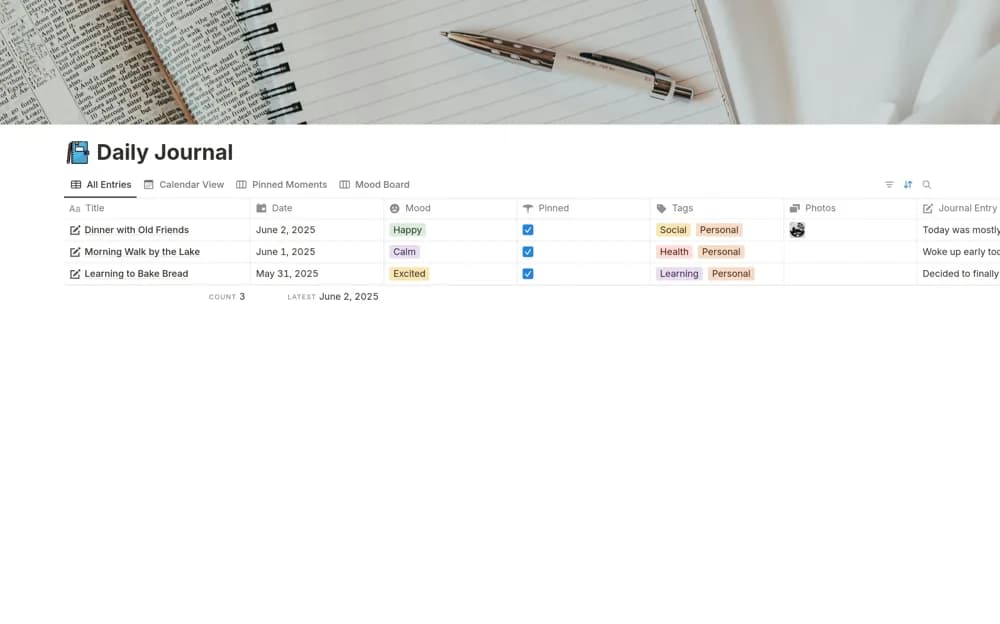
- Daily journal entries with ratings and emotional tags
- Habit tracking alongside the daily record
- A combined space for reflection and reviewing routines
How to use it in practice
Keep the daily entry simple: a brief reflection, the habits you completed, and anything you want to remember. Review the writing and habit log together once a week. This can help you notice when a routine was useful or unrealistic. Avoid adding so many fields that recording the day takes more effort than the habits themselves.
Set it up in your workspace
- Get the template link from PathPages. Its free-template pages ask you to create an account for access. Open the delivered Notion page and duplicate it into your workspace.
- Try the morning and evening sections for a few days. Keep only the prompts you want to return to.
- Try one complete example before adding a large backlog. Check that its views and any calculations show what you expect, then replace the sample content with your own.
Who it suits and what to consider
People who like a guided daily page. Suited to someone who wants journaling and habit tracking together. If you only want a checklist, a standalone habit tracker may be quicker to maintain.