About Dashboard Formula Dependency Map
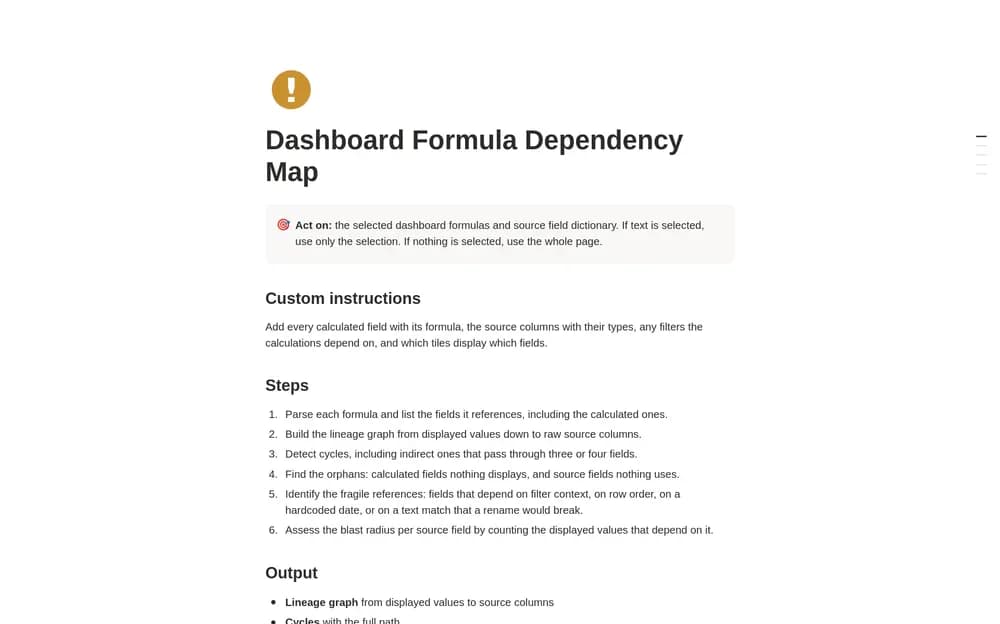
Trace dashboard numbers back to their source columns with a skill that maps formula lineage, circular references, orphaned fields, and blast radius.
What’s included
- Inputs for calculated fields, source columns, filters, and dashboard tiles
- Lineage graph from displayed values to source data
- Direct and indirect cycle detection
- Orphaned-field and blast-radius reports
- Flags for fragile references such as hardcoded dates and IDs
How to use it in practice
Pick one small dashboard you know well and enter its calculated fields, sources, filters, and tiles. Run the skill and compare its lineage and blast-radius output with what you already know about the dashboard. If the results hold up, map a larger dashboard during the week and review the orphaned fields before deleting anything.
Set it up in your workspace
- Open the original Notion Marketplace listing and add the template to your chosen workspace while signed in. Keep its example records until you understand how the pages connect.
- Pick one small dashboard you know well and enter its calculated fields, sources, filters, and tiles.
- Try one complete example before adding a large backlog. Check that its views and any calculations show what you expect, then replace the sample content with your own.
Who it suits and what to consider
Dashboard maintainers, BI developers, and analysts inheriting a complex set of calculated fields. The analysis depends on what you enter, so an incomplete formula list produces an incomplete map. The listing calls this a skill but does not say which Notion AI features or plan it needs, so check that before investing time.