About Dear Diary Gratitude & Mood Journal
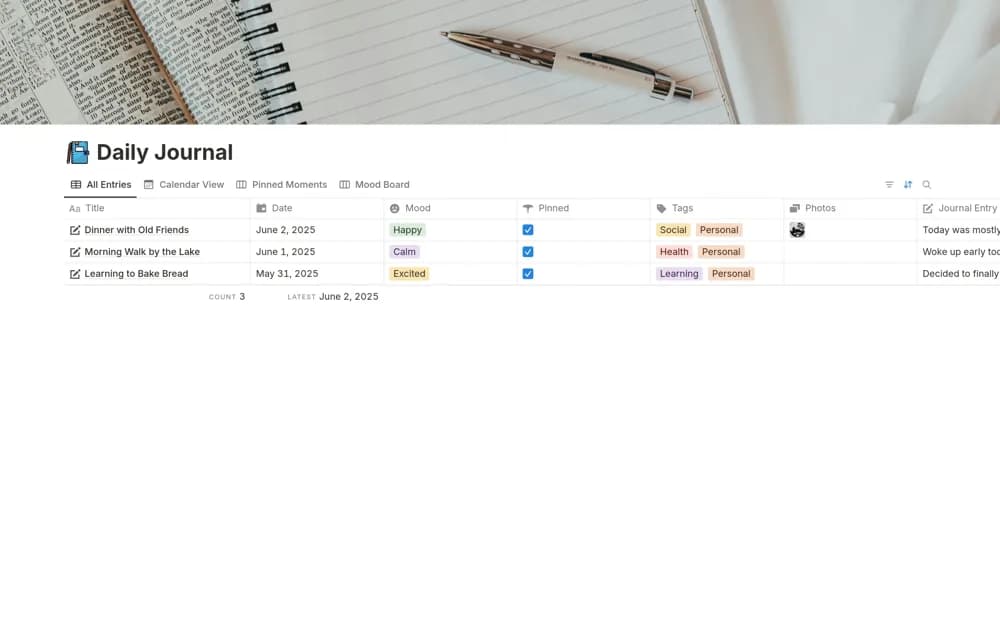
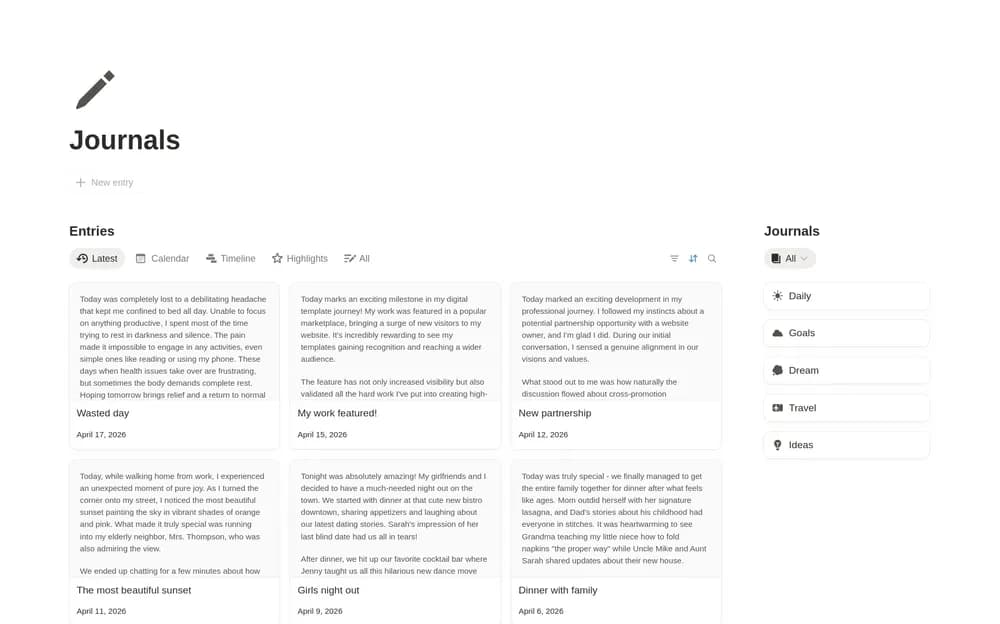
Record each day in Notion with a gratitude section, mood and stress logging, a daily photo, and space for reflections in a simple digital journal.
What’s included
- Gratitude section
- Daily mood and stress logging
- Daily photo
- Reflection space
How to use it in practice
Each evening for a week, write three things you are grateful for and log your mood and stress level. Add one photo from the day, even an ordinary one. Keep the reflection to a few sentences. At the end of the week, scan the mood and stress entries and look for days that stand out.
Set it up in your workspace
- Open the original Notion Marketplace listing and add the template to your chosen workspace while signed in. Keep its example records until you understand how the pages connect.
- Each evening for a week, write three things you are grateful for and log your mood and stress level.
- Try one complete example before adding a large backlog. Check that its views and any calculations show what you expect, then replace the sample content with your own.
Who it suits and what to consider
Busy people who want a short daily check-in that balances productivity with peace of mind. The listing is short and does not describe views, charts, or prompts beyond gratitude and reflection. Notion’s free plan limits the size of individual uploads, so large photos may need resizing.