About Debt Payoff Planner & Debt Tracker
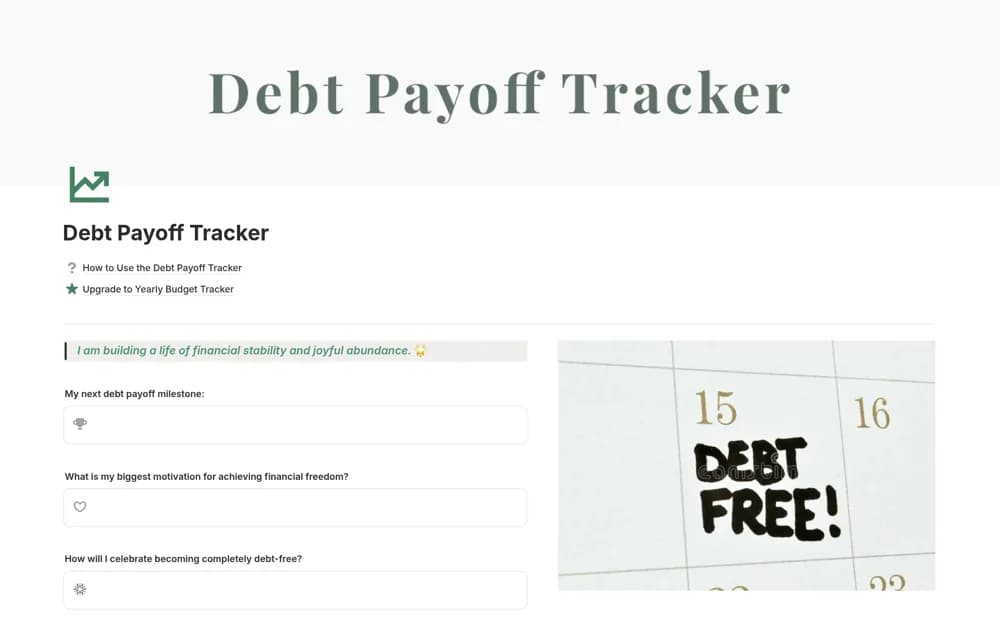
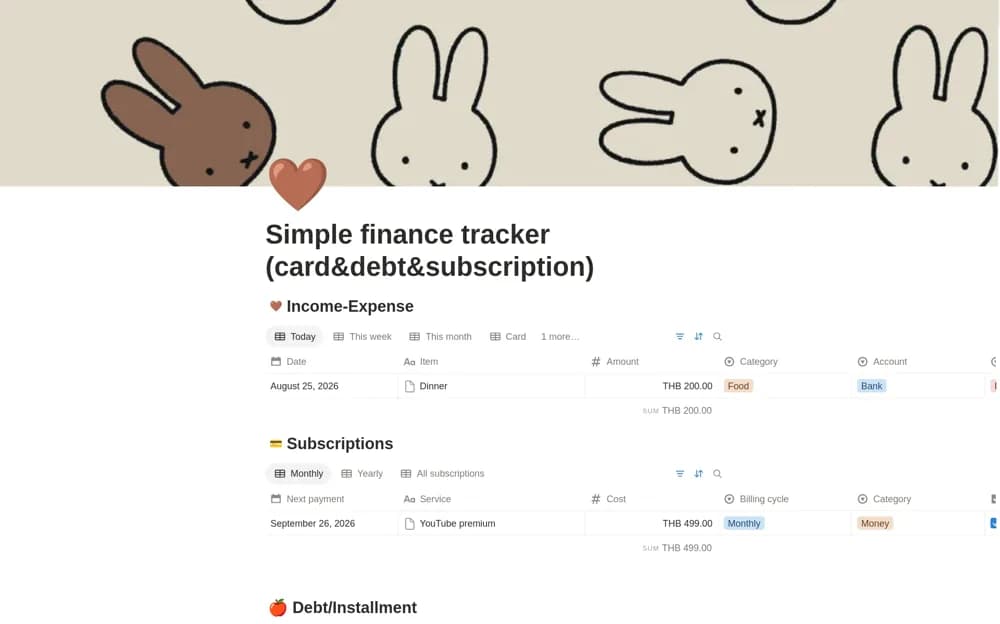
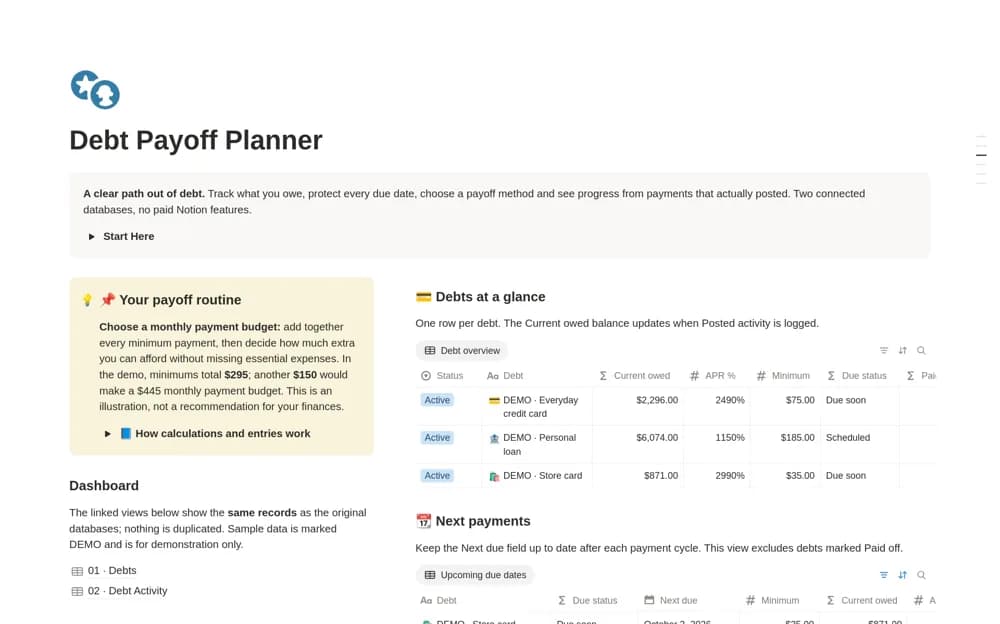
Keep debts, payment dates, balances, and recorded repayment activity together in Notion, with views for upcoming obligations.
What’s included
- Debt balances and APR records
- Minimum payments and next due dates
- Connected payment and interest activity
- Active and paid-off debt status
How to use it in practice
Add a debt using the latest lender statement and check the amount, rate, and due date. Record a payment when it actually clears, then compare the updated tracker with the next statement. Review upcoming obligations regularly so the Notion record remains consistent with the lender’s information.
Set it up in your workspace
- Open the original Notion Marketplace listing and add the template to your chosen workspace while signed in. Keep its example records until you understand how the pages connect.
- Add a debt using the latest lender statement and check the amount, rate, and due date.
- Try one complete example before adding a large backlog. Check that its views and any calculations show what you expect, then replace the sample content with your own.
Who it suits and what to consider
People who want a manual record of several debts and their payment history. This is a recordkeeping tool, not repayment advice. Verify calculations and account terms with your statements rather than assuming the tracker matches a lender’s method.