About Design Sprint by Notion
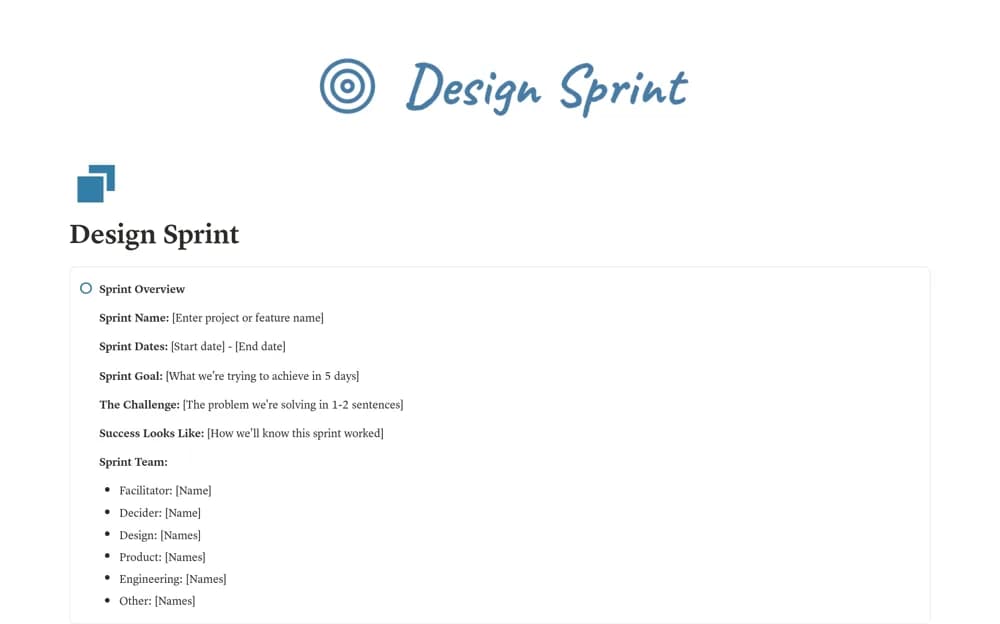
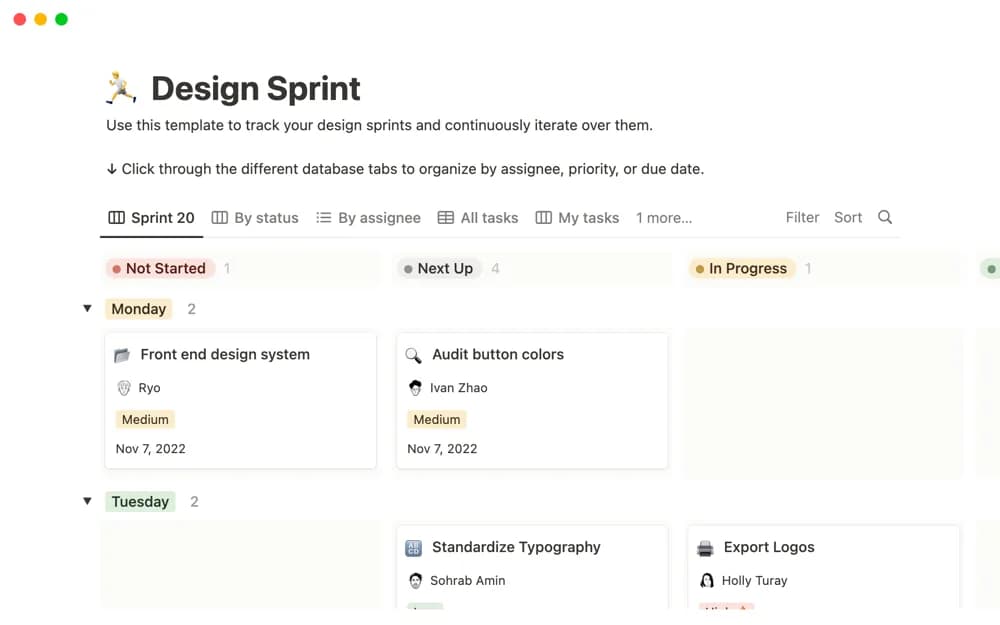
A design sprint workspace for tracking project iterations and keeping user feedback close to the work.
What’s included
- Design-project tracking
- Creative sprint organization
- User-feedback context for iteration
How to use it in practice
Choose a specific question for the sprint and agree what the team can test. Record feedback with its source, then link it to the design decision it affects. Review the outcome before planning another cycle, distinguishing evidence from internal preferences.
Set it up in your workspace
- Open the original Notion Marketplace listing and add the template to your chosen workspace while signed in. Keep its example records until you understand how the pages connect.
- Choose a specific question for the sprint and agree what the team can test.
- Try one complete example before adding a large backlog. Check that its views and any calculations show what you expect, then replace the sample content with your own.
Who it suits and what to consider
Design teams organizing a cycle from exploration to a finished project. The listing does not establish a fixed five-day schedule or a complete facilitated workshop curriculum.