 Free
Design Sprint
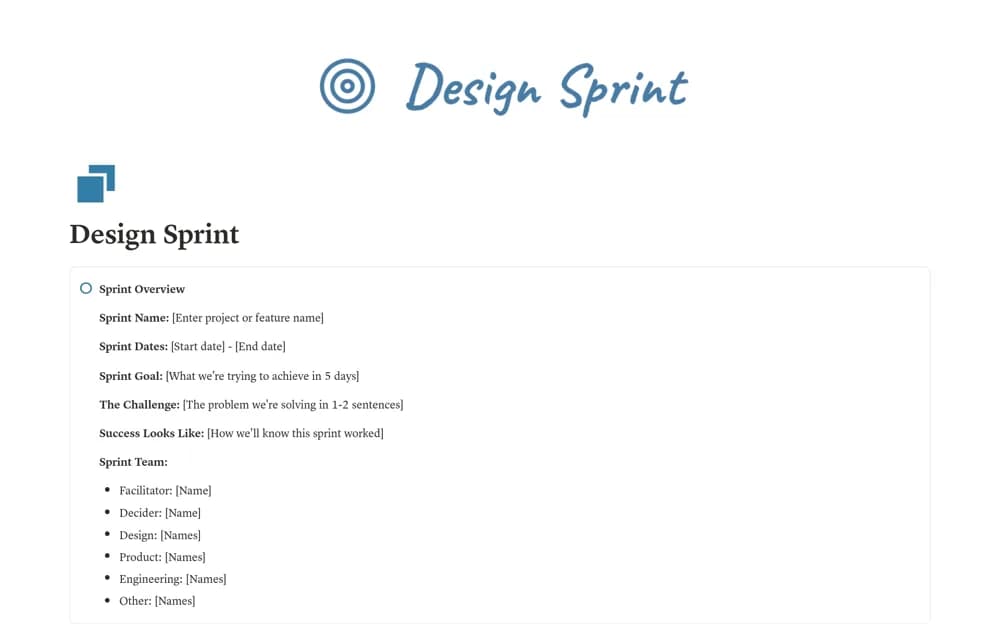
A five-day design sprint framework with daily activities, solution sketches, voting, user-test records, and facilitator checklists.
Keep user needs connected to design decisions. Browse Notion templates for UX designers managing research, briefs, flows, feedback, project work, and presenting a case study with evidence.
Showing 1–5 of 5 templates
FreeA five-day design sprint framework with daily activities, solution sketches, voting, user-test records, and facilitator checklists.
 Paid
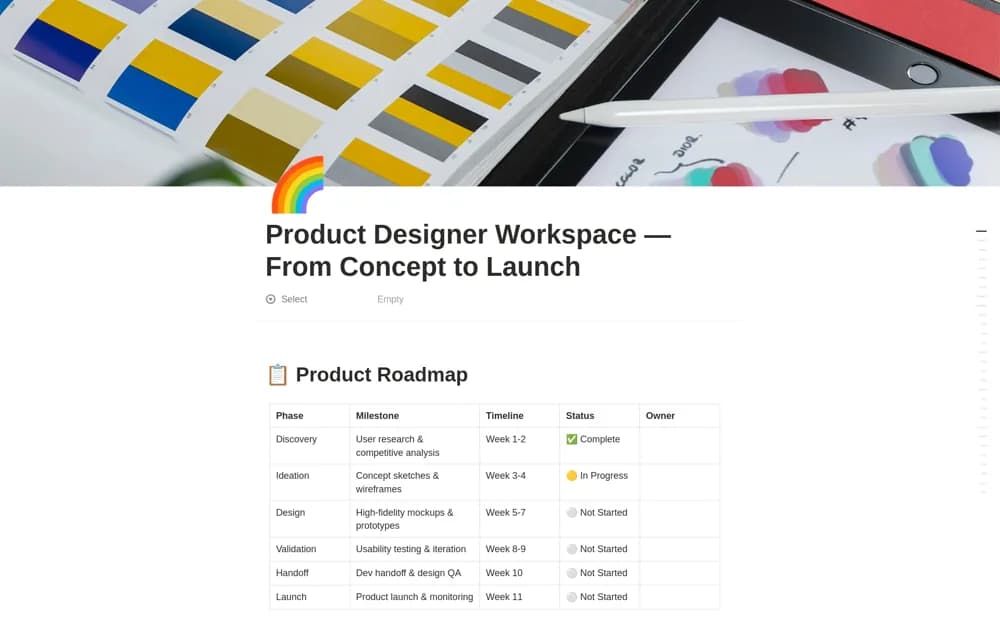
A product-design workspace spanning discovery, ideation, design, validation, handoff, and launch, with sprint planning, component documentation, user-story mapping, and an accessibility review checklist.
 Free
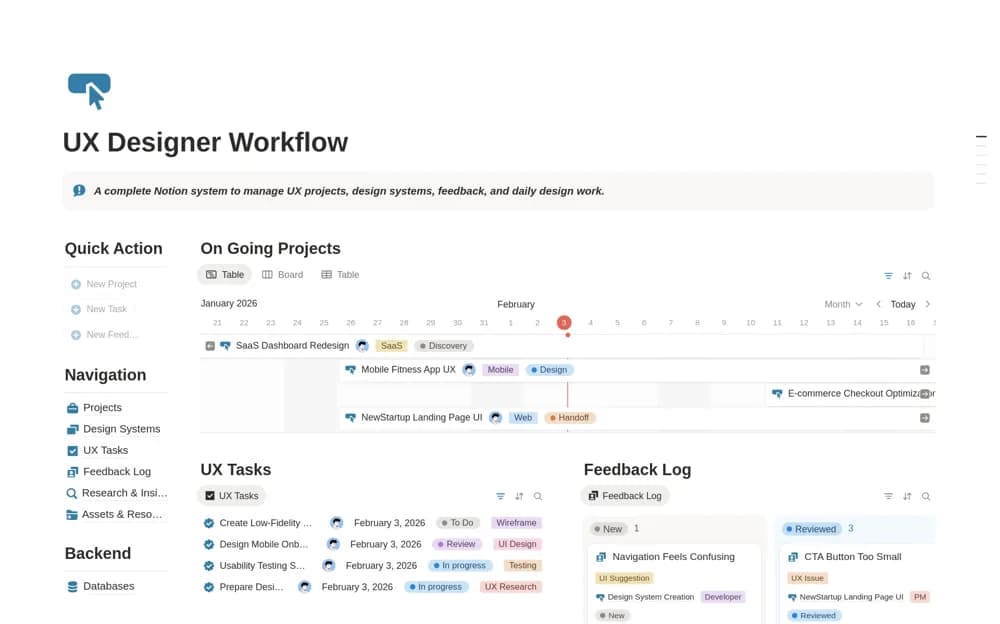
A UX project workspace organizing research insights, feedback, design tasks, resources, and design-system references.
 Free
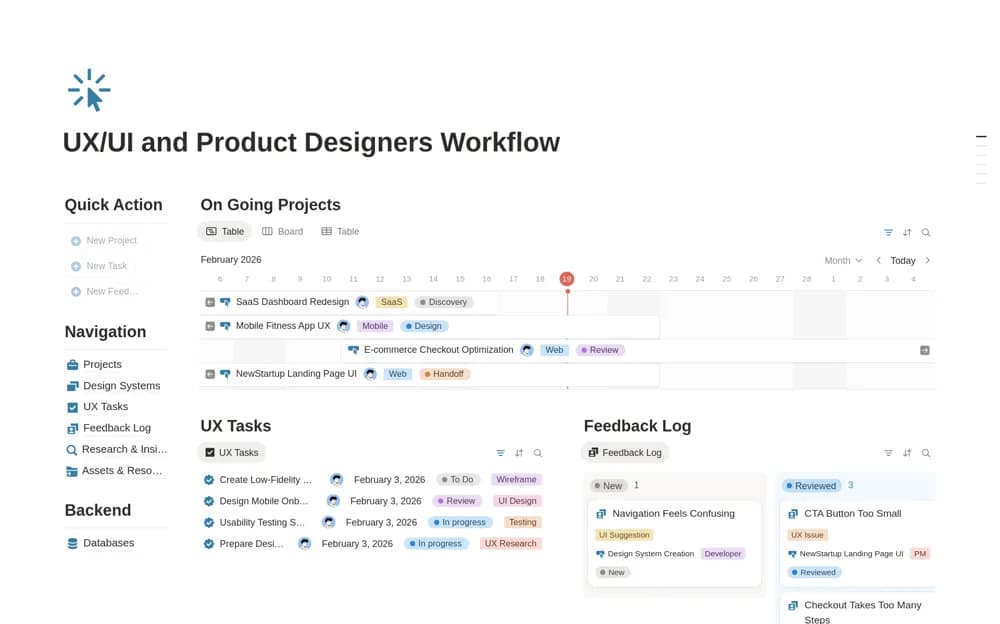
A product-design workflow for timelines, UX tasks, categorized feedback, research, assets, design systems, and handoff.
 Free
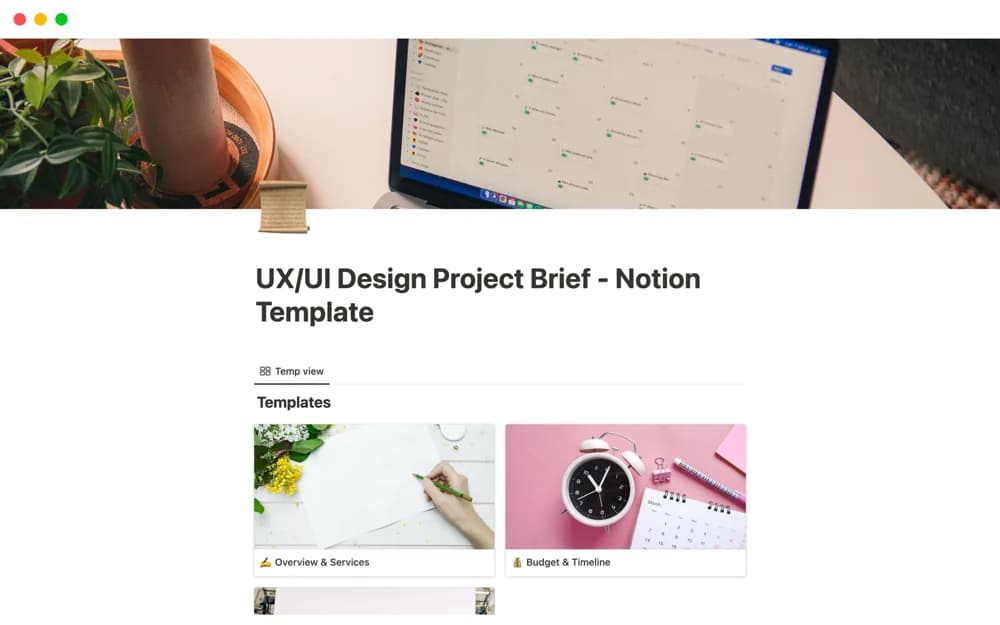
Present a UX/UI design engagement in Notion with your background, service offer, project budget, timeline, and collaboration terms.
Compare the purpose and included features before choosing a workspace.
Product teams running a time-boxed design experiment with structured facilitation.
Product and UX designers coordinating design decisions with implementation and release work.
UX designers managing discovery and delivery across several projects.
5 working templates from 4 creators: 4 free and 1 paid, with paid options from $11.99. Links last checked October 12, 2026.
| Template | Best for | Price | Creator |
|---|---|---|---|
| Design Sprint | Product teams running a time-boxed design experiment with structured facilitation. | Free | NotoMantra |
| Product Designer Workspace | Product and UX designers coordinating design decisions with implementation and release work. | $11.99 | UX Quest |
| UX Designer Workflow OS | UX designers managing discovery and delivery across several projects. | Free | heyismail |
| UX/UI and Product Designers Workflow | Product designers and UX/UI teams coordinating work through implementation. | Free | heyismail |
| UX/UI Design Project Brief | Independent UX/UI designers outlining a proposed engagement for a prospective client. | Free | Ulvin Omarov |
Choose a project workspace for active work and a portfolio builder for explaining completed work. Keep research findings traceable to the source, then record how they informed a decision. Link current design files from their maintained location and give feedback a clear next step. A large dashboard is useful only if it makes the evidence, decision, and current task easier to find.
Traceable research findings
Current design references
Decisions with supporting context
About the directoryRecord the problem, relevant observations, constraints, and the decision under discussion. Link current design files and keep feedback attached to the correct version. Distinguish a tested finding from an idea awaiting validation. At handoff, preserve the reasoning and open questions so a collaborator can understand more than the appearance of the final screen.
Jump straight to any listing in the collection.
A portfolio explains selected completed work and your contribution. A project hub supports current research, decisions, files, and feedback. Choose the immediate purpose; publishing a case study and coordinating unfinished work need different information and access.
It depends on the job you need it to do. Good starting points in this collection include Design Sprint (product teams running a time-boxed design experiment with structured facilitation), Product Designer Workspace (product and UX designers coordinating design decisions with implementation and release work) and UX Designer Workflow OS (uX designers managing discovery and delivery across several projects). Compare the included features below, then try your first choice with a week of real information before moving everything across.
Yes. This collection currently includes 4 listings with a confirmed free creator offer, alongside 1 paid or freemium option. Use the Free filter to compare them. A free version can have different features from a creator’s paid upgrade, so check the original listing and current access terms before adding it to your workspace.