About Eisenhower Matrix & Priority Planner
Prioritize Notion tasks by urgency and importance, with action dates, delegation follow-ups, and a weekly priority review.
What’s included
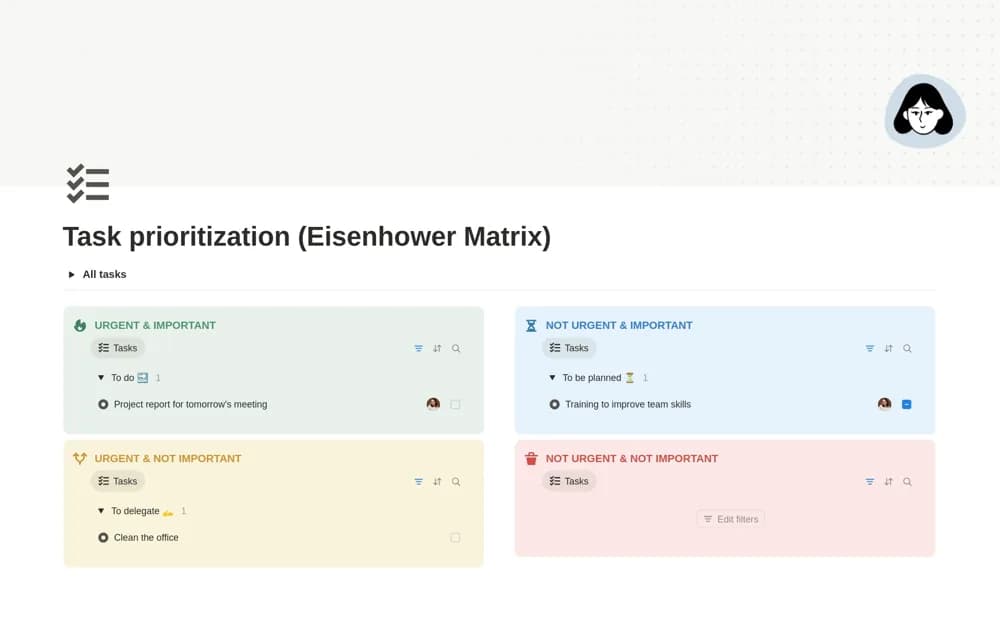
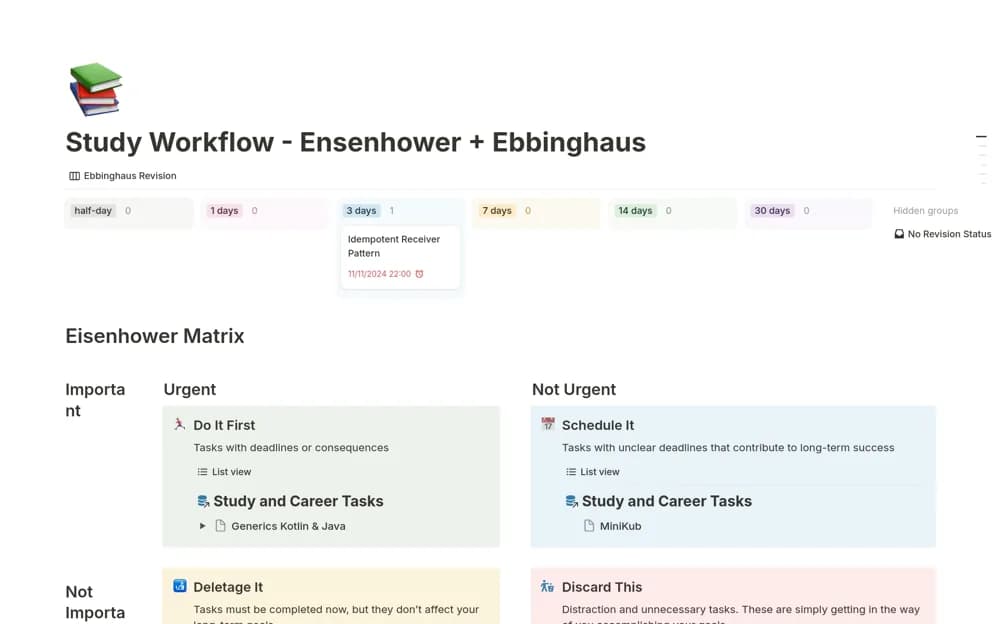
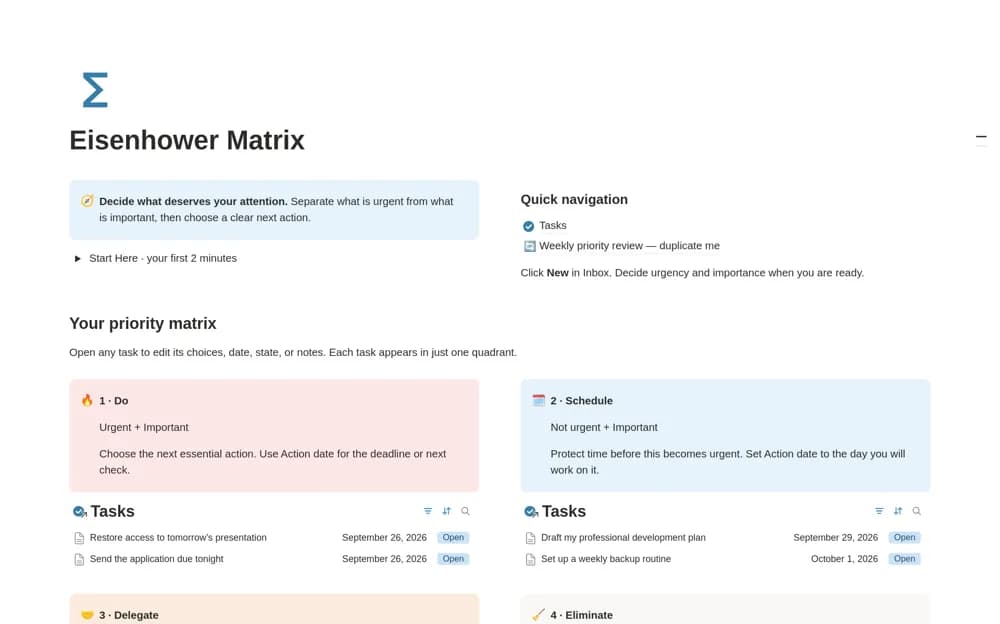
- Four-quadrant priority matrix
- Action-date planning
- Delegated-task follow-up tracking
- Weekly priority review
How to use it in practice
Take a short list of current commitments and decide which are important and which are urgent. Schedule the important work that lacks an immediate deadline, then identify a real owner for anything delegated. Review the matrix weekly as circumstances change instead of leaving every task in its original quadrant.
Set it up in your workspace
- Open the original Notion Marketplace listing and add the template to your chosen workspace while signed in. Keep its example records until you understand how the pages connect.
- Take a short list of current commitments and decide which are important and which are urgent.
- Try one complete example before adding a large backlog. Check that its views and any calculations show what you expect, then replace the sample content with your own.
Who it suits and what to consider
People whose long task list needs a clearer decision about what to do, schedule, delegate, or remove. The matrix reflects your judgment. Delegating a record in Notion does not ensure that another person has accepted the task.