About Executive Meeting Manager
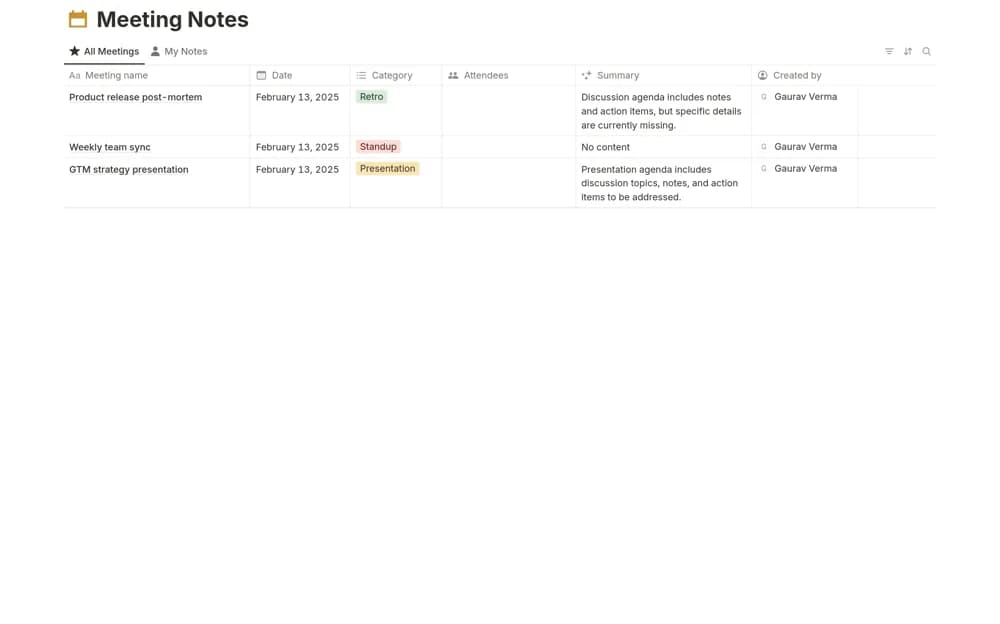
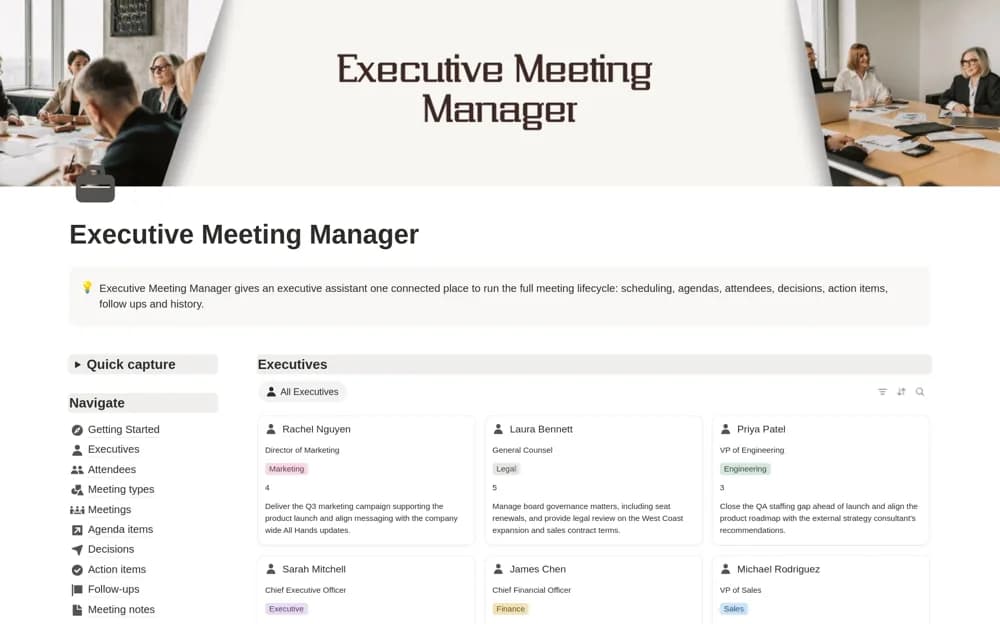
Keep leadership agendas, attendees, decisions, action owners, and follow-ups connected in a searchable Notion meeting workspace.
What’s included
- Executive and attendee records
- Agendas linked to meetings
- Decisions with supporting rationale
- Action items and follow-up tracking
How to use it in practice
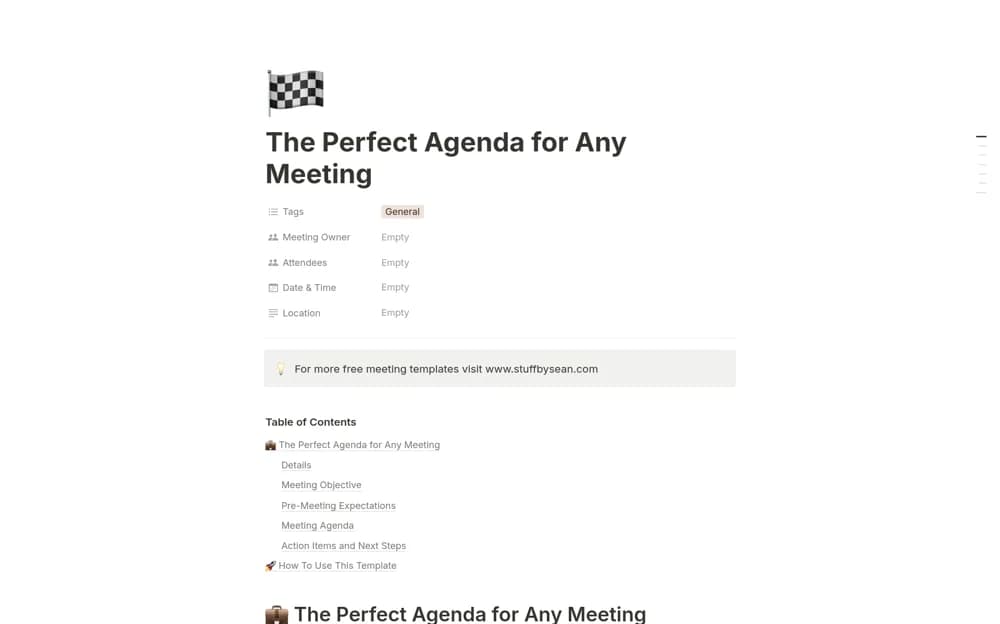
Create a meeting and add the people who need to attend. Prepare the agenda before the session, then record each decision separately from discussion notes. Assign actions with deadlines and review the previous meeting’s unfinished follow-ups when preparing the next agenda.
Set it up in your workspace
- Open the original Notion Marketplace listing and add the template to your chosen workspace while signed in. Keep its example records until you understand how the pages connect.
- Create a meeting and add the people who need to attend.
- Try one complete example before adding a large backlog. Check that its views and any calculations show what you expect, then replace the sample content with your own.
Who it suits and what to consider
Leadership meeting organizers who need an accountable record of decisions and follow-ups. The structure centers on leadership meetings. An all-hands organizer can adapt the meeting type, but should prepare presentation and audience-question sections separately.