About Meeting Notes
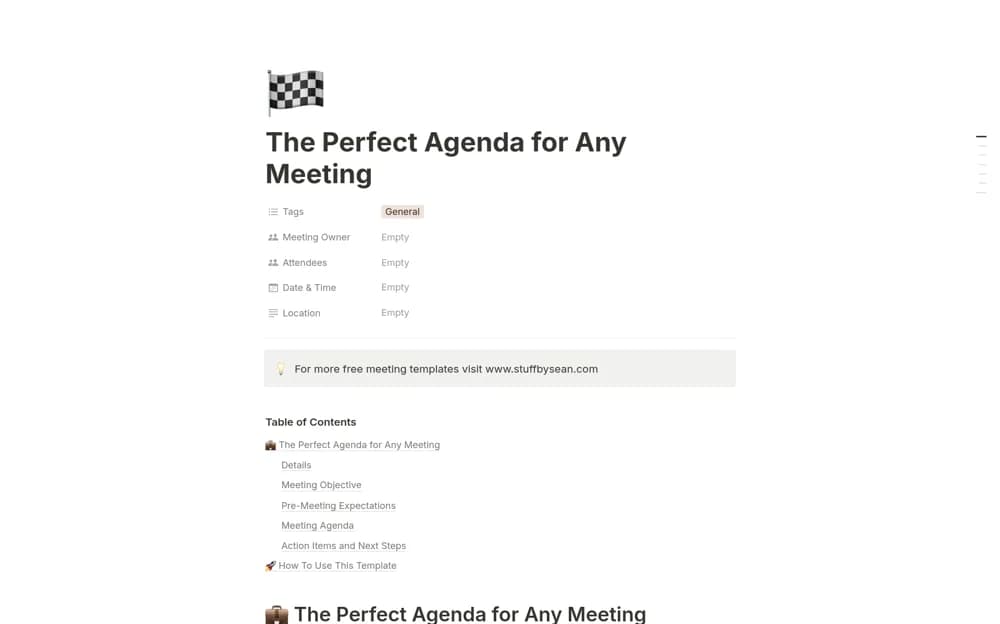
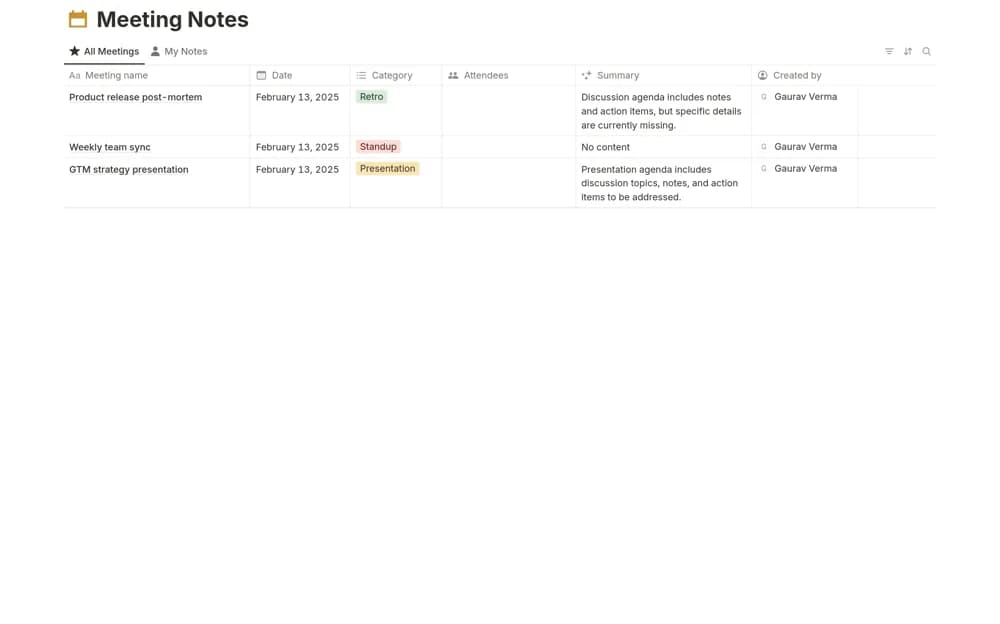
A structured meeting record with an owned agenda, discussion notes, decisions, blockers, and dated actions.
What’s included
- Date, time, attendees, and objectives
- Agenda topics with owners and discussion notes
- Decision log, blockers, action deadlines, and follow-ups
How to use it in practice
Write the decision or result the meeting needs before adding agenda topics. Capture concise decisions during the discussion and confirm action owners before closing. Send the relevant record afterward and review open actions at the next appropriate checkpoint.
Set it up in your workspace
- Open the original Notion Marketplace listing and add the template to your chosen workspace while signed in. Keep its example records until you understand how the pages connect.
- Write the decision or result the meeting needs before adding agenda topics.
- Try one complete example before adding a large backlog. Check that its views and any calculations show what you expect, then replace the sample content with your own.
Who it suits and what to consider
Teams and client-facing professionals turning meetings into documented next steps. The template provides structure for notes; it does not automatically transcribe or verify the discussion.