About First-Year Homeowner OS
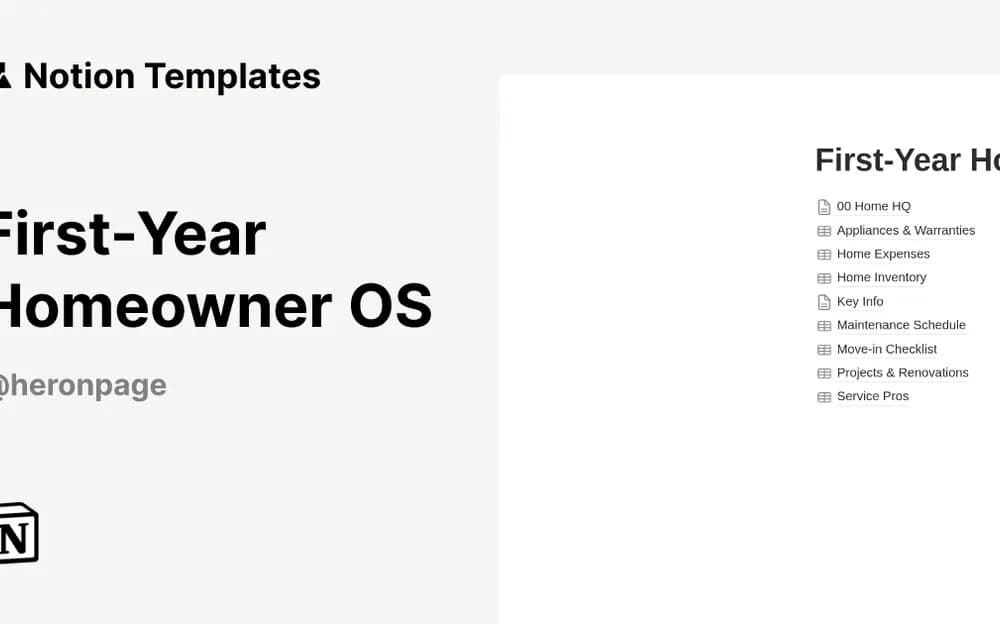
Run the first year in a new home from one Notion dashboard, with a move-in checklist, 48 seasonal maintenance tasks, warranties, and an inventory.
What’s included
- Move-in checklist for the first week, month, and 90 days
- 48 recurring maintenance tasks with rolling due dates
- Appliance warranties with expiry alerts
- Room-by-room inventory with photos and receipts
- Projects with budget versus actual cost, service pros, and home expenses
How to use it in practice
Work through the first-week items on the move-in checklist, recording shutoff locations and utility accounts on the key info page as you find them. Add your main appliances with model numbers and warranty dates. Mark a maintenance task done and check that its next due date moves forward. Photograph one room for the inventory to judge how much detail you want to keep.
Set it up in your workspace
- Open the original Notion Marketplace listing and add the template to your chosen workspace while signed in. Keep its example records until you understand how the pages connect.
- Work through the first-week items on the move-in checklist, recording shutoff locations and utility accounts on the key info page as you find them.
- Try one complete example before adding a large backlog. Check that its views and any calculations show what you expect, then replace the sample content with your own.
Who it suits and what to consider
New homeowners who want maintenance, records, and home projects organized from the first week. The prefilled maintenance tasks are general, so review them against your climate and type of home. Gathering inventory photos and receipts takes time at the start.