 Free
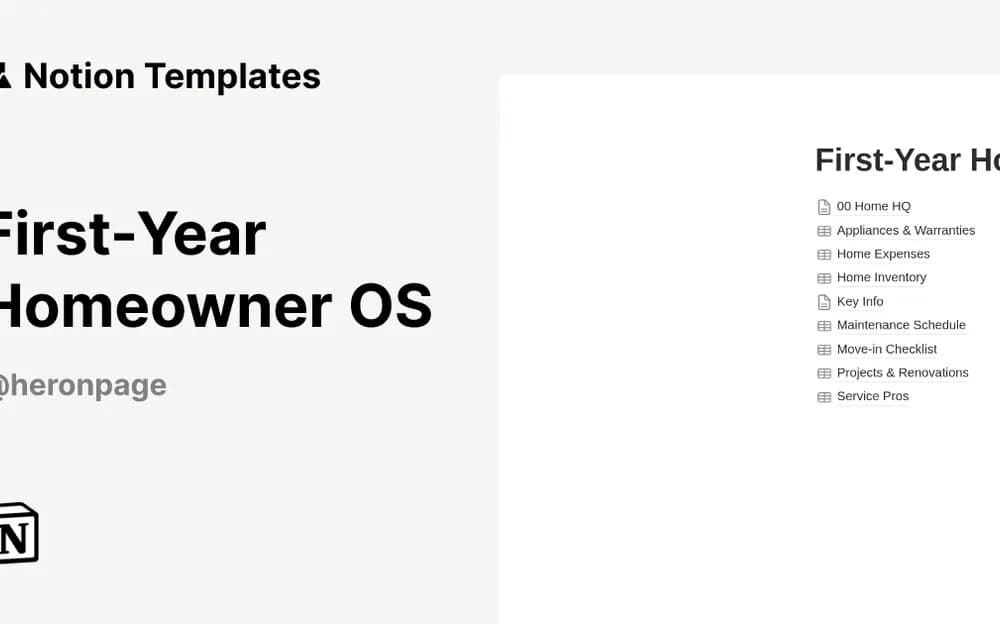
First-Year Homeowner OS
Run the first year in a new home from one Notion dashboard, with a move-in checklist, 48 seasonal maintenance tasks, warranties, and an inventory.
Keep a renovation’s decisions and dependencies connected. Browse Notion planners for rooms, work packages, quotes, suppliers, budgets, and tracking changes during the project.
Showing 1–4 of 4 templates
FreeRun the first year in a new home from one Notion dashboard, with a move-in checklist, 48 seasonal maintenance tasks, warranties, and an inventory.
 Free
 Free
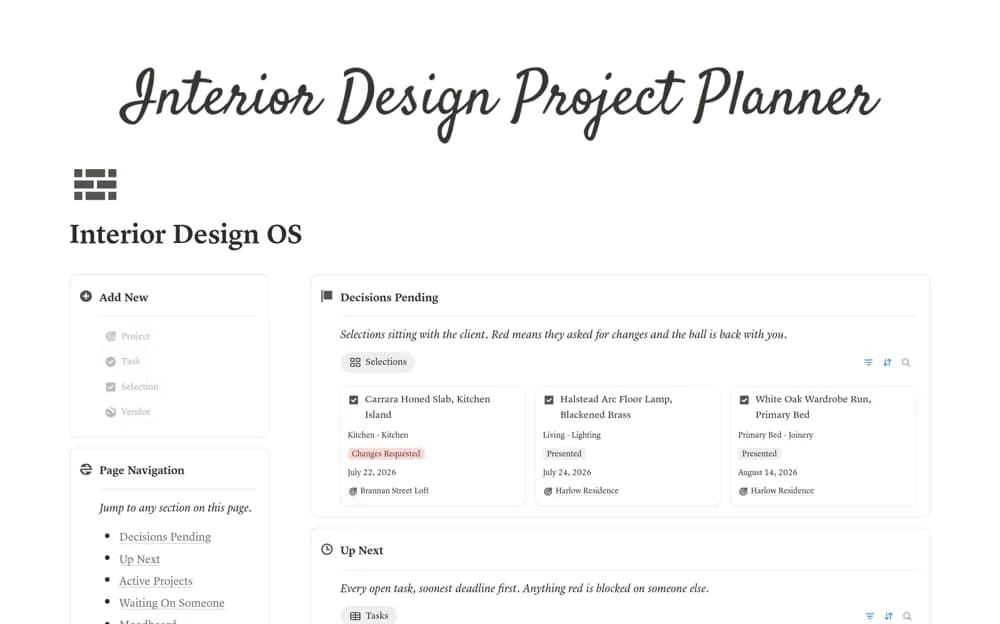
An interior design workspace for project briefs, room selections, moodboards, client decisions, tasks, and vendors.
 Free
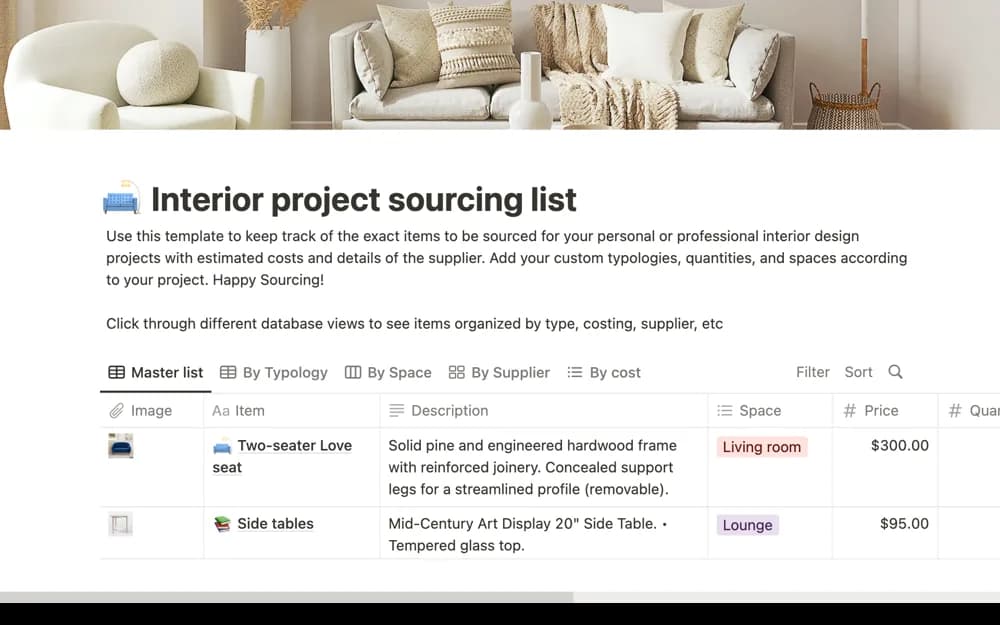
An interior sourcing list for shortlisting products, organizing suppliers, following budgets, and sharing choices for approval.
Compare the purpose and included features before choosing a workspace.
New homeowners who want maintenance, records, and home projects organized from the first week.
People planning changes to a room or home.
Solo interior designers and small studios coordinating design and approvals.
4 working templates from 4 creators: 4 free. Links last checked November 22, 2026.
| Template | Best for | Price | Creator |
|---|---|---|---|
| First-Year Homeowner OS | New homeowners who want maintenance, records, and home projects organized from the first week. | Free | Heronpage Studio |
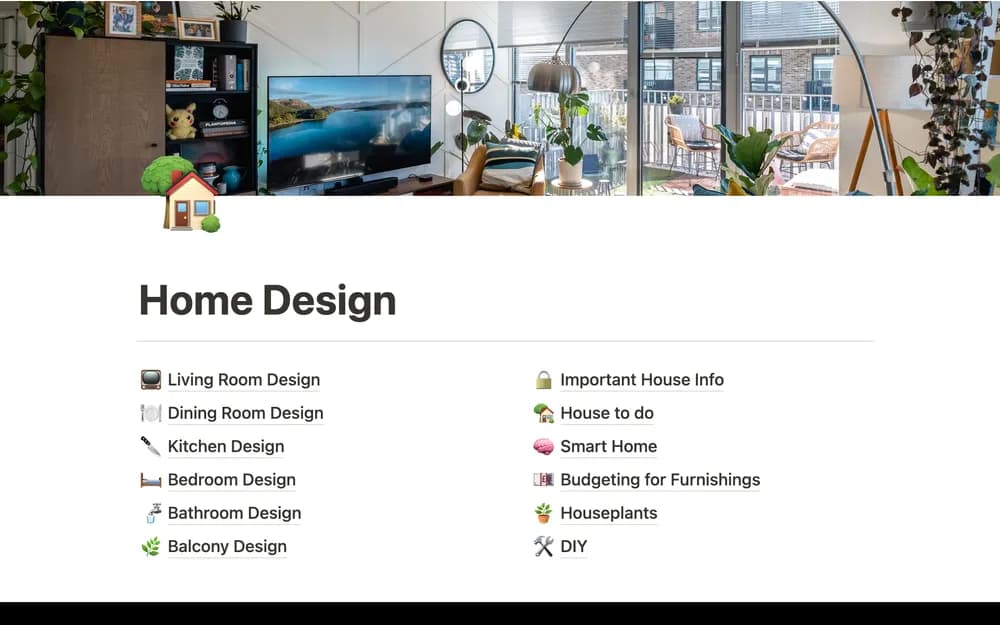
| Home Design Planner | People planning changes to a room or home. | Free | Evan Edinger |
| Interior Designer Project Manager | Solo interior designers and small studios coordinating design and approvals. | Free | NotoMantra |
| Interior project sourcing list | Interior designers and home-project planners managing items to procure. | Free | Krati Bhambry |
Break the project into areas and identify work that must happen before another task can start. Keep agreed quotes and later changes with the relevant supplier record. Distinguish an estimate from an approved cost and a paid amount. Track decisions still awaiting an answer so they do not quietly delay work. Use qualified trades and local requirements for technical and safety decisions.
Work dependencies
Quotes and approved changes
Open decisions and owners
About the directoryRecord the room or work area, desired result, budget assumptions, quotes, decisions, and confirmed schedule. Distinguish proposed selections from ordered items and completed work from work still awaiting review. Keep supplier details and supporting documents easy to find. Confirm project requirements with the appropriate professionals rather than relying on a sample checklist.
Jump straight to any listing in the collection.
A small room update may need only a decision list, costs, and dated tasks. Larger work can benefit from connected suppliers, quotes, and phases. Choose the structure around real coordination needs and the records you can maintain.
It depends on the job you need it to do. Good starting points in this collection include First-Year Homeowner OS (new homeowners who want maintenance, records, and home projects organized from the first week), Home Design Planner (people planning changes to a room or home) and Interior Designer Project Manager (solo interior designers and small studios coordinating design and approvals). Compare the included features below, then try your first choice with a week of real information before moving everything across.
Yes. This collection currently includes 4 listings with a confirmed free creator offer. Use the Free filter to compare them. A free version can have different features from a creator’s paid upgrade, so check the original listing and current access terms before adding it to your workspace.