About Garden Planner
Plan garden tasks in Notion with a monthly schedule, your plant list and care notes, a garden vision board, and equipment ideas.
What’s included
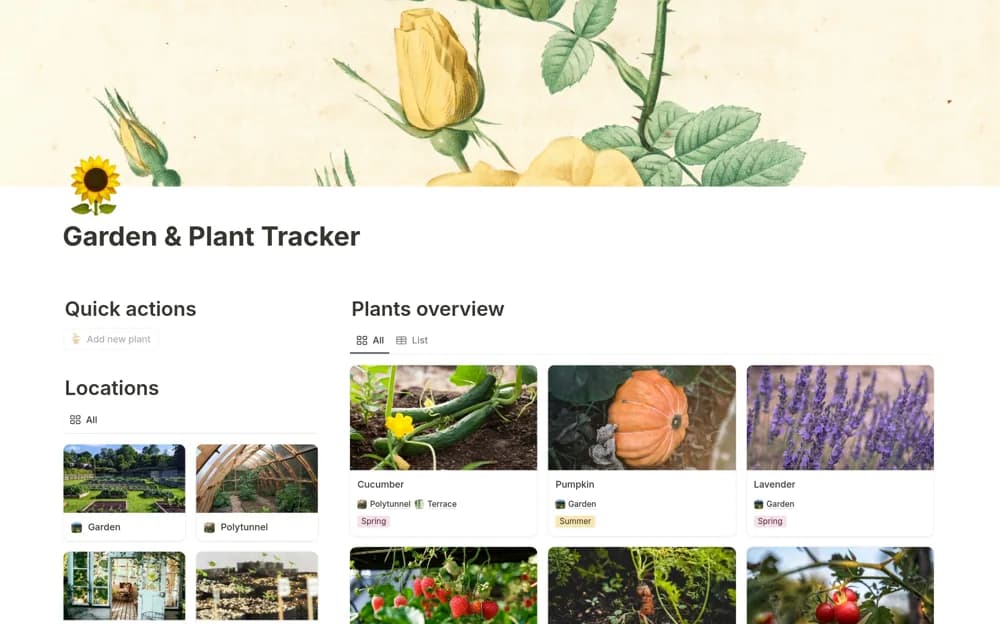
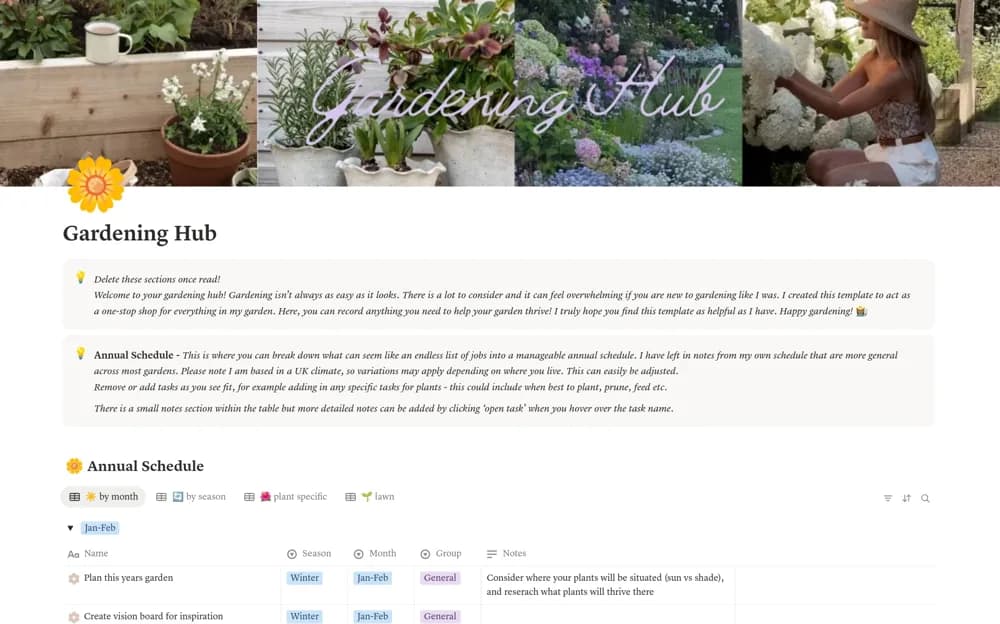
- Month-by-month gardening schedule
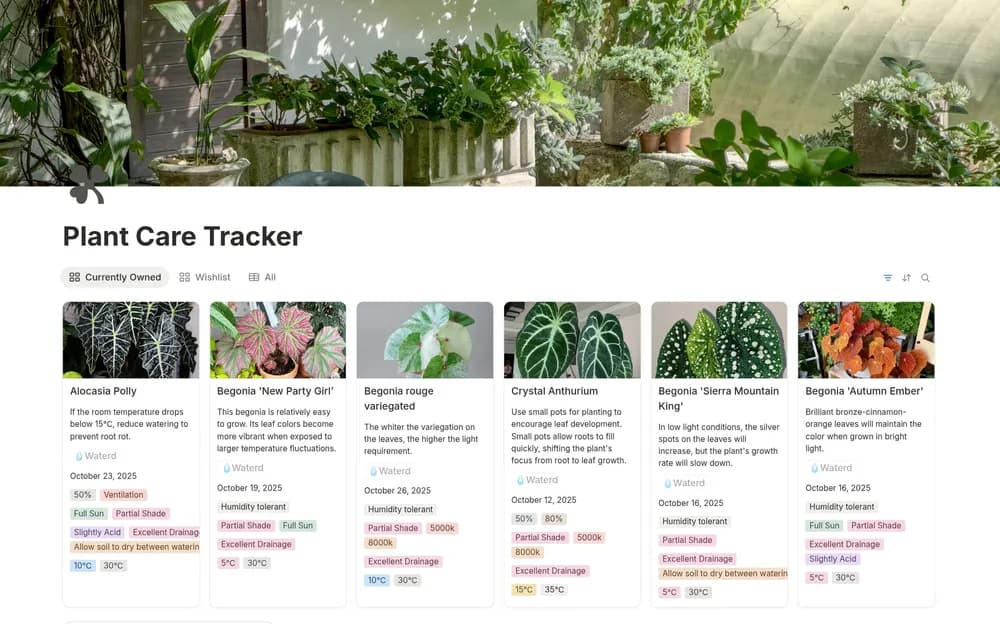
- Plant records with care notes
- Garden inspiration board
- Starter equipment suggestions
How to use it in practice
Add the plants you actually grow and adapt the monthly tasks to your location. Record care instructions from a source suitable for each plant, then choose the next few jobs you can complete. Use the inspiration board to plan future changes without mixing them into this week’s maintenance list.
Set it up in your workspace
- Open the original Notion Marketplace listing and add the template to your chosen workspace while signed in. Keep its example records until you understand how the pages connect.
- Add the plants you actually grow and adapt the monthly tasks to your location.
- Try one complete example before adding a large backlog. Check that its views and any calculations show what you expect, then replace the sample content with your own.
Who it suits and what to consider
Home gardeners keeping seasonal jobs and information about their own plants together. Example seasonal prompts may not match your climate or plants. Check local conditions and product instructions before acting on gardening guidance.