About Internship Tracker
Manage internship applications in Notion from target list to offer, with deadlines, follow-up dates, interviews, documents, and pay details.
What’s included
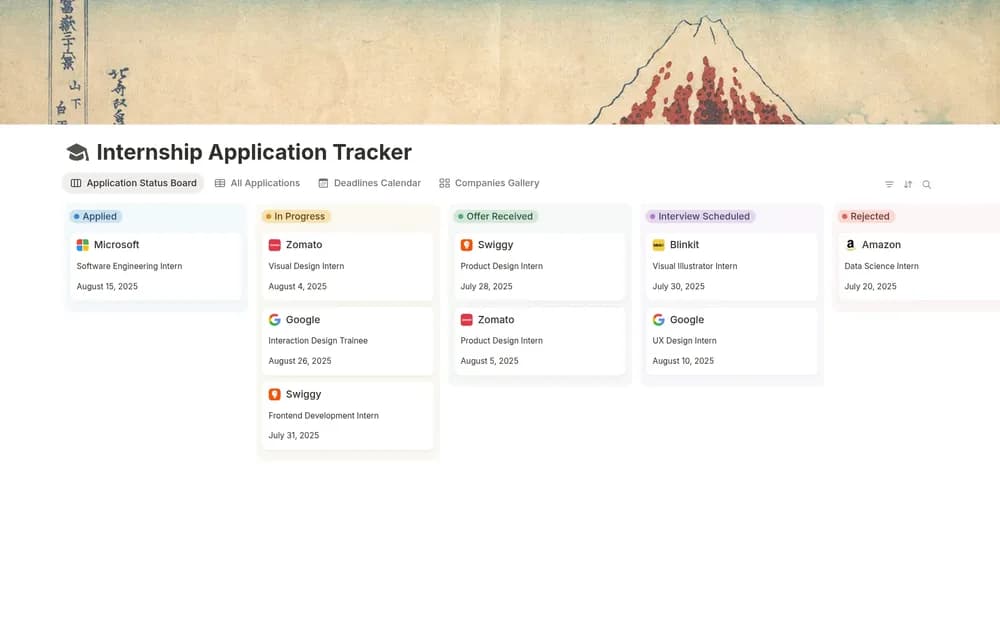
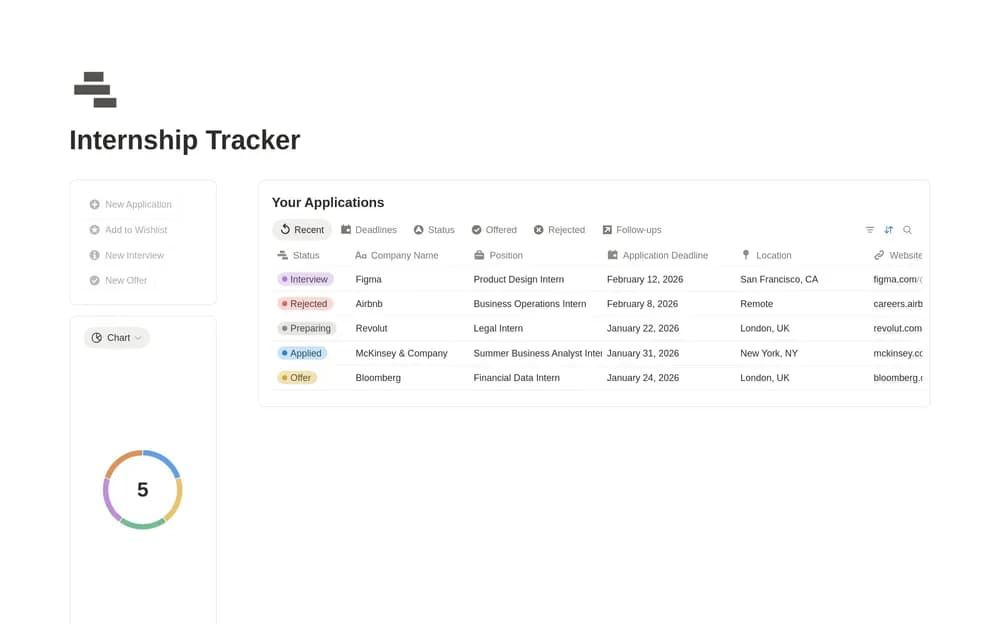
- Application database with a status pipeline
- Deadline and follow-up date fields
- Interview, offer, and rejection tracking
- Required documents, compensation, location, and website fields
- Dashboard with example applications
How to use it in practice
Add the companies you plan to apply to this term and set each status. Enter deadlines and list the documents each application requires. After sending an application, set a follow-up date, then open the dashboard each weekday to see which deadlines or follow-ups are due.
Set it up in your workspace
- Open the original Notion Marketplace listing and add the template to your chosen workspace while signed in. Keep its example records until you understand how the pages connect.
- Add the companies you plan to apply to this term and set each status.
- Try one complete example before adding a large backlog. Check that its views and any calculations show what you expect, then replace the sample content with your own.
Who it suits and what to consider
Students and recent graduates applying to several internships or entry-level roles. The listing does not mention reminders, so deadlines and follow-ups only help if you check the dashboard regularly.