About Job Tracker
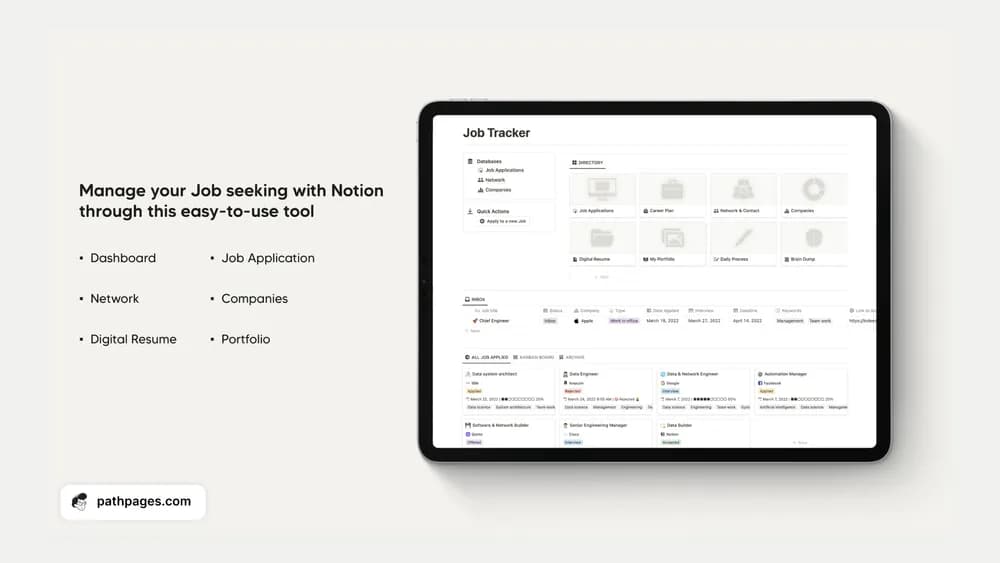
Track job applications in Notion on a stage board and a full table, with role, company, salary, posting link, and status for every opening.
What’s included
- Application board grouped by stage
- Table of every saved job
- Role, company, and salary columns
- Job posting link and status fields
How to use it in practice
Add the roles you have applied to recently, including the posting link and the advertised salary when one is listed. Move each card as you hear back, and add new openings on the day you find them. At the end of the week, sort the table by status to see which applications have stalled and need a follow-up.
Set it up in your workspace
- Open the creator’s public Notion page while signed in to Notion, then use Duplicate in the top-right corner to copy it into the workspace you want to use.
- Add the roles you have applied to recently, including the posting link and the advertised salary when one is listed.
- Try one complete example before adding a large backlog. Check that its views and any calculations show what you expect, then replace the sample content with your own.
Who it suits and what to consider
Job seekers who want a lightweight application log without building a pipeline from scratch. The listing does not mention interview notes or follow-up reminders. Autofill from job posts needs the optional Fieldclip Chrome extension; otherwise details are entered manually.