About JourneyDeck Road Trip Planner
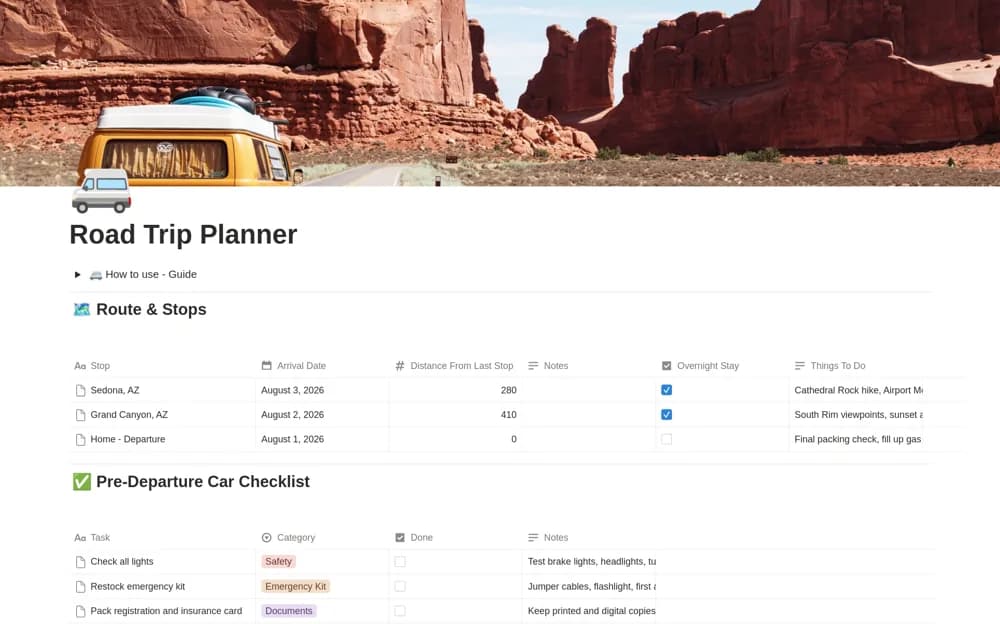
Plan a single road trip in Notion with a trip overview, a day-by-day stop list, a 12-item packing checklist, and planned versus actual costs.
What’s included
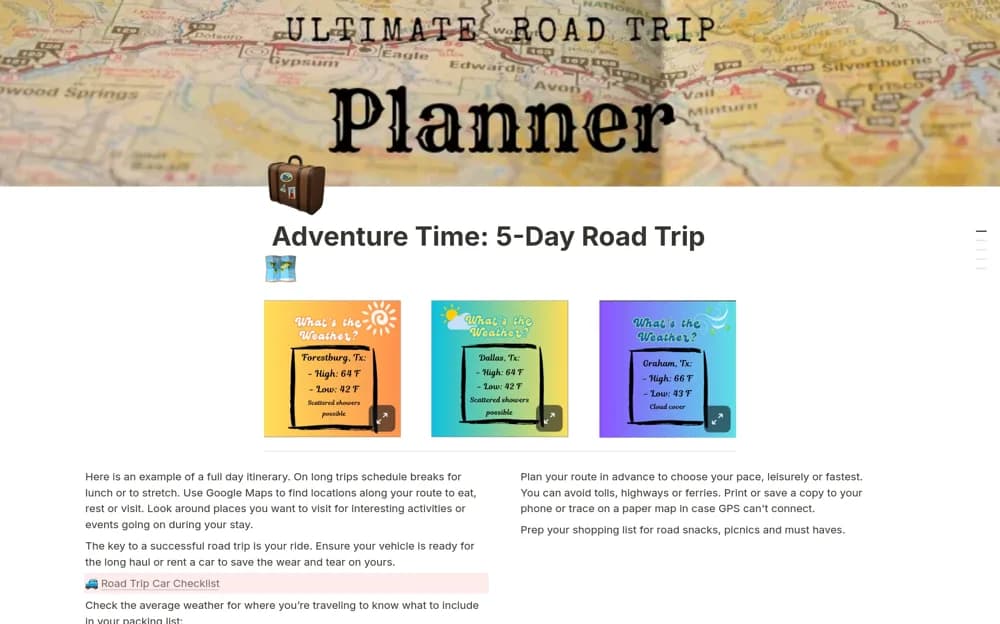
- Trip overview with dates, starting point, destination, travelers, and must-see stops
- Day-by-day itinerary with times and a done checkbox
- Packing checklist of 12 everyday essentials
- Budget of planned and actual costs by category
- Setup notes
How to use it in practice
Import the zip through Notion’s Markdown and CSV option, then fill in the overview for a trip you are actually planning. Add each day’s stops with rough times and estimate costs by category. In the week before departure, tick off packing items and compare actual spending with the budget as bookings are confirmed.
Set it up in your workspace
- Follow the original creator’s checkout or access instructions to obtain the Notion page. Open that page while signed in, then duplicate it into the workspace you want to use.
- Import the zip through Notion’s Markdown and CSV option, then fill in the overview for a trip you are actually planning.
- Try one complete example before adding a large backlog. Check that its views and any calculations show what you expect, then replace the sample content with your own.
Who it suits and what to consider
Drivers organizing one trip who want the essentials without a large travel system. Delivery is a zip file imported into Notion rather than a duplicate link, and it covers one trip at a time. The creator promotes paid Canva designs and an iOS app separately.