 Free
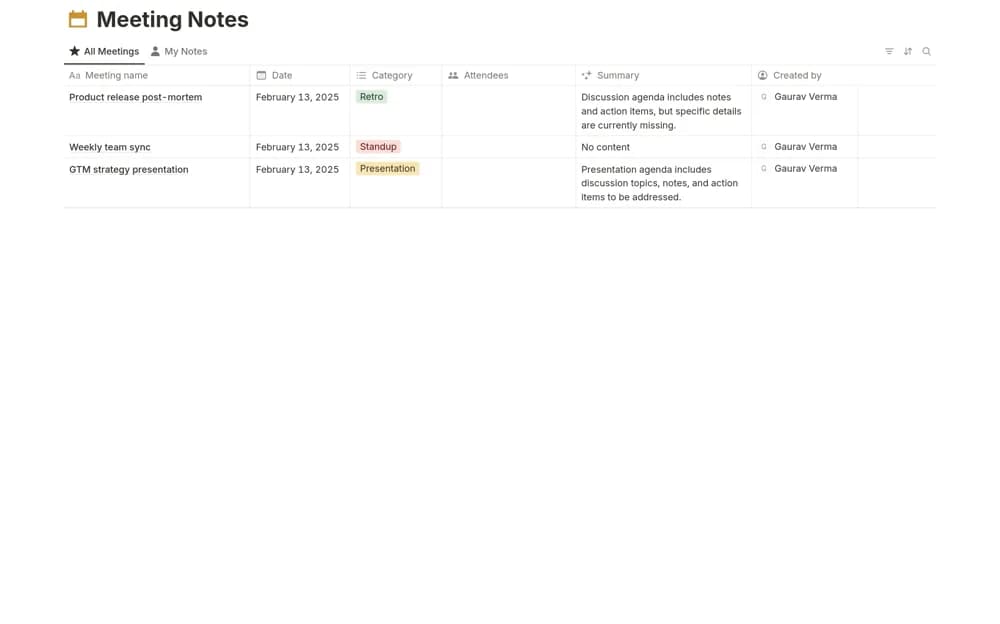
Meeting Notes
A structured meeting record with an owned agenda, discussion notes, decisions, blockers, and dated actions.
Make short team check-ins easier to prepare and revisit. Find Notion standup templates for current work, blockers, changes in plan, and conversations that need a separate follow-up.
Showing 1–3 of 3 templates
FreeA structured meeting record with an owned agenda, discussion notes, decisions, blockers, and dated actions.
 Free
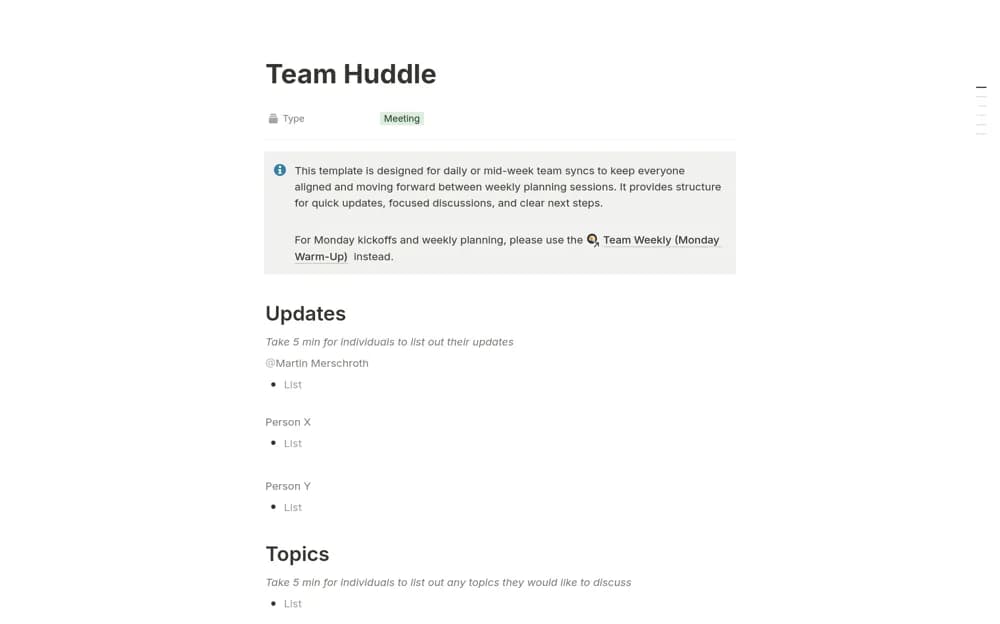
Run focused daily huddles in Notion with written progress updates, discussion topics, blockers, decisions, and assigned next steps.
 Free
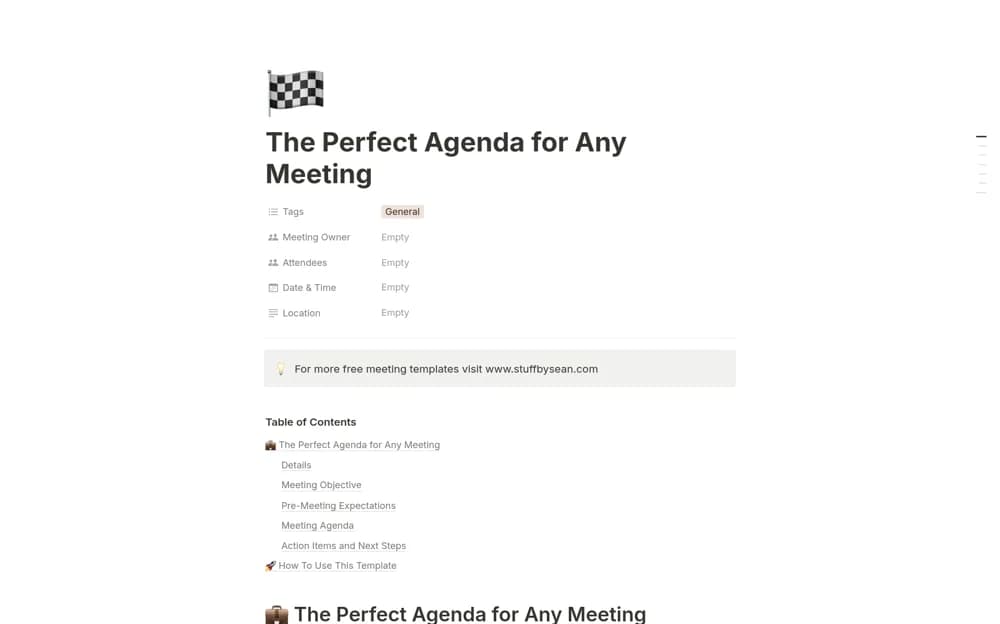
A meeting-agenda framework emphasizing a clear objective, relevant attendees, preparation, and a focused discussion sequence.
Compare the purpose and included features before choosing a workspace.
Teams that need a short daily coordination routine between longer weekly planning meetings.
Teams and client-facing professionals turning meetings into documented next steps.
Meeting owners who want participants to understand the intended outcome in advance.
3 working templates from 3 creators: 3 free. Links last checked October 12, 2026.
| Template | Best for | Price | Creator |
|---|---|---|---|
| Team Huddle | Teams that need a short daily coordination routine between longer weekly planning meetings. | Free | Martin Merschroth |
| Meeting Notes | Teams and client-facing professionals turning meetings into documented next steps. | Free | Gaurav Vermma |
| The Perfect Agenda for Any Meeting | Meeting owners who want participants to understand the intended outcome in advance. | Free | Stuff by Sean |
Keep updates focused on the work needed to meet the team’s goal. Make blockers easy to spot and give each one a person to follow up. Move detailed problem-solving into a separate conversation rather than lengthening every update. Link to current tasks so the note adds context instead of creating another status system that everyone must maintain.
Keep updates concise and connect them to the work they concern. Record a blocker with the person or information needed to resolve it. Move lengthy discussion to a separate follow-up with the relevant people. Review unresolved commitments at the next check-in so the notes support coordination rather than simply recording attendance.
Jump straight to any listing in the collection.
Use the level of detail that helps the team coordinate. Short updates, blockers, and agreed follow-ups may be enough. Repeating a task board in prose creates upkeep without necessarily making the next handoff clearer.
It depends on the job you need it to do. Good starting points in this collection include Team Huddle (teams that need a short daily coordination routine between longer weekly planning meetings), Meeting Notes (teams and client-facing professionals turning meetings into documented next steps) and The Perfect Agenda for Any Meeting (meeting owners who want participants to understand the intended outcome in advance). Compare the included features below, then try your first choice with a week of real information before moving everything across.
Yes. This collection currently includes 3 listings with a confirmed free creator offer. Use the Free filter to compare them. A free version can have different features from a creator’s paid upgrade, so check the original listing and current access terms before adding it to your workspace.