About Notion 50/30/20 Budget Tracker
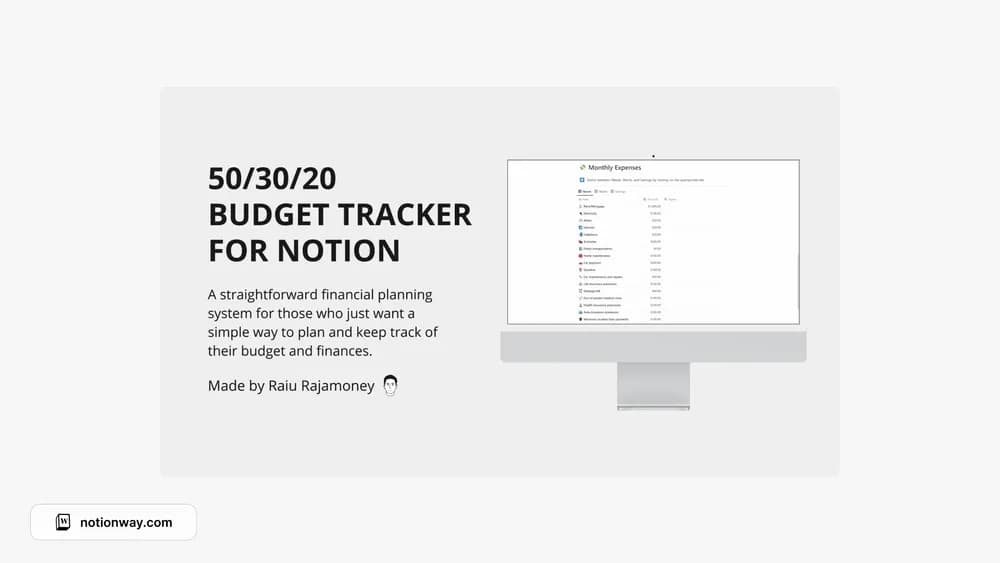
This template gives the 50/30/20 budgeting approach a place in Notion. The framework can make a first budget less intimidating, but the proportions may need adjusting to your circumstances. Check the category definitions and calculations before using it as a monthly plan.
What’s included
- A 50/30/20 budgeting structure
- Automatic monthly summaries
- A minimal layout for planning and reviewing income allocation
How to use it in practice
Test the split with a recent month before adopting it. This version allocates 50% to needs, 30% to wants, and 20% to savings or debt repayment. Write clear category definitions so similar expenses are treated consistently. Compare planned amounts with recorded spending and adjust the next month using what you learned.
Set it up in your workspace
- Follow the original creator’s checkout or access instructions to obtain the Notion page. Open that page while signed in, then duplicate it into the workspace you want to use.
- Compare the proposed split with your real housing and other fixed costs. Make a plan that you can actually follow.
- Try one complete example before adding a large backlog. Check that its views and any calculations show what you expect, then replace the sample content with your own.
Who it suits and what to consider
People who want to try a simple allocation framework. A simple framework for seeing broad spending priorities. Use realistic figures for your situation; the percentages do not need to become rigid targets when essential costs differ.