About Budget Tracker & Zakat Calculator
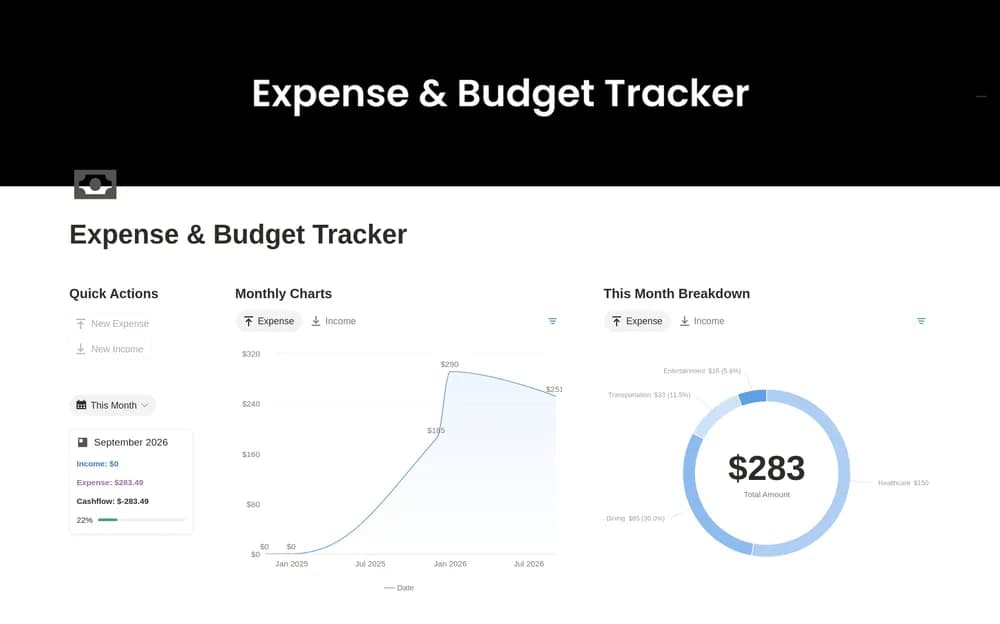
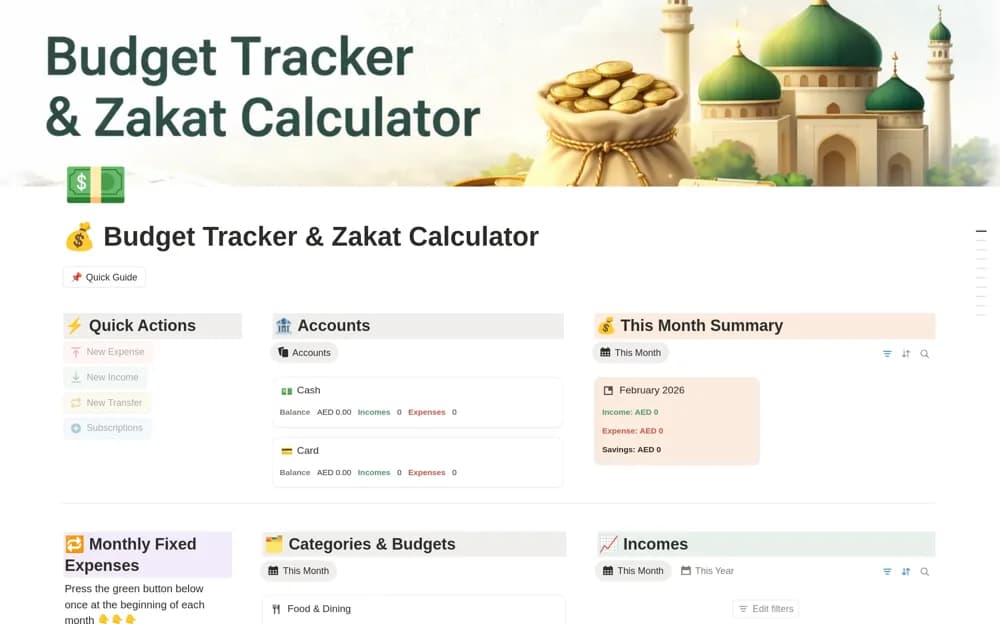
A monthly money organizer for income, expenses, category budgets, savings goals, and visual summaries.
What’s included
- Monthly income and expense tracking
- Category-based budgeting
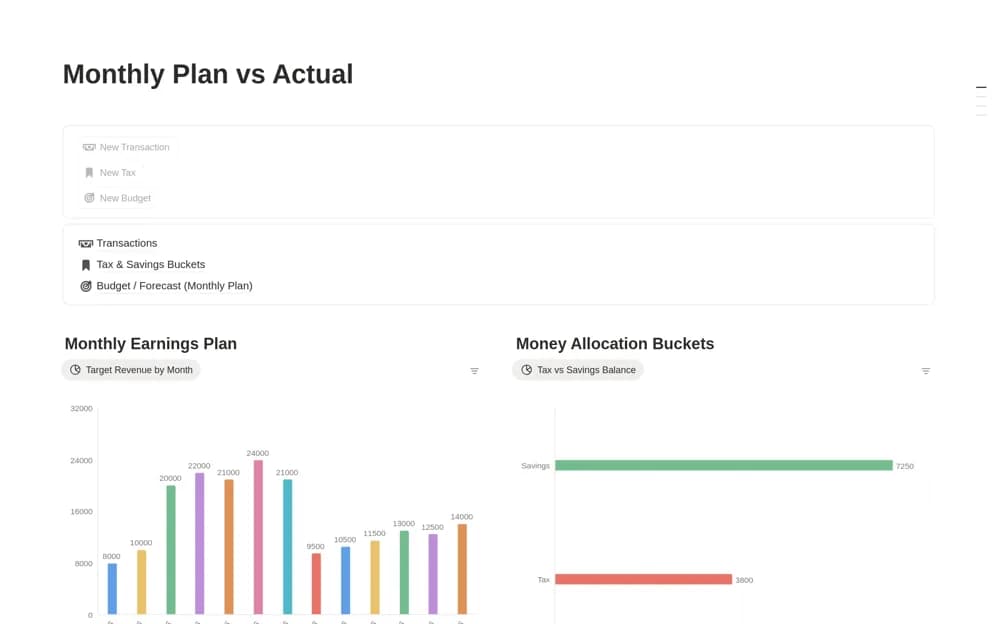
- Savings goals, dashboards, and sample records
How to use it in practice
Enter a small month of real records and compare the totals with source statements. Review category choices before adding more history, and keep transfers or refunds consistent. Use the sample data to understand the views, then retain only the summaries you can explain.
Set it up in your workspace
- Open the original Notion Marketplace listing and add the template to your chosen workspace while signed in. Keep its example records until you understand how the pages connect.
- Enter a small month of real records and compare the totals with source statements.
- Try one complete example before adding a large backlog. Check that its views and any calculations show what you expect, then replace the sample content with your own.
Who it suits and what to consider
People looking for a simple record of monthly personal finances. The public description confirms budgeting features; it does not explain the method behind the title’s Zakat calculation.