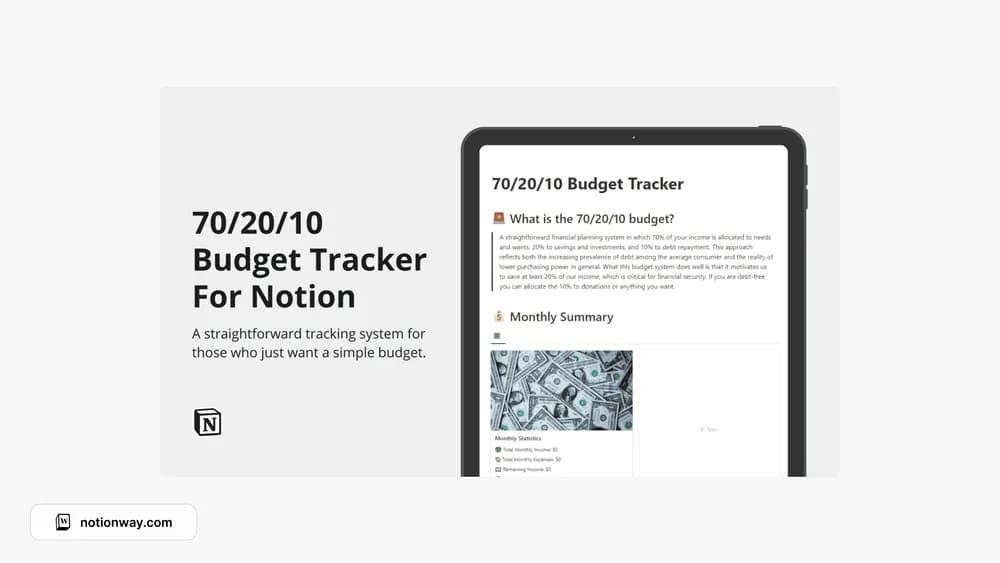
About Notion 70/20/10 Budget Tracker
A percentage budget is a starting rule for allocating income, not a universal answer. This template puts a 70/20/10 structure into Notion. Check how the creator defines the three buckets, and decide whether those proportions fit your actual fixed costs and circumstances.
What’s included
- A budget structure using a 70/20/10 allocation
- Automatic monthly summaries
- A compact database layout for reviewing the plan and actual records
How to use it in practice
Apply the percentages to a recent month of take-home income, then compare the result with actual fixed costs. In this creator’s version, 70% covers needs and wants, 20% savings and investments, and 10% debt repayment. Adjust your copy if the allocation does not fit your circumstances. Keep actual transactions separate from amounts you merely intend to allocate.
Set it up in your workspace
- Follow the original creator’s checkout or access instructions to obtain the Notion page. Open that page while signed in, then duplicate it into the workspace you want to use.
- Use a recent month of income and expenses to test the split. Adjust the plan if the categories do not fit your needs.
- Try one complete example before adding a large backlog. Check that its views and any calculations show what you expect, then replace the sample content with your own.
Who it suits and what to consider
People exploring a percentage-based budgeting structure. Useful as a budgeting framework you can test. The ratios are a starting convention and may need changing for irregular income, unusually high fixed costs, or different priorities.