About Notion Mood Tracker
A mood log can help you remember how a day felt and what was happening around it. Use the written context as well as the rating. The template is a personal record; it is not a way to diagnose a condition or interpret symptoms on its own.
What’s included
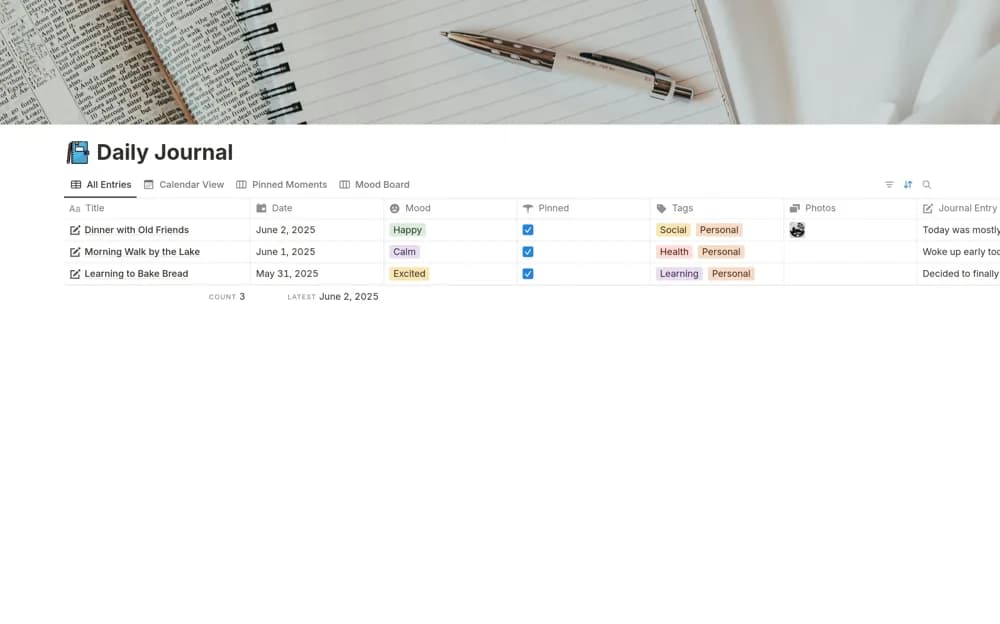
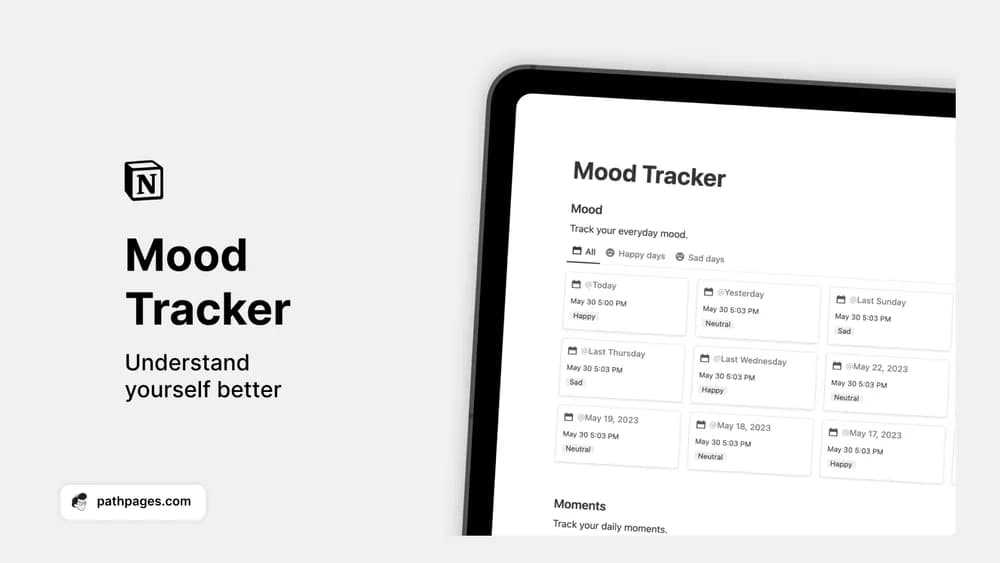
- Daily mood entries with editable tags
- A Moments section for adding context
- A visual record for reviewing how days differ over time
How to use it in practice
Choose a small vocabulary for mood tags so entries remain comparable. Add one sentence about the day instead of trying to explain every feeling. When reviewing, look at the surrounding circumstances and allow mixed days to remain mixed. The most useful pattern may be a routine you want to protect, rather than a single score you want to improve.
Set it up in your workspace
- Get the template link from PathPages. Its free-template pages ask you to create an account for access. Open the delivered Notion page and duplicate it into your workspace.
- Add a short check-in at a consistent time of day. Include the circumstances you want to remember alongside the mood entry.
- Try one complete example before adding a large backlog. Check that its views and any calculations show what you expect, then replace the sample content with your own.
Who it suits and what to consider
People who enjoy reflecting on patterns in their everyday experience. Best for personal reflection and remembering context. Keep the workspace private if the entries are sensitive, and choose a journal instead if you prefer longer writing to daily tagging.