About Second Brain PARA Method
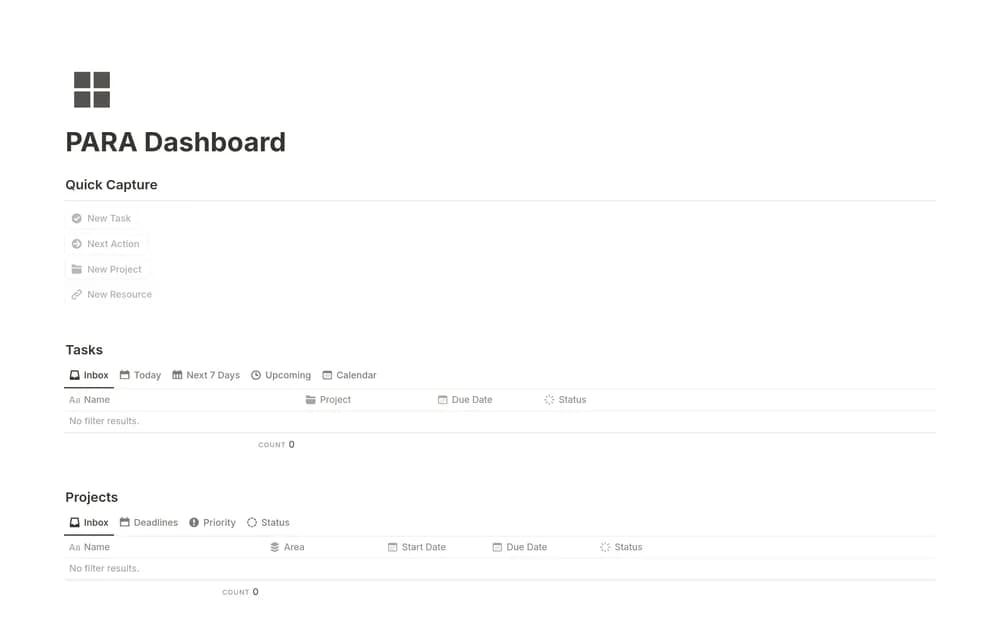
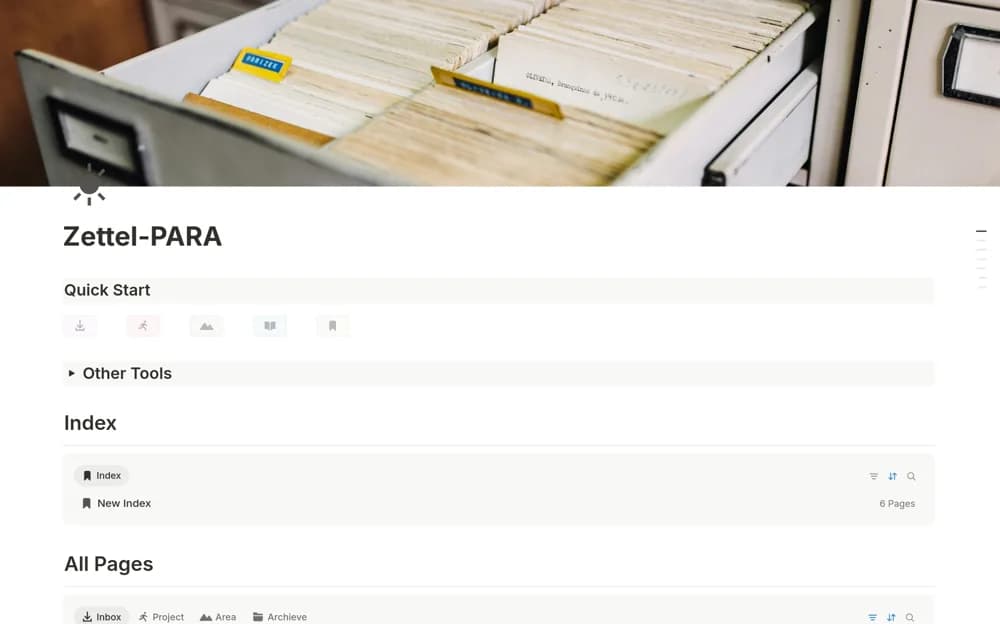
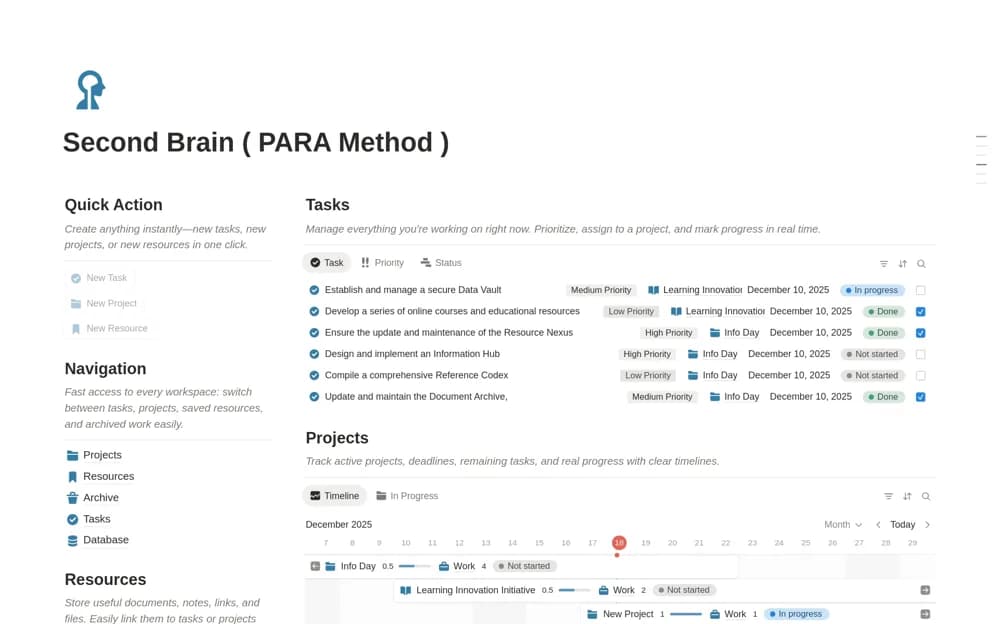
Organize Notion projects, ongoing responsibilities, reference resources, and finished work in a PARA dashboard with tasks and progress views.
What’s included
- Projects, Areas, Resources, and Archive sections
- Project progress views
- Task priorities
- Categorized reference resources
How to use it in practice
Add one active project with a clear finish, then place an ongoing responsibility in Areas. Save a resource where you would expect to find it when doing that work. Review completed projects regularly and archive them so active commitments remain easy to distinguish from useful background material.
Set it up in your workspace
- Open the original Notion Marketplace listing and add the template to your chosen workspace while signed in. Keep its example records until you understand how the pages connect.
- Add one active project with a clear finish, then place an ongoing responsibility in Areas.
- Try one complete example before adding a large backlog. Check that its views and any calculations show what you expect, then replace the sample content with your own.
Who it suits and what to consider
People who want a structured place for active work and the reference material supporting it. The categories support organization, but choosing where information belongs and reviewing it still takes judgment. Start small before migrating your entire workspace.