About Personal Trainer OS - PRO COACH
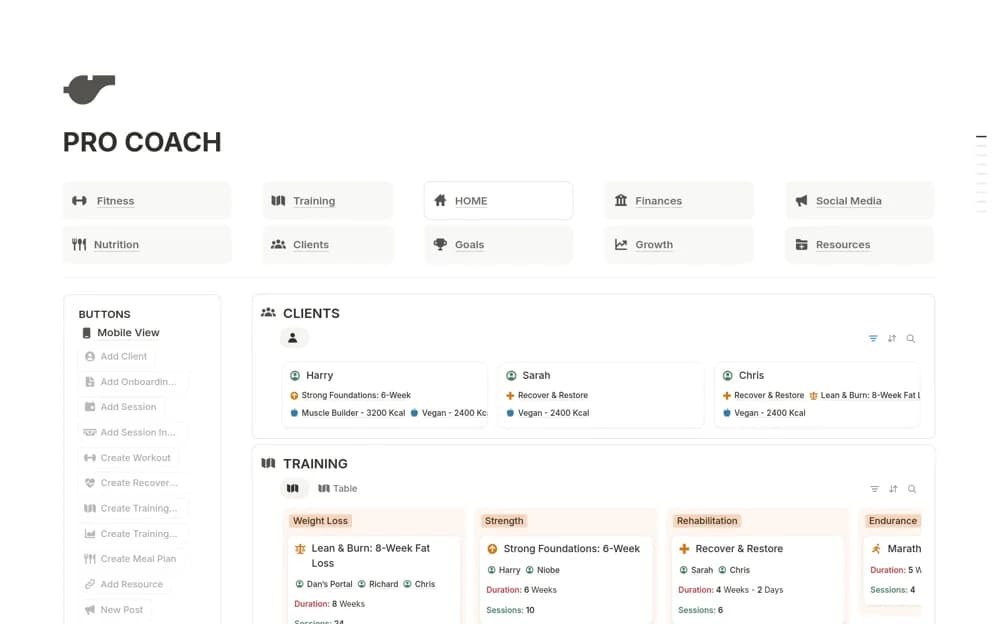
A paid personal-training dashboard covering client portals, program preparation, sessions, progress records, business finances, and growth tasks, supported by a setup guide and teaching resources.
What’s included
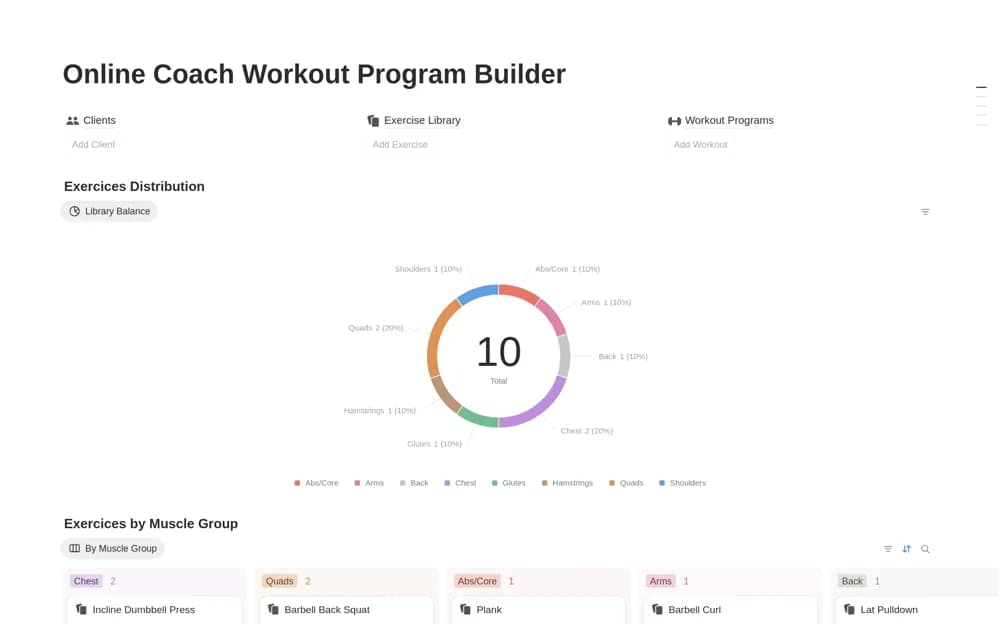
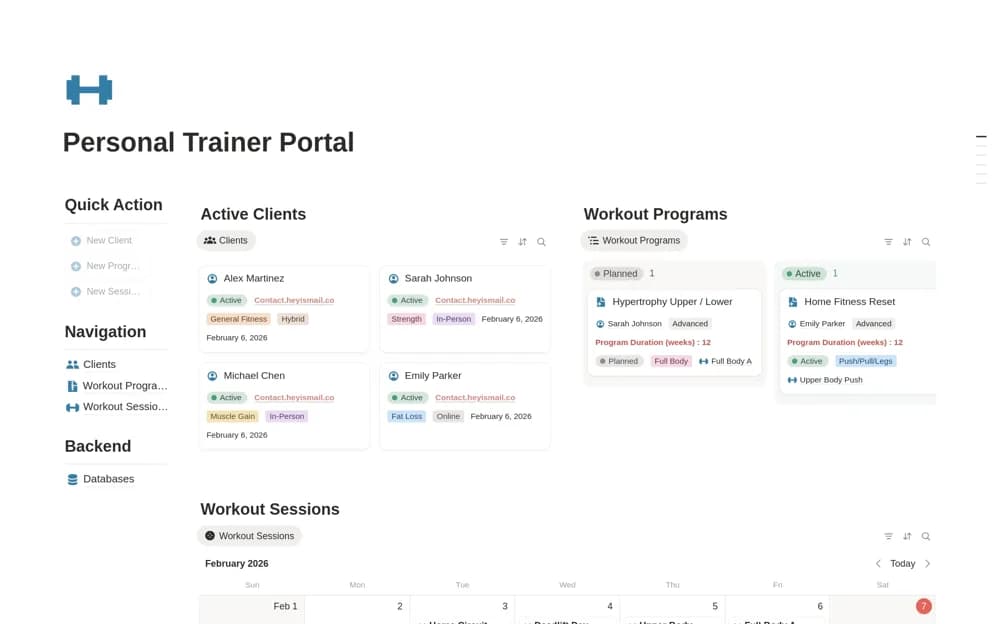
- Client dashboards and session planning
- Exercise, workout, and progress organization
- Finance, leads, content, and setup resources
How to use it in practice
Follow the setup guide with a sample client and test one complete cycle from program preparation to session notes and review. Check the mobile client view and sharing boundaries before introducing real clients. Configure only the business modules you can keep current alongside your normal coaching responsibilities.
Set it up in your workspace
- Open the original Notion Marketplace listing and add the template to your chosen workspace while signed in. Keep its example records until you understand how the pages connect.
- Follow the setup guide with a sample client and test one complete cycle from program preparation to session notes and review.
- Try one complete example before adding a large backlog. Check that its views and any calculations show what you expect, then replace the sample content with your own.
Who it suits and what to consider
Personal trainers comparing a broad coaching workspace with smaller routine or session trackers. The creator says the core setup works on Notion Free. Verify any optional calendar or AI-related features separately, and apply your own professional judgment to training and nutrition material.