 Free
Online Coach Workout Program Builder
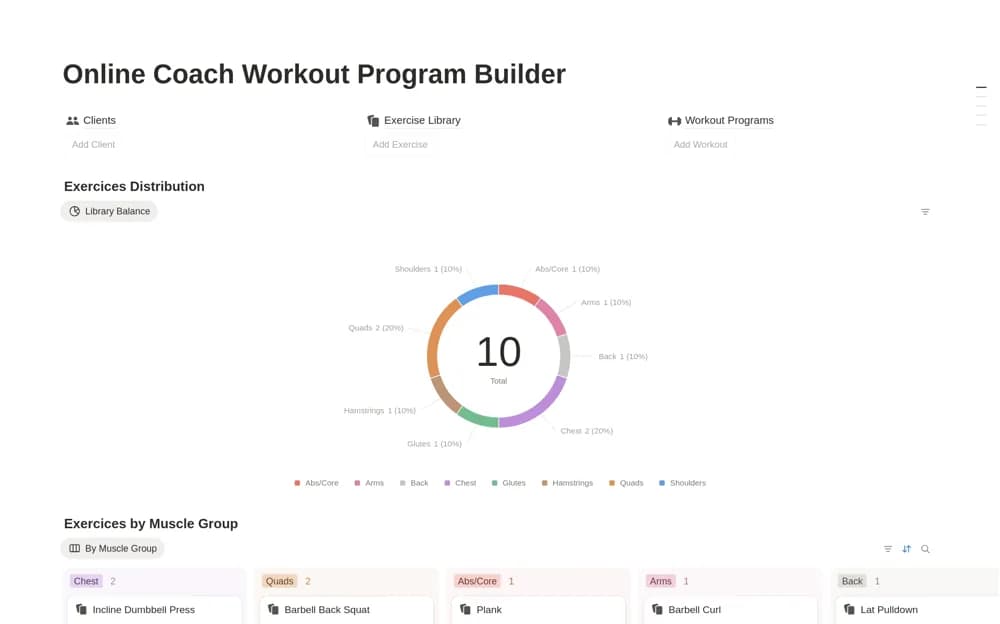
A free workout-planning starter with a muscle-group exercise database, reusable routines, mobile-oriented views, and links to exercise demonstrations.
Organize coaching clients, training plans, and check-ins. Find Notion templates for personal trainers who want a clearer administrative routine for sessions and progress records alongside their professional coaching tools.
Showing 1–3 of 3 templates
FreeA free workout-planning starter with a muscle-group exercise database, reusable routines, mobile-oriented views, and links to exercise demonstrations.
 Paid
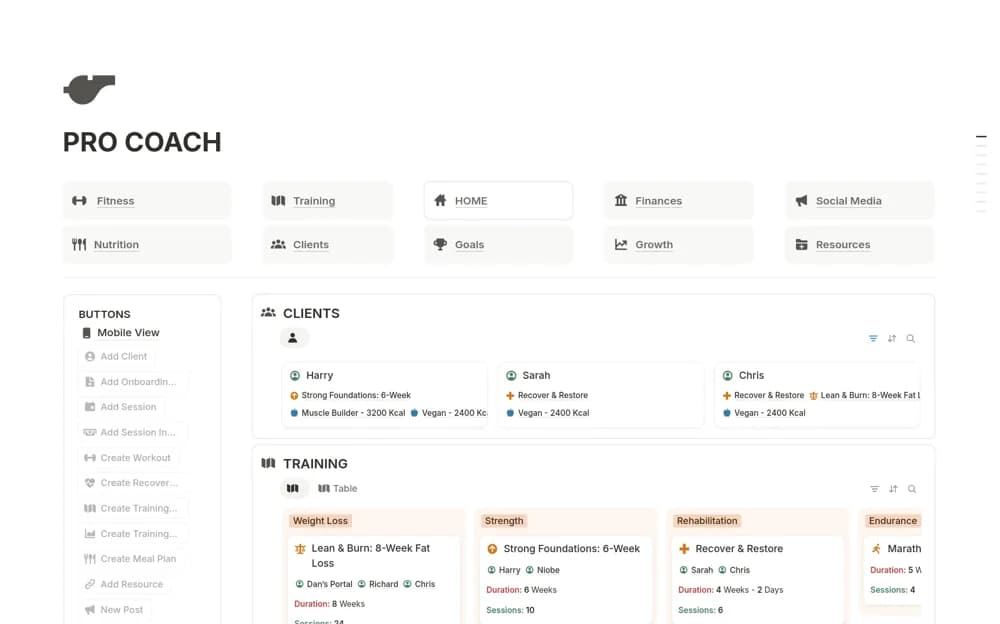
A paid personal-training dashboard covering client portals, program preparation, sessions, progress records, business finances, and growth tasks, supported by a setup guide and teaching resources.
 Free
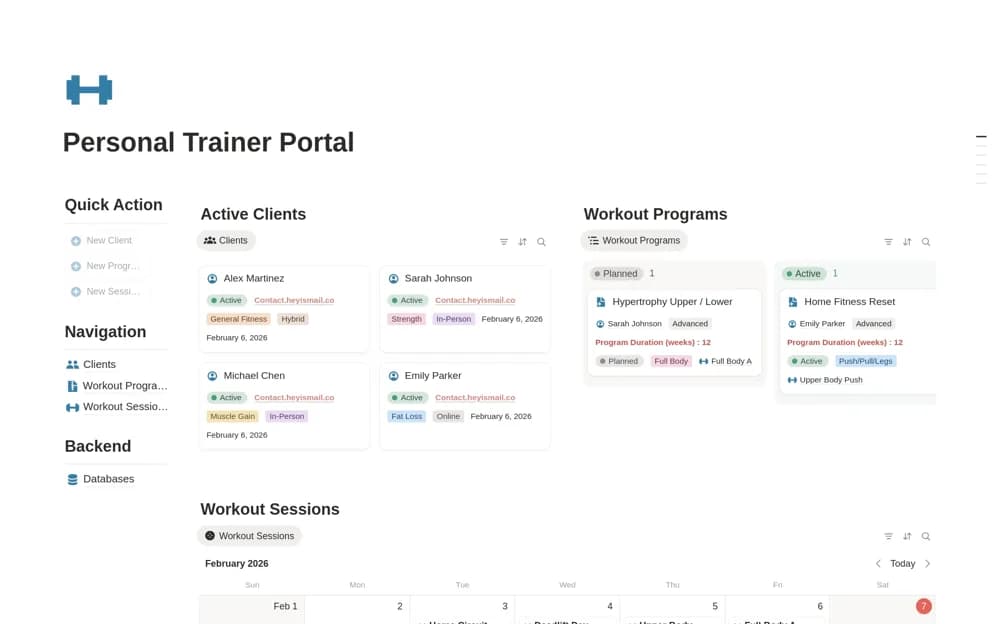
A client-coaching workspace for personal trainers, bringing workout assignments, nutrition targets, personal records, sessions, and check-ins into a central administrative view.
Compare the purpose and included features before choosing a workspace.
Coaches preparing reusable workout structures before choosing a larger client-management system.
Personal trainers comparing a broad coaching workspace with smaller routine or session trackers.
Personal trainers and online coaches organizing information for their own client programs.
3 working templates from 3 creators: 2 free and 1 paid, with paid options from $79. Links last checked October 11, 2026.
| Template | Best for | Price | Creator |
|---|---|---|---|
| Online Coach Workout Program Builder | Coaches preparing reusable workout structures before choosing a larger client-management system. | Free | Nation4Business |
| Personal Trainer OS - PRO COACH | Personal trainers comparing a broad coaching workspace with smaller routine or session trackers. | $79 | Harrison |
| Trainer OS | Personal Trainer Portal | Personal trainers and online coaches organizing information for their own client programs. | Free | heyismail |
Test a workspace with one sample client before sharing it. Check how a program is assigned, how sessions are recorded, and which progress details the client can see. A large exercise library is useful only if the daily logging view is practical. Templates organize information; assess program suitability yourself and use appropriate arrangements for sensitive client records. Review any calendar or automation requirements with the creator.
Separate client workspaces
Program and session records
Clear check-in and sharing views
About the directoryUse fictional client information to test program assignment, session notes, and check-ins. A coach’s planning view and a client’s daily workout view need different levels of detail. Keep the sharing route simple and collect only information you need for your professional process. Review how a completed session becomes a useful next coaching conversation.
Jump straight to any listing in the collection.
A program builder focuses on reusable exercises and routines. A portal can add clients, sessions, check-ins, and business records. Check free-versus-paid boundaries, especially where connected client assignment is reserved for an upgrade.
It depends on the job you need it to do. Good starting points in this collection include Online Coach Workout Program Builder (coaches preparing reusable workout structures before choosing a larger client-management system), Personal Trainer OS - PRO COACH (personal trainers comparing a broad coaching workspace with smaller routine or session trackers) and Trainer OS | Personal Trainer Portal (personal trainers and online coaches organizing information for their own client programs). Compare the included features below, then try your first choice with a week of real information before moving everything across.
Yes. This collection currently includes 2 listings with a confirmed free creator offer, alongside 1 paid or freemium option. Use the Free filter to compare them. A free version can have different features from a creator’s paid upgrade, so check the original listing and current access terms before adding it to your workspace.