About Trainer OS | Personal Trainer Portal
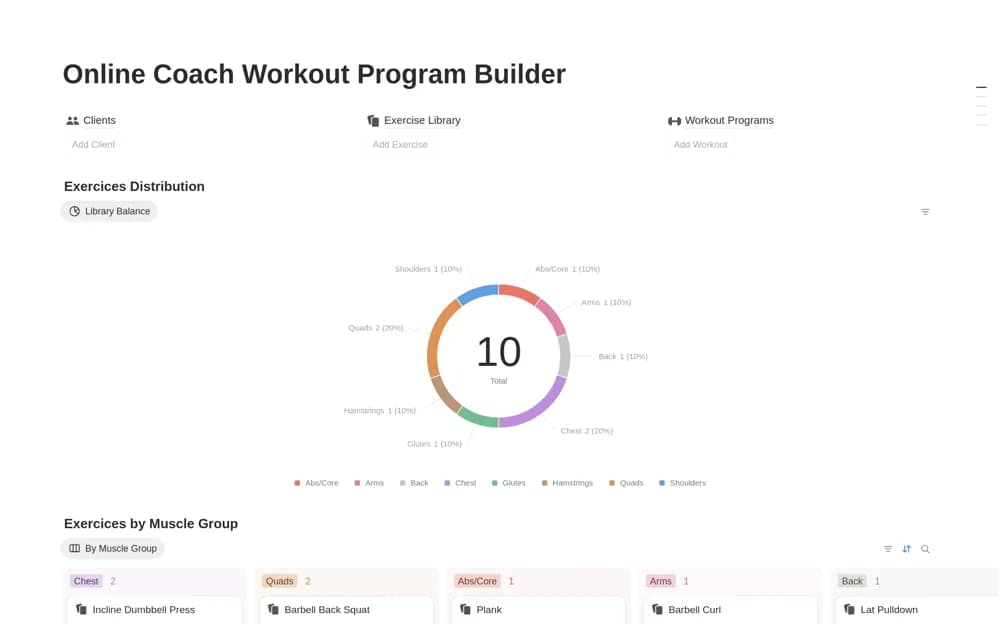
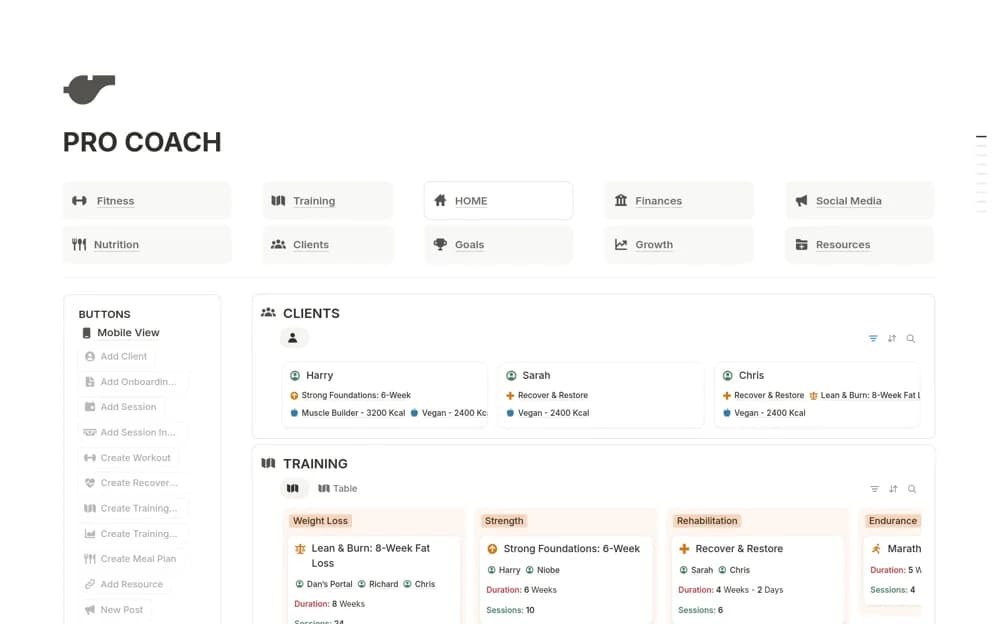
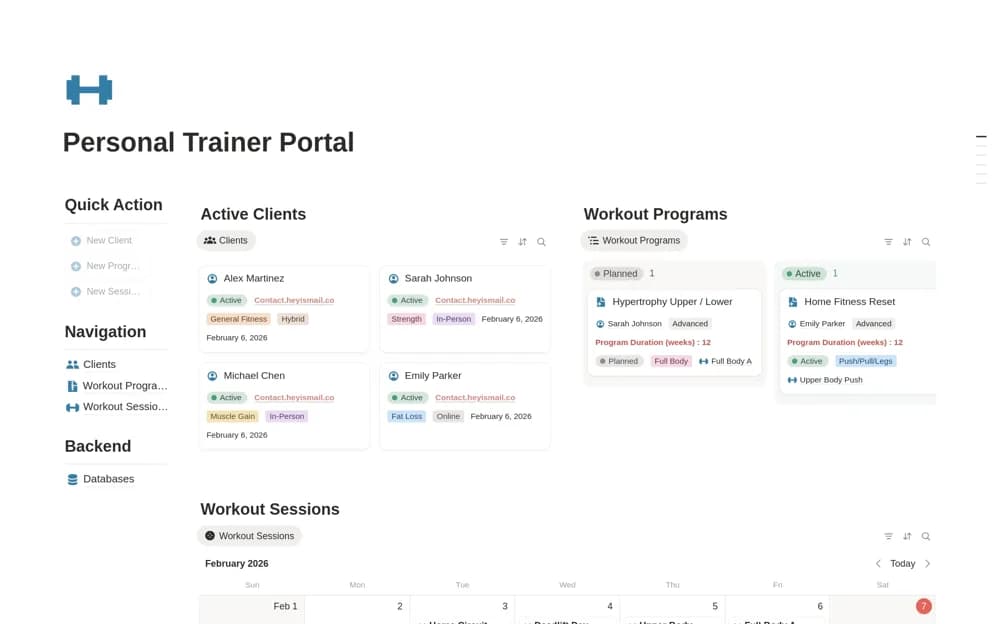
A client-coaching workspace for personal trainers, bringing workout assignments, nutrition targets, personal records, sessions, and check-ins into a central administrative view.
What’s included
- Client and workout-program management
- Nutrition and macro-target records
- Personal records, milestones, sessions, and check-ins
How to use it in practice
Use sample client information to test how a workout is assigned and how a check-in is recorded. Review the shared view as a client before adding real records. Keep the fields that support your established coaching process and remove information you do not need to collect or share.
Set it up in your workspace
- Open the original Notion Marketplace listing and add the template to your chosen workspace while signed in. Keep its example records until you understand how the pages connect.
- Use sample client information to test how a workout is assigned and how a check-in is recorded.
- Try one complete example before adding a large backlog. Check that its views and any calculations show what you expect, then replace the sample content with your own.
Who it suits and what to consider
Personal trainers and online coaches organizing information for their own client programs. The template organizes plans and records; it does not establish that a training or nutrition plan is appropriate for a person. Check permissions and your professional record-handling requirements.