About Recipes and Meal Templates
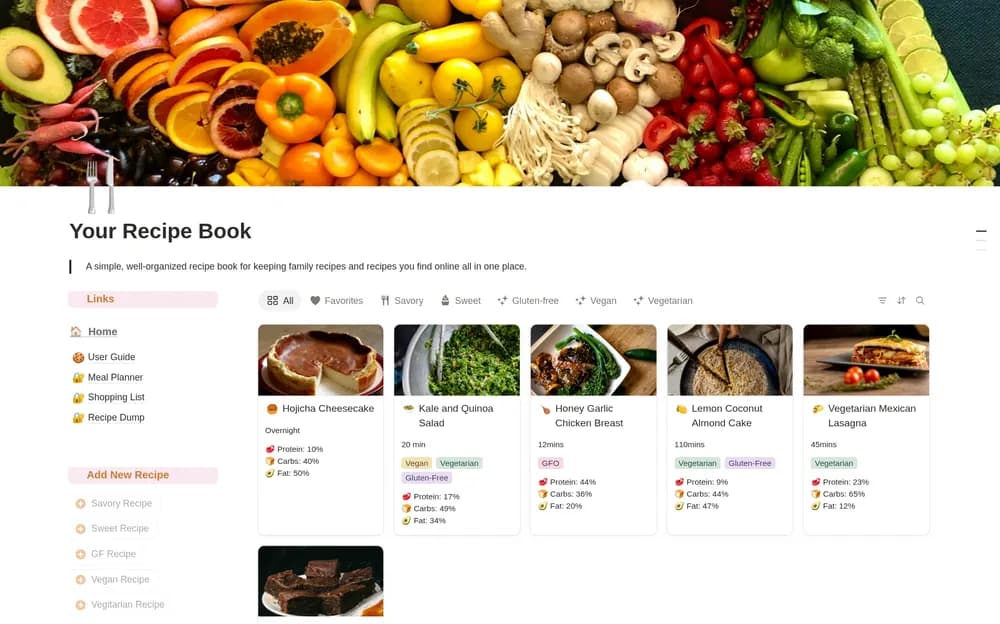
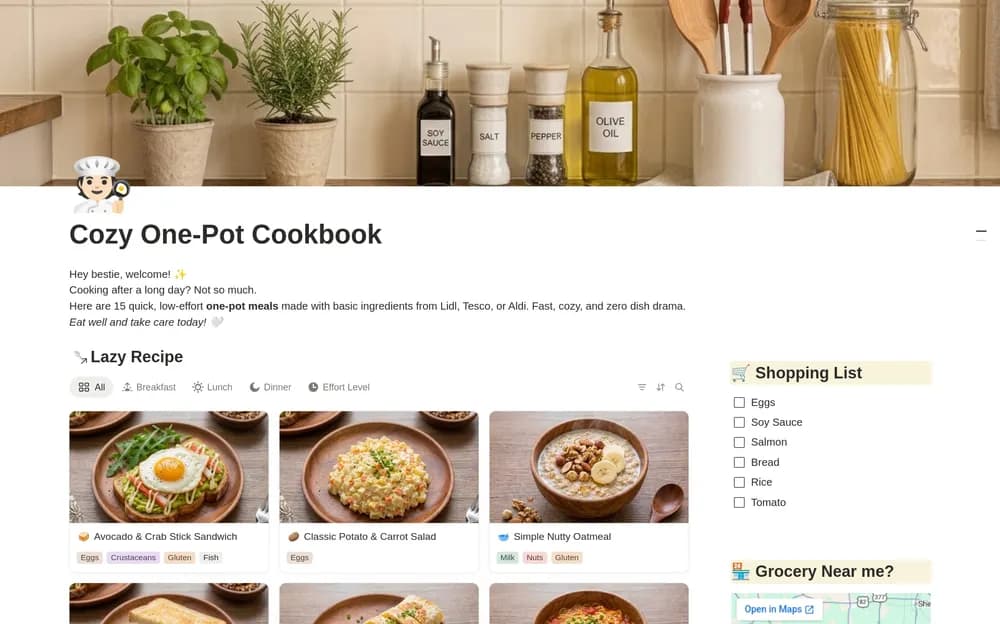
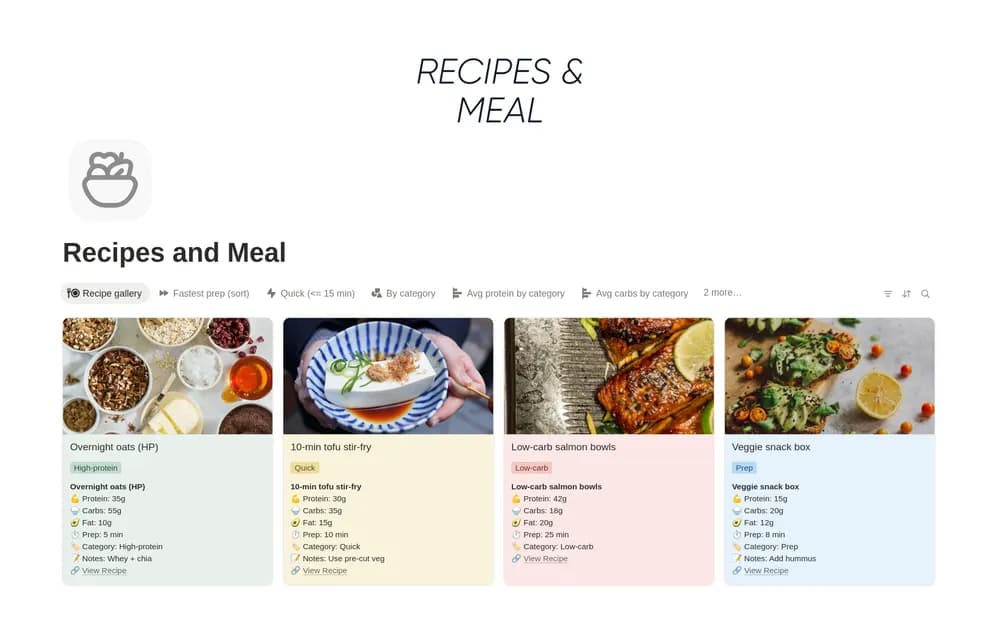
Store recipes with ingredients, steps, prep times, and per-serving macros in Notion, and save go-to meals as reusable templates with ratings and notes.
What’s included
- Recipe database with ingredients, instructions, prep and cook time, servings, and macros
- Tags for meal type, cuisine, and dietary preference
- Meal templates with portion sizes and totals
- Ratings and notes on substitutions and results
- Charts for recipe usage, macro distribution, and prep time
How to use it in practice
Enter three recipes you cook most often, listing ingredient amounts so the macro formulas can calculate per serving. Tag them by meal type and diet, then save one as a meal template with its portion size. Cook from the library during the week and rate each recipe afterward with a note on any tweaks. Check the high-protein and quick-prep views to see whether they surface what you need.
Set it up in your workspace
- Open the original Notion Marketplace listing and add the template to your chosen workspace while signed in. Keep its example records until you understand how the pages connect.
- Enter three recipes you cook most often, listing ingredient amounts so the macro formulas can calculate per serving.
- Try one complete example before adding a large backlog. Check that its views and any calculations show what you expect, then replace the sample content with your own.
Who it suits and what to consider
Macro-conscious cooks and meal preppers who repeat a core set of recipes. Macro totals depend on the nutrition values you enter; the listing does not mention a food database lookup. It refers to linking recipes with a meal log, which may be a separate tracker.