About Recipes List and Meal Planner
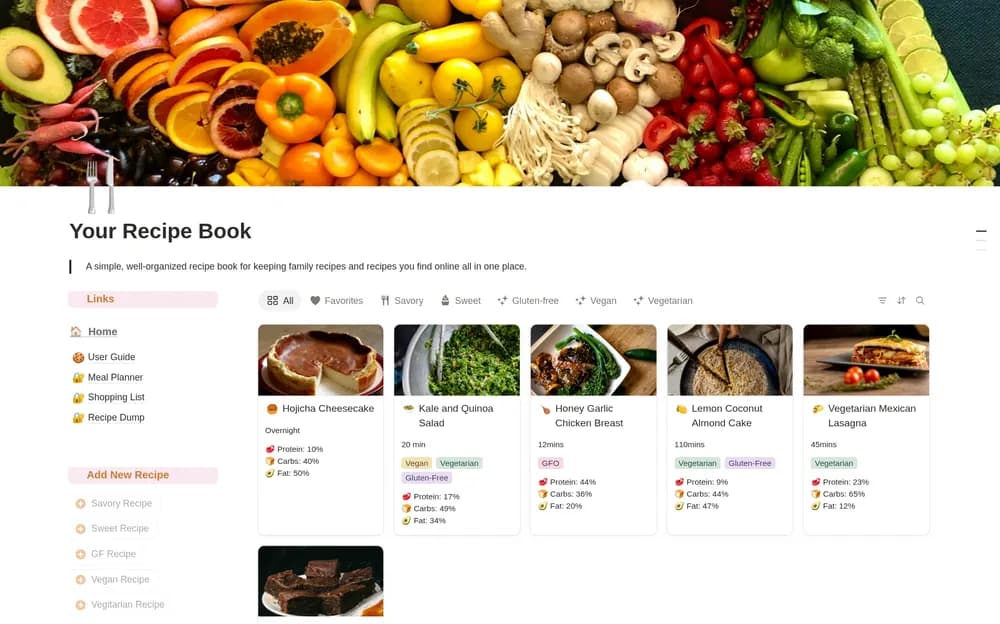
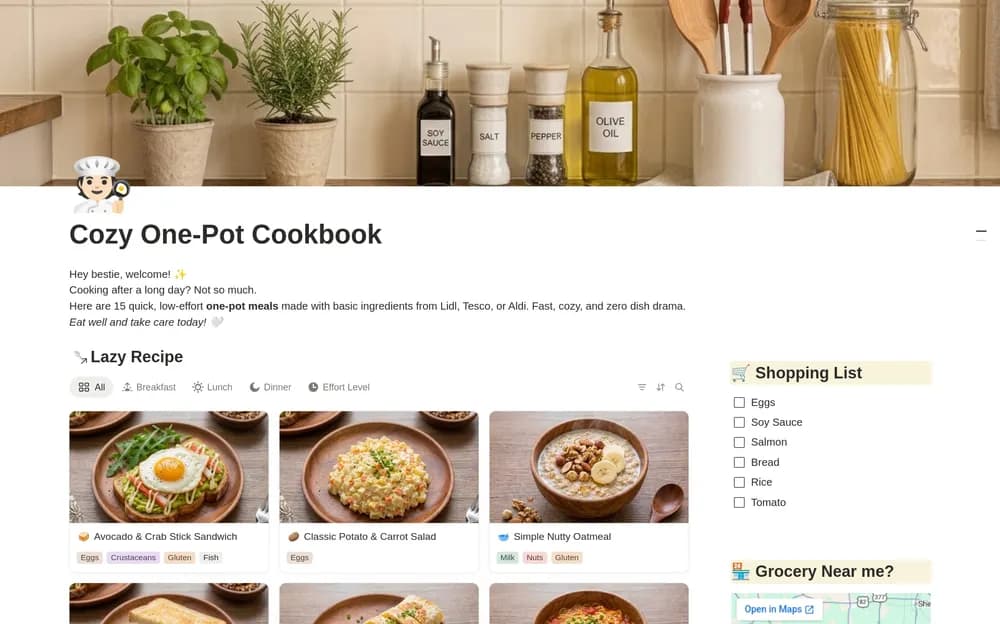
Save recipes with ingredients and instructions in Notion, filter them by meal or cuisine, and plan the week’s cooking in a built-in meal planner.
What’s included
- Recipe database with ingredients and instructions
- Sections such as breakfast, lunch, and dinner
- Cuisine and custom tags with filters
- Weekly meal planner
How to use it in practice
Add the recipes you expect to cook this week and tag each by section and cuisine. Use the meal planner to assign them to days, leaving one evening flexible. After the week, note which planned meals you actually made and adjust tags so the filters surface your go-to dishes faster.
Set it up in your workspace
- Open the original Notion Marketplace listing and add the template to your chosen workspace while signed in. Keep its example records until you understand how the pages connect.
- Add the recipes you expect to cook this week and tag each by section and cuisine.
- Try one complete example before adding a large backlog. Check that its views and any calculations show what you expect, then replace the sample content with your own.
Who it suits and what to consider
Home cooks and meal preppers who want recipes and a weekly plan in the same place. The listing does not mention a grocery list or nutrition data, so shopping and calorie tracking would need separate tools or added properties.