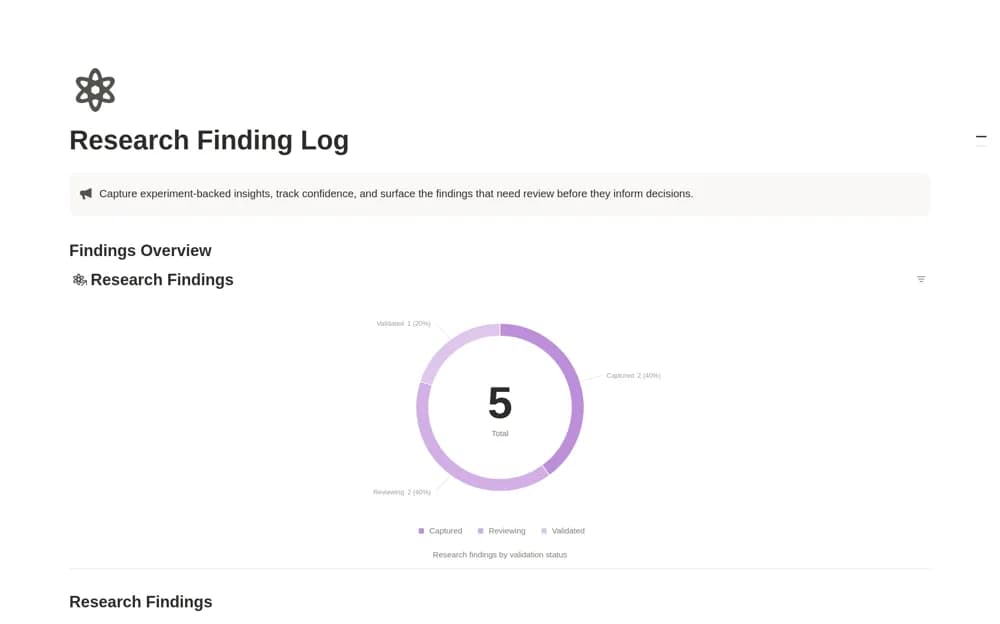
About Research Finding Log
An evidence log connecting research findings, experiments, confidence estimates, review dates, and validation status.
What’s included
- Finding records with source experiment and evidence URL
- Confidence, review due date, and validation fields
- Formula-based review signals and status views
How to use it in practice
Enter one finding with a precise claim and source evidence. Explain what the confidence estimate means and name the reviewer before assigning a date. Revisit older findings when new evidence arrives, preserving uncertainty rather than promoting an observation to validated knowledge by status alone.
Set it up in your workspace
- Open the original Notion Marketplace listing and add the template to your chosen workspace while signed in. Keep its example records until you understand how the pages connect.
- Enter one finding with a precise claim and source evidence.
- Try one complete example before adding a large backlog. Check that its views and any calculations show what you expect, then replace the sample content with your own.
Who it suits and what to consider
Research and data teams maintaining a reviewable insight repository. The signal prioritizes review based on entered fields; it does not independently validate a finding.