About Data Analytics Workflow Manager
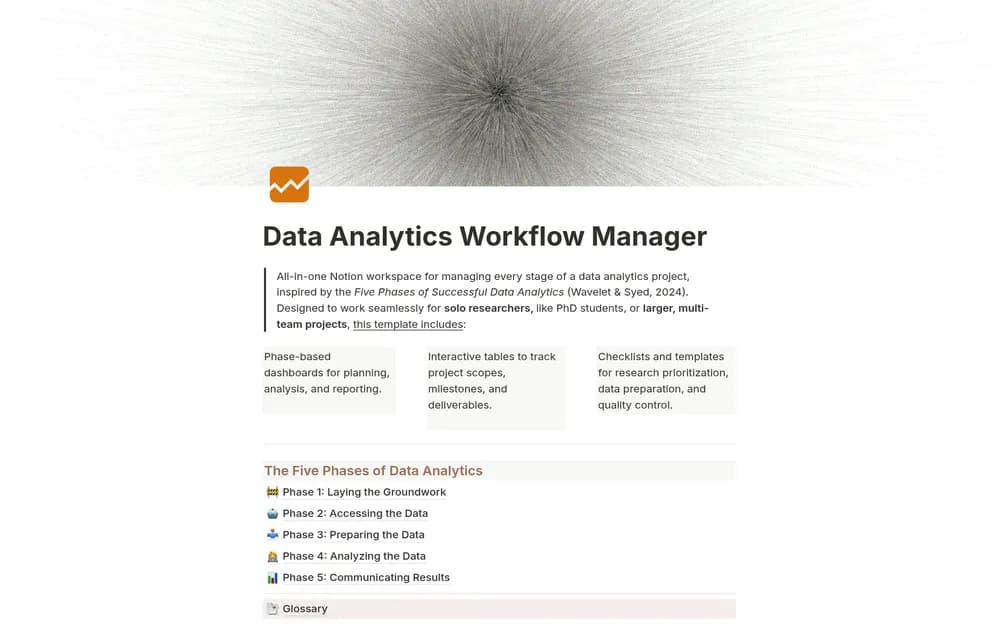
An analysis workspace should preserve why the work started and what the result means. This manager gives the process a Notion structure. Keep links to the actual data and notebooks beside the plan, and record assumptions while they are still visible to you.
What’s included
- Workflow phases from planning and data access through preparation, analysis, and reporting
- Scope, milestone, deliverable, risk, and role context
- Checklists for maintaining a repeatable analytics process
How to use it in practice
Define the business question and expected deliverable before listing analysis tasks. Record data-access dependencies and the assumptions behind each source. Keep checks and intermediate decisions with the project so another analyst can follow the reasoning. At handoff, link the result to its scope and limitations rather than leaving only a dashboard URL.
Set it up in your workspace
- Open the original Notion Marketplace listing and add the template to your chosen workspace while signed in. Keep its example records until you understand how the pages connect.
- Set up one active analysis and write its central question. Link the working files rather than duplicating the dataset.
- Try one complete example before adding a large backlog. Check that its views and any calculations show what you expect, then replace the sample content with your own.
Who it suits and what to consider
Analysts coordinating projects and supporting notes. Suited to coordinating analytics work with several stages or contributors. The workspace organizes the process; computation and data validation happen in the tools used for the analysis.