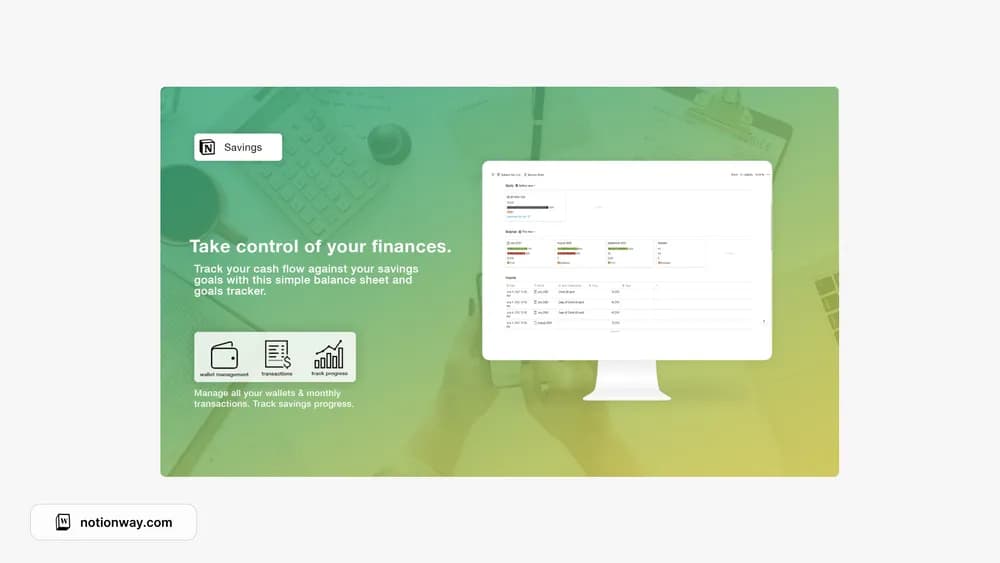
About Savings Goals & Balance Sheet
A savings tracker is useful when the target and the money actually set aside remain distinct. This listing combines goal setting with a balance-sheet idea. Check how balances and updates are recorded so you do not mistake a planned contribution for money already saved.
What’s included
- Income and expense entries connected to savings goals
- Wallet and monthly-transaction organization
- Summaries for comparing cash flow with the targets you set
How to use it in practice
Choose one savings goal and record the amount already set aside. Enter a month of income and expenses, then check that wallet totals agree with your account records. Treat a planned contribution as a plan until the transfer has happened. Review progress at the same time each month so changes reflect a comparable period.
Set it up in your workspace
- Follow the original creator’s checkout or access instructions to obtain the Notion page. Open that page while signed in, then duplicate it into the workspace you want to use.
- Choose one goal, a target amount, and a current balance. Record contributions only after they happen.
- Try one complete example before adding a large backlog. Check that its views and any calculations show what you expect, then replace the sample content with your own.
Who it suits and what to consider
People who want a clearer record of progress toward savings. Suited to someone who wants savings targets beside everyday records. Inspect how transfers and starting balances are handled before relying on a combined wallet total.