About Second Brain: PARA, GTD & Life System
Combine PARA organization with a full GTD workflow in Notion, linking tasks to projects, plus finance, health, habit, time, and note trackers.
What’s included
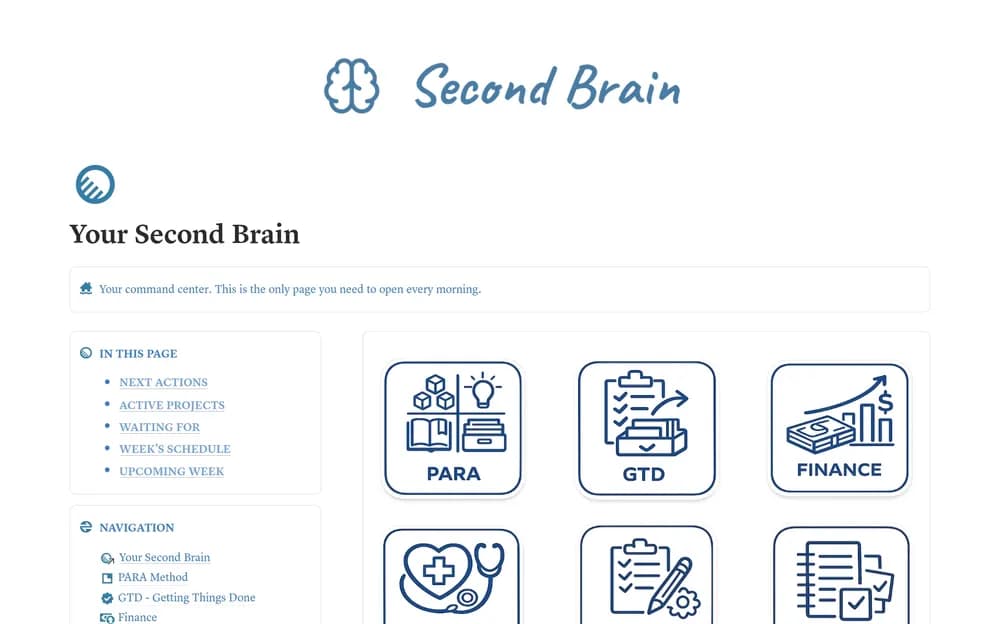
- GTD hub with inbox, next actions by energy and context, waiting for, someday or maybe, and a done log
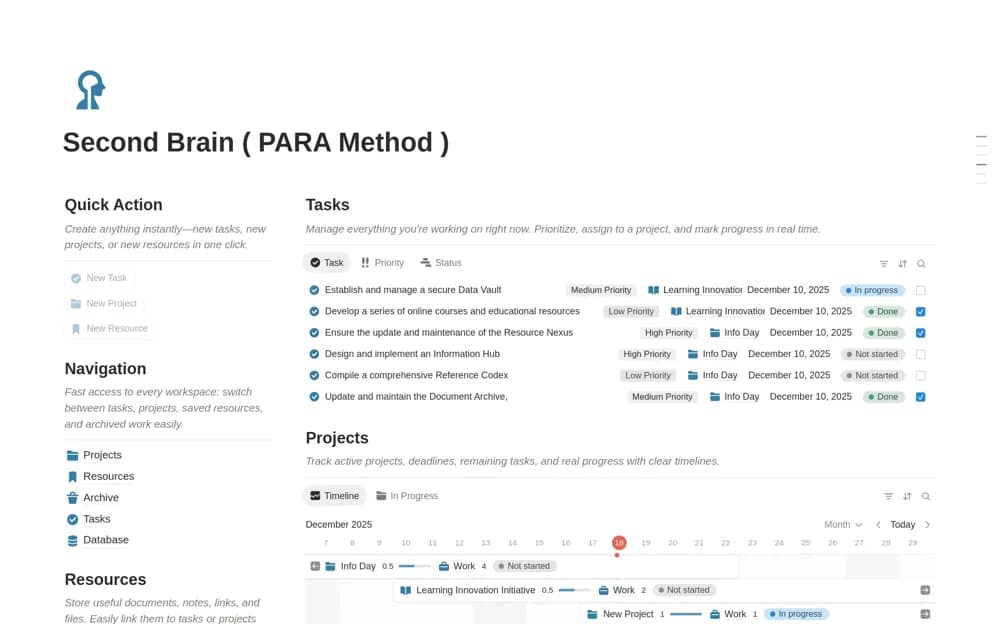
- PARA hub for projects, areas, resources, and archive
- Finance tools for income, expenses, subscriptions, and savings goals
- Health, habit, time, and notes trackers
- Daily dashboard and a four-step weekly review
How to use it in practice
Capture everything on your mind into the GTD inbox in one sitting. Clarify each item into a next action, a project, or someday or maybe, and link actions to projects. Use the dashboard each morning to pick top priorities, and complete the four-step weekly review at the end of the week.
Set it up in your workspace
- Open the original Notion Marketplace listing and add the template to your chosen workspace while signed in. Keep its example records until you understand how the pages connect.
- Capture everything on your mind into the GTD inbox in one sitting.
- Try one complete example before adding a large backlog. Check that its views and any calculations show what you expect, then replace the sample content with your own.
Who it suits and what to consider
GTD and PARA practitioners who want both methods connected in a single workspace. With 13 databases it is a large system, so adopt the GTD and PARA hubs before adding finance or health tracking. Subscription renewal alerts are likely in-Notion flags rather than notifications.