About Service Pricing Calculator for Freelancers
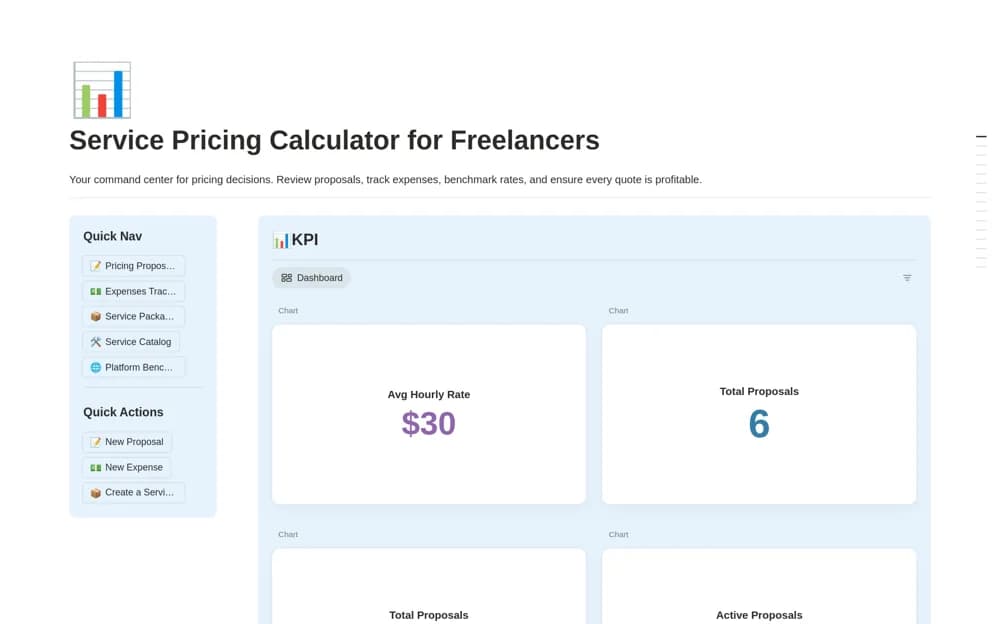
A freelance pricing model for project hours, rates, platform fees, take-home estimates, overhead, and proposal preparation.
What’s included
- Rate and estimated-hour inputs
- Platform-fee and effective-rate calculations
- Business-overhead records and a guided proposal structure
How to use it in practice
Test a known project using current fees from the platform or payment provider. Include realistic communication and revision time, then inspect the calculation before sending a quote. Label estimates clearly and compare them with actual work afterward to improve future assumptions.
Set it up in your workspace
- Open the original Notion Marketplace listing and add the template to your chosen workspace while signed in. Keep its example records until you understand how the pages connect.
- Test a known project using current fees from the platform or payment provider.
- Try one complete example before adding a large backlog. Check that its views and any calculations show what you expect, then replace the sample content with your own.
Who it suits and what to consider
Freelancers checking the assumptions behind a proposed project price. The source’s example fee schedules may change; verify rates, currency, taxes, and formula scope independently.