About Café Inventory & Menu Starter
A café starter system connecting stock records, menu costs, reorder status, and visual menu views.
What’s included
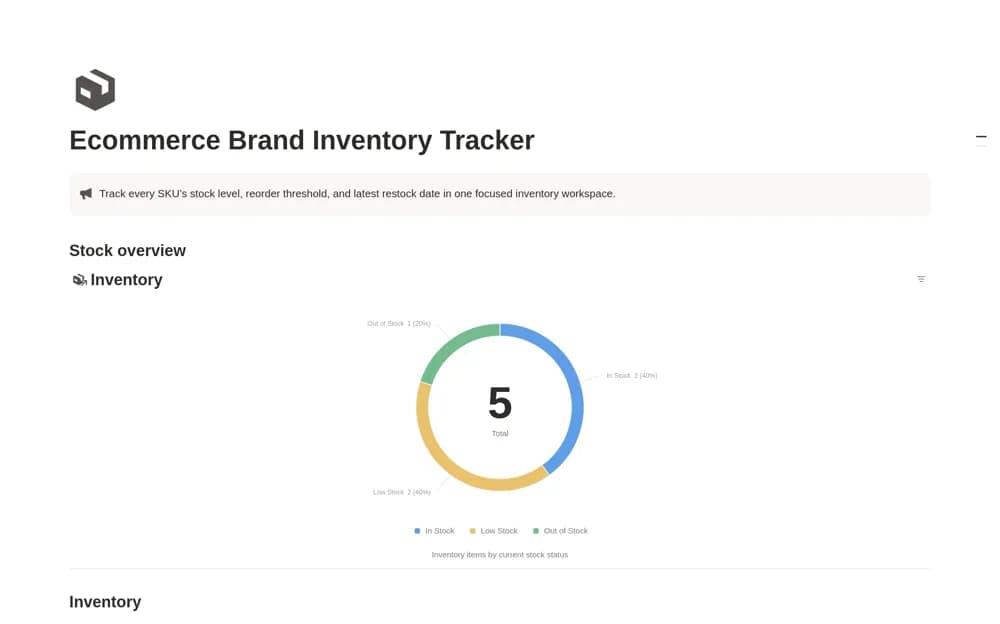
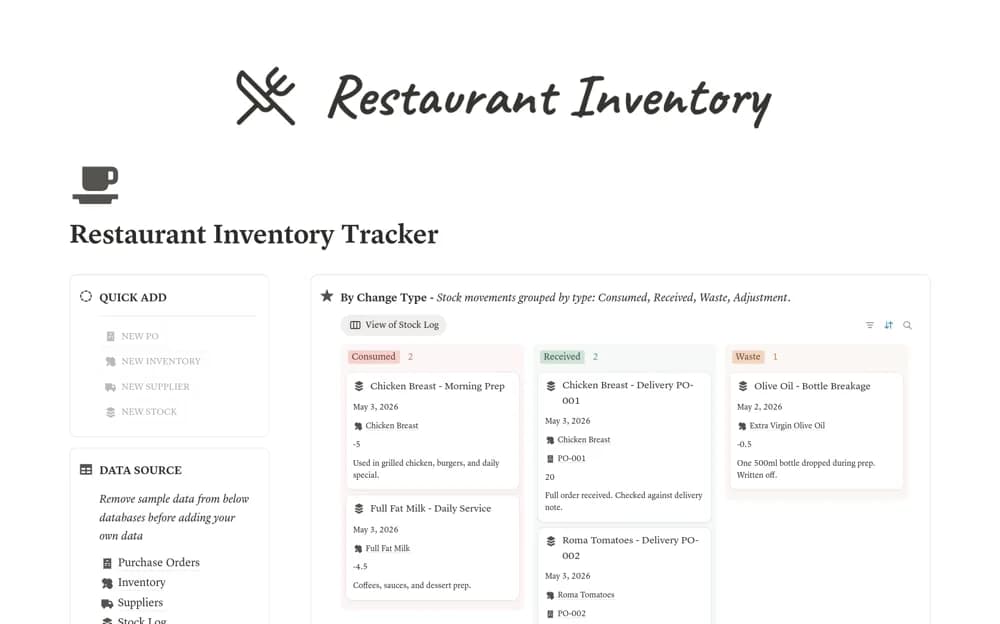
- Inventory with suppliers, costs, locations, and expiry dates
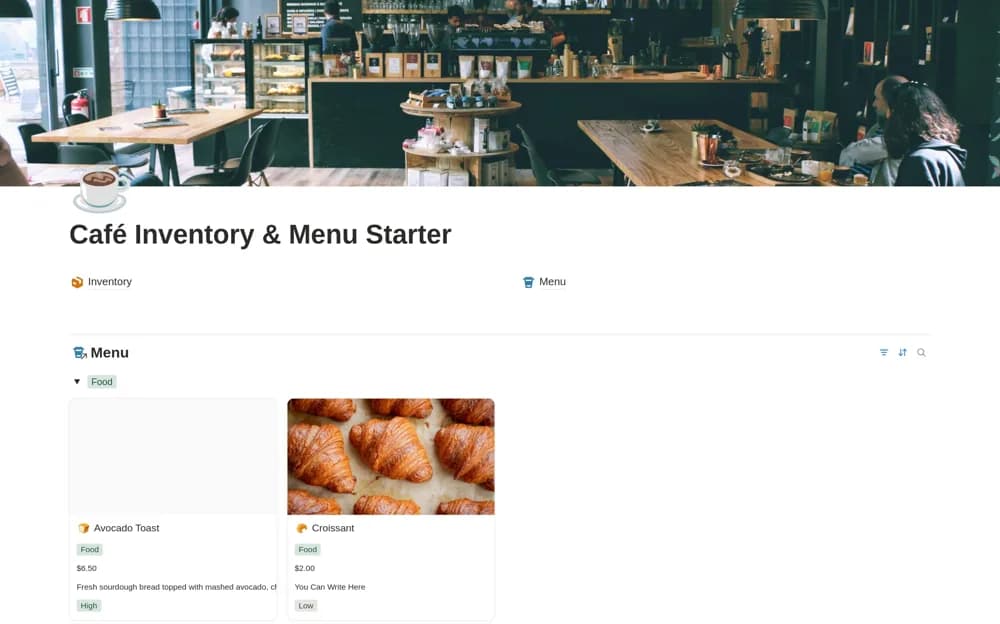
- Menu items with prices, costs, and ingredients
- Stock-status and profit-margin formulas with reorder and menu views
How to use it in practice
Enter a few ingredients and menu items using consistent units. Test the stock thresholds and margin calculation against a known example, then agree who updates quantities after purchases and use. Review the reorder view as part of a regular routine rather than assuming it tracks physical stock automatically.
Set it up in your workspace
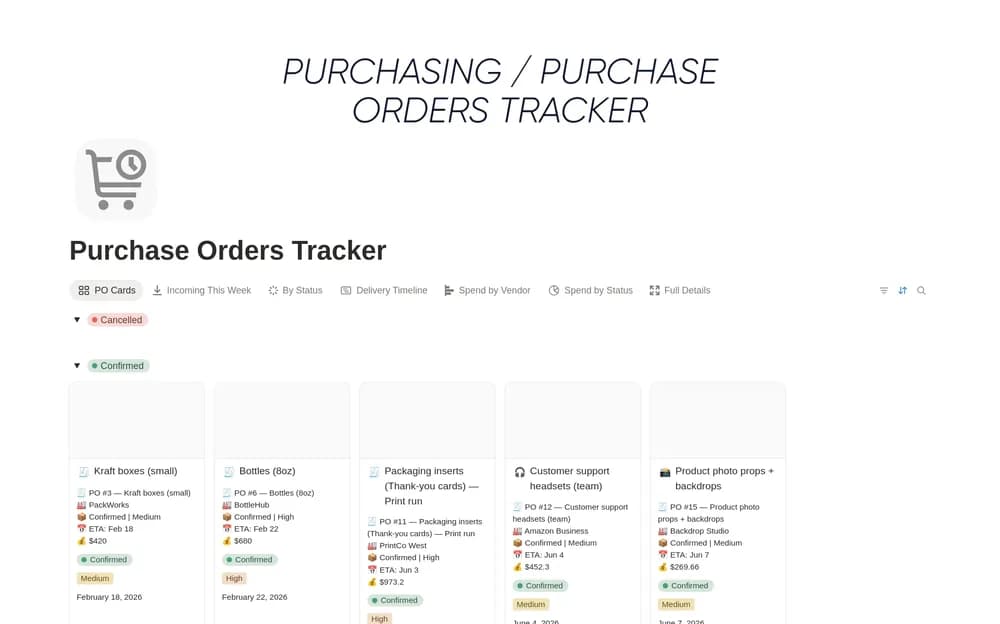
- Open the original Notion Marketplace listing and add the template to your chosen workspace while signed in. Keep its example records until you understand how the pages connect.
- Enter a few ingredients and menu items using consistent units.
- Try one complete example before adding a large backlog. Check that its views and any calculations show what you expect, then replace the sample content with your own.
Who it suits and what to consider
Small café operators organizing basic inventory and menu records. This starter is separate from the premium Coffee Shop OS and needs accurate manual inputs unless another connection is documented.