About Simple Net Worth Tracker
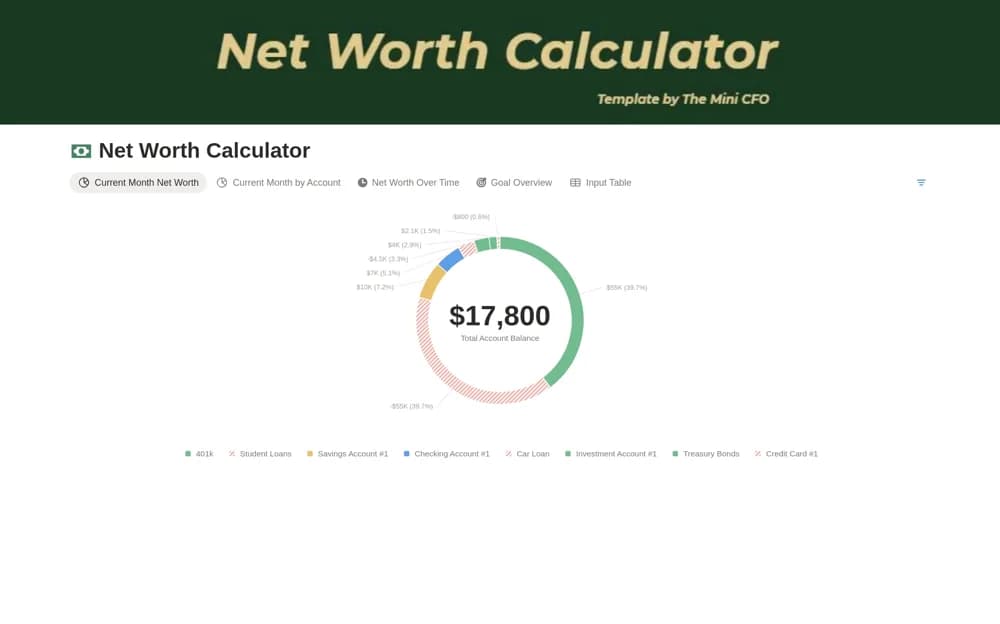
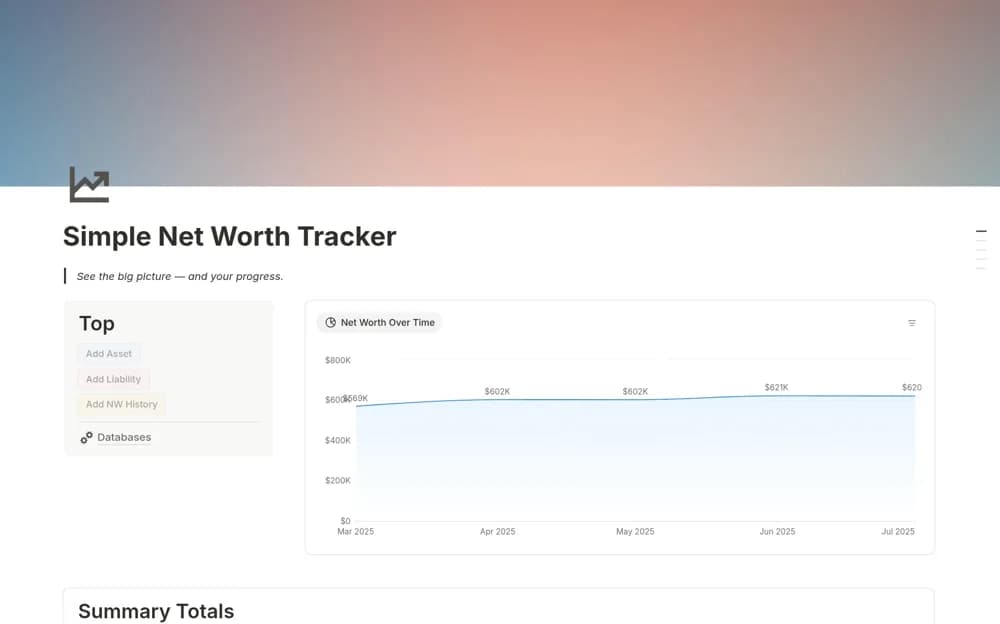
Record monthly assets and liabilities in Notion with account categories, net-worth history, summary totals, and a monthly chart.
What’s included
- Account and current-net-worth databases
- Monthly net-worth history
- Category and institution breakdowns
- Summary totals and monthly chart
How to use it in practice
Choose a consistent snapshot date and enter account balances from their source records. Record assets and liabilities using the same valuation approach each month, then compare the totals with the previous snapshot. Note significant changes so a later review does not rely on the chart alone.
Set it up in your workspace
- Open the original Notion Marketplace listing and add the template to your chosen workspace while signed in. Keep its example records until you understand how the pages connect.
- Choose a consistent snapshot date and enter account balances from their source records.
- Try one complete example before adding a large backlog. Check that its views and any calculations show what you expect, then replace the sample content with your own.
Who it suits and what to consider
People who prefer a manual monthly financial snapshot to a complex budget dashboard. The creator explicitly describes manual monthly logging. It does not connect to banks or provide investment recommendations.