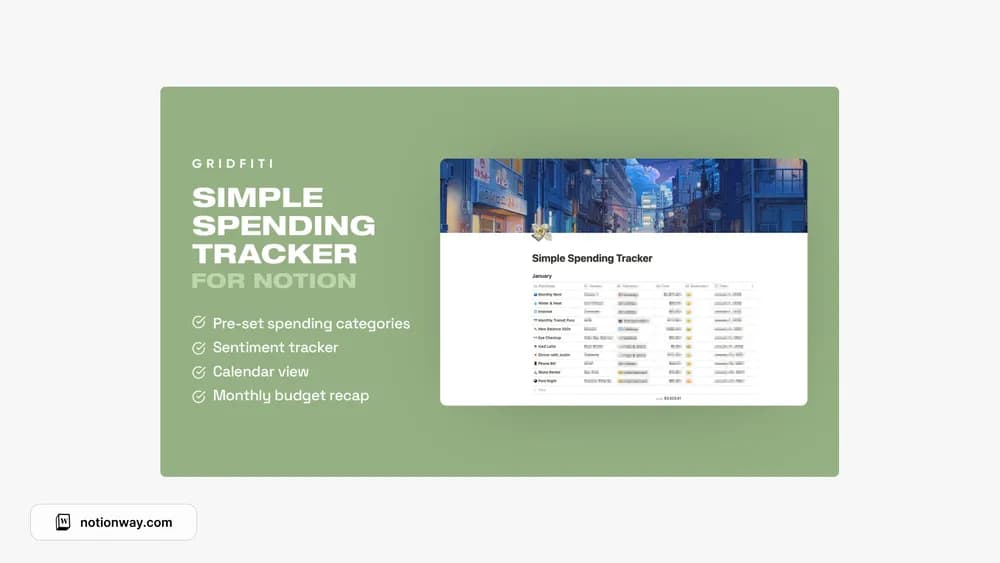
About Simple Spending Tracker by Gridfiti
A simple spending log can be a sensible first step if a full budget dashboard feels like too much. This tracker focuses the idea on everyday spending. Keep the routine short and review the record regularly so it helps you notice something useful about your habits.
What’s included
- Expense entries by vendor with receipt-image attachments
- Spending categories and an emoji reflection scale
- A calendar view, new-month button, and monthly budget recap
How to use it in practice
Log a purchase with its vendor, amount, category, and receipt when available. Add a quick reflection only if it helps you understand the decision. At month-end, compare the recap with your records and use the new-month action after checking what it carries forward. Keep the daily entry routine short enough to do while the purchase is still fresh.
Set it up in your workspace
- Follow the original creator’s checkout or access instructions to obtain the Notion page. Open that page while signed in, then duplicate it into the workspace you want to use.
- Log the next week of spending with a few familiar categories. Review the entries before adding extra detail.
- Try one complete example before adding a large backlog. Check that its views and any calculations show what you expect, then replace the sample content with your own.
Who it suits and what to consider
People who want to record spending with less setup. A useful choice for mindful spending records with receipts. The creator also promotes a larger finance dashboard, so check that you are selecting the simple tracker described here.