About Skincare Planner: AM/PM Routine & Shelf Log
Log every skincare product with its opened date and shelf life in Notion, then follow ordered morning and evening routines with a checklist.
What’s included
- My Shelf product database with step, brand, price, opened date, and shelf life
- Use-by dates for opened products
- Ordered AM and PM routine lists with a checklist widget
- Expiry calculator widget
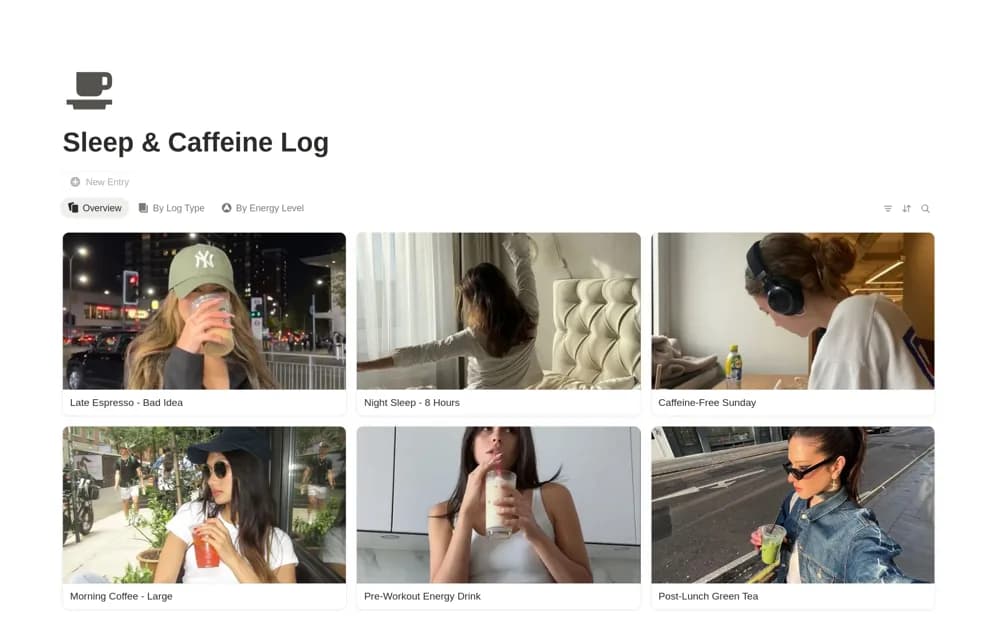
- By Step cards and a photo Ritual Wall
How to use it in practice
Delete the sample products, then add what is currently on your shelf with the date you opened each item. Build your AM and PM routines in the order you actually apply products. Tick off steps with the checklist for a week, and at the end check the use-by dates for anything that should be replaced soon.
Set it up in your workspace
- Open the original Notion Marketplace listing and add the template to your chosen workspace while signed in. Keep its example records until you understand how the pages connect.
- Delete the sample products, then add what is currently on your shelf with the date you opened each item.
- Try one complete example before adding a large backlog. Check that its views and any calculations show what you expect, then replace the sample content with your own.
Who it suits and what to consider
Skincare enthusiasts with several products who want to track routines and expiry dates. The creator notes that it tracks products and routines only and gives no skincare or medical advice. Opened dates and shelf life must be entered by hand for expiry tracking to be useful.