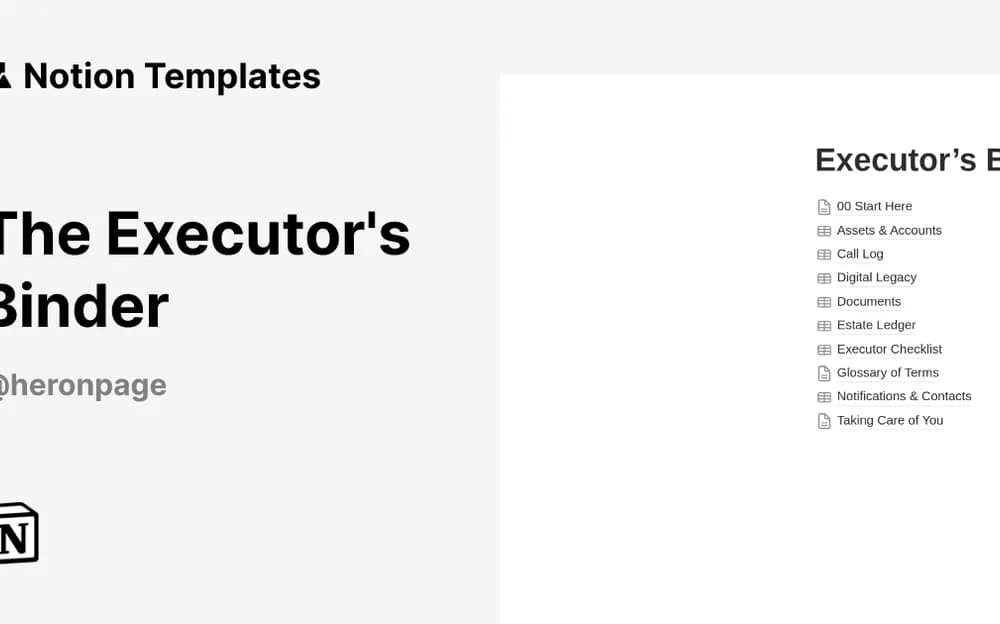
About The Executor's Binder
Handle an estate executor’s duties in Notion with a 60-step phased checklist, a notification tracker, asset records, an estate ledger, and a call log.
What’s included
- 60-step checklist in six phases with priorities and typical timing
- 38 prefilled organizations to notify with follow-up dates
- Tracker for 20 key documents and where originals are kept
- Assets and accounts with date-of-death values
- Estate ledger, call log, digital legacy list, and glossary
How to use it in practice
Start with the first-phase steps and mark what has already been handled. Add the organizations you have contacted, with reference numbers and follow-up dates. Record each payment in or out of the estate in the ledger as it happens, noting whether it is reimbursable. Use the call log during every phone call and review open follow-ups at the end of the week.
Set it up in your workspace
- Open the original Notion Marketplace listing and add the template to your chosen workspace while signed in. Keep its example records until you understand how the pages connect.
- Start with the first-phase steps and mark what has already been handled.
- Try one complete example before adding a large backlog. Check that its views and any calculations show what you expect, then replace the sample content with your own.
Who it suits and what to consider
Executors and family members handling the paperwork that follows a death. The steps are jurisdiction-neutral, so deadlines and requirements need confirming with a local probate lawyer, solicitor, notary, or accountant. It is an organizer, not legal advice.