About The Separation & Divorce Binder
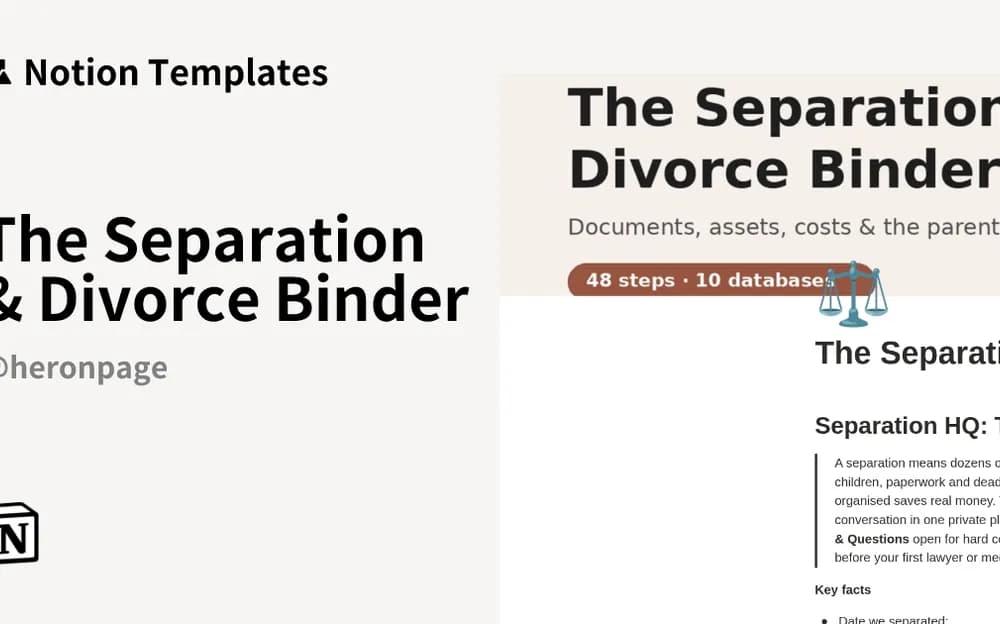
Organize separation or divorce paperwork in a private Notion binder covering assets, debts, documents, costs, deadlines, and the parenting plan.
What’s included
- Dashboard with key facts, upcoming dates, and missing documents
- 48-step roadmap from the first week to life after the final order
- Assets and debts with owner, value, and your proposal
- Document checklist with lawyer and disclosure ticks
- Parenting plan, communication log, and before-and-after budget
How to use it in practice
Start with the Getting Started page and the documents checklist, noting which papers you already hold and which you still need to request. Add the main assets and debts with approximate values, then enter any deadlines you know about. Use the communication log for dated, factual notes as events happen. Before a consultation, review the dashboard and prepared questions so the meeting covers what matters.
Set it up in your workspace
- Open the original Notion Marketplace listing and add the template to your chosen workspace while signed in. Keep its example records until you understand how the pages connect.
- Start with the Getting Started page and the documents checklist, noting which papers you already hold and which you still need to request.
- Try one complete example before adding a large backlog. Check that its views and any calculations show what you expect, then replace the sample content with your own.
Who it suits and what to consider
People going through a separation or divorce who want their records ready for a lawyer or mediator. It is an organizer, not legal, tax, or financial advice, and it contains no country-specific rules. Keep your copy in a private workspace rather than one shared with your partner.