About SWOT & TOWS Matrix
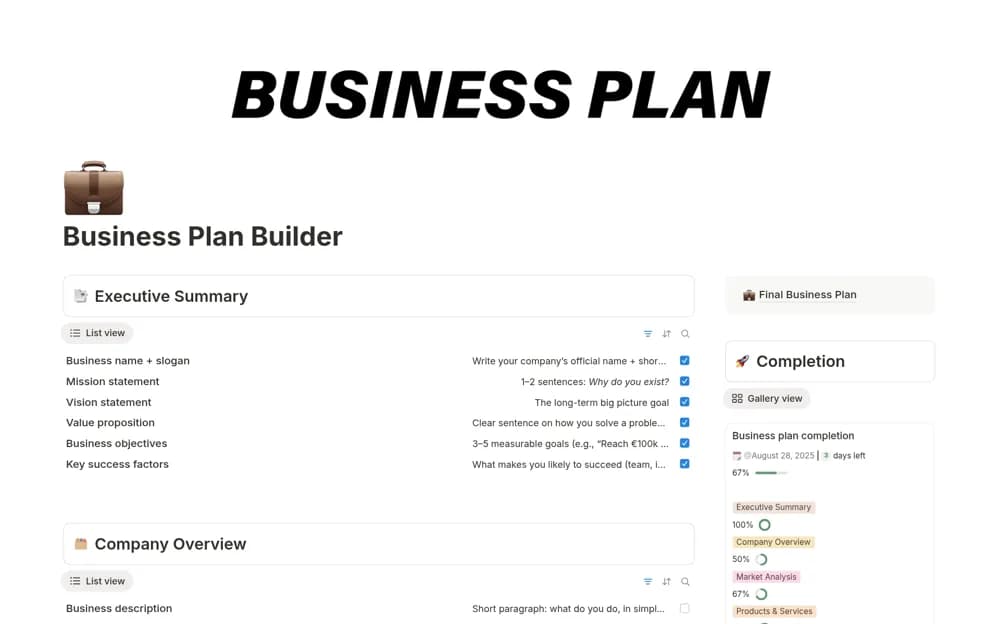
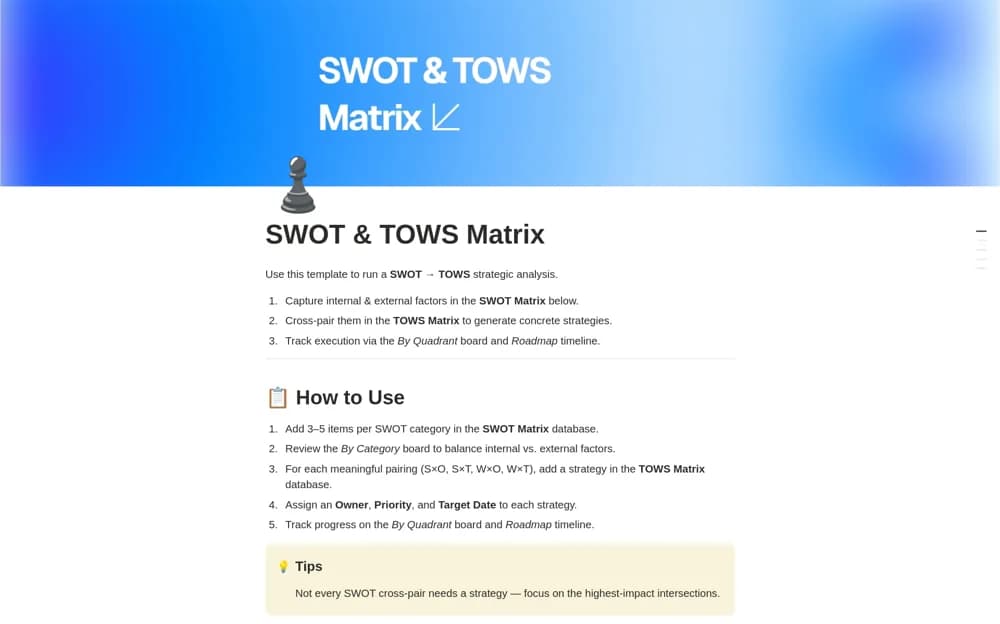
A strategy workspace connecting SWOT observations to TOWS options, owned actions, priorities, and a roadmap.
What’s included
- Structured SWOT database and category board
- TOWS strategies linked to paired factors
- Quadrant views, roadmap dates, owners, and a how-to guide
How to use it in practice
Collect evidence-backed observations and distinguish internal conditions from external changes. Pair factors to generate options, then challenge the assumptions behind a few promising actions. Assign owners and dates only after agreeing the choices, keeping rejected options available for context.
Set it up in your workspace
- Open the original Notion Marketplace listing and add the template to your chosen workspace while signed in. Keep its example records until you understand how the pages connect.
- Collect evidence-backed observations and distinguish internal conditions from external changes.
- Try one complete example before adding a large backlog. Check that its views and any calculations show what you expect, then replace the sample content with your own.
Who it suits and what to consider
Teams moving from a strategic discussion to a documented set of choices. A matrix organizes strategic thinking but does not independently validate the evidence or predict an outcome.