About Tax Filing and Preparation Tracker
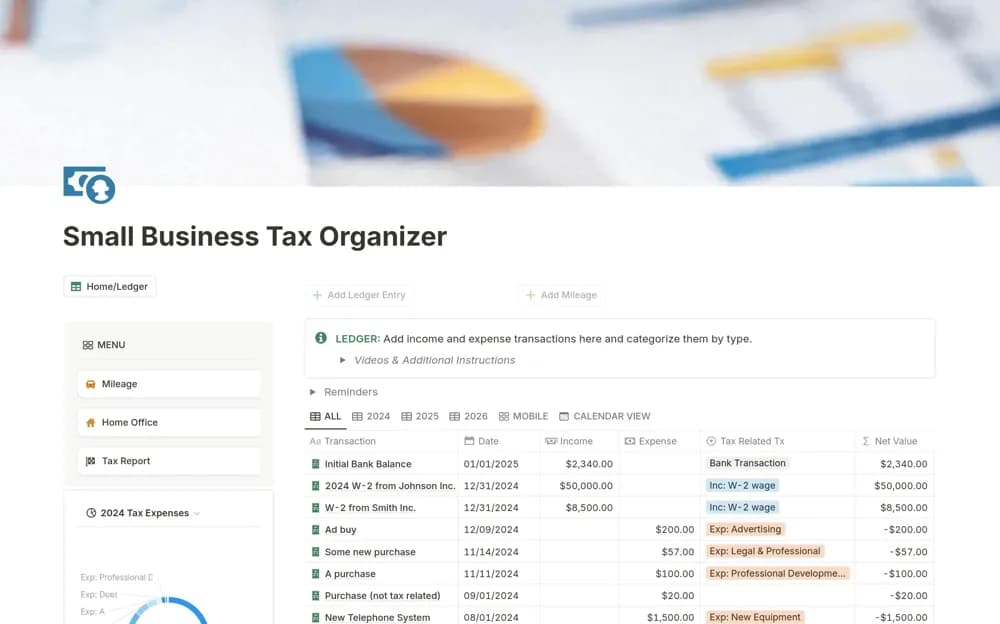
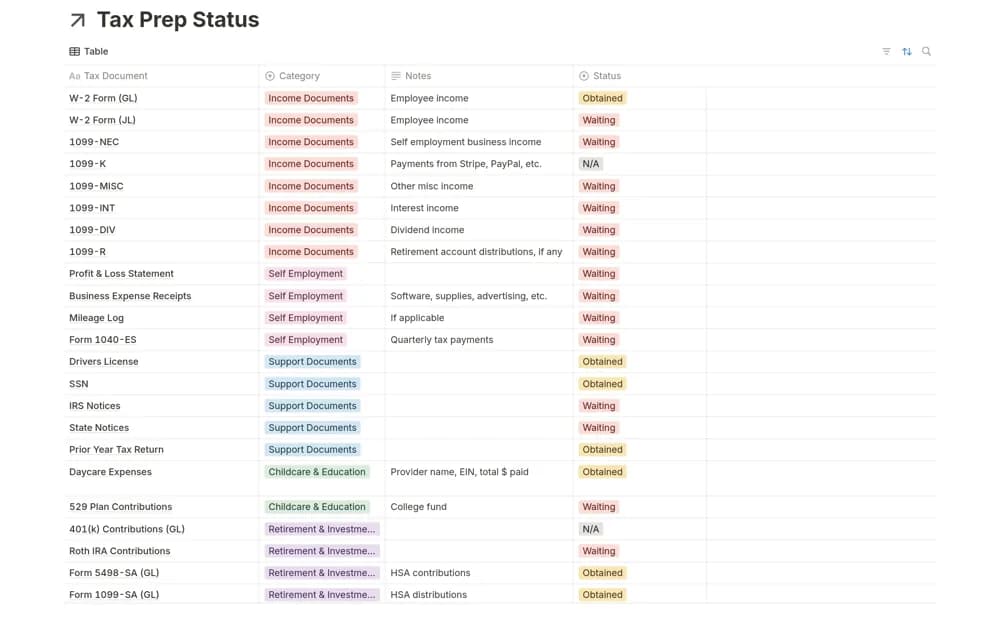
A reusable tax-preparation checklist and database for organizing documents received, missing items, and year-by-year follow-up.
What’s included
- Document-tracking database
- A simpler checklist option
- Reusable annual structure and an optional list-drafting prompt
How to use it in practice
Confirm the required documents through current appropriate guidance, then mark records as received only when you have the actual file. Keep private documents securely handled and review missing items before the preparation deadline. Start a fresh annual copy while preserving the prior year’s history.
Set it up in your workspace
- Open the original Notion Marketplace listing and add the template to your chosen workspace while signed in. Keep its example records until you understand how the pages connect.
- Confirm the required documents through current appropriate guidance, then mark records as received only when you have the actual file.
- Try one complete example before adding a large backlog. Check that its views and any calculations show what you expect, then replace the sample content with your own.
Who it suits and what to consider
People collecting records for their tax preparation process or adviser. The optional prompt cannot establish complete or current tax requirements for your circumstances.