About The Yearly Reset
Plan a new year in Notion with yearly and quarterly goals, morning and evening routines, a vision board, and a future-self letter.
What’s included
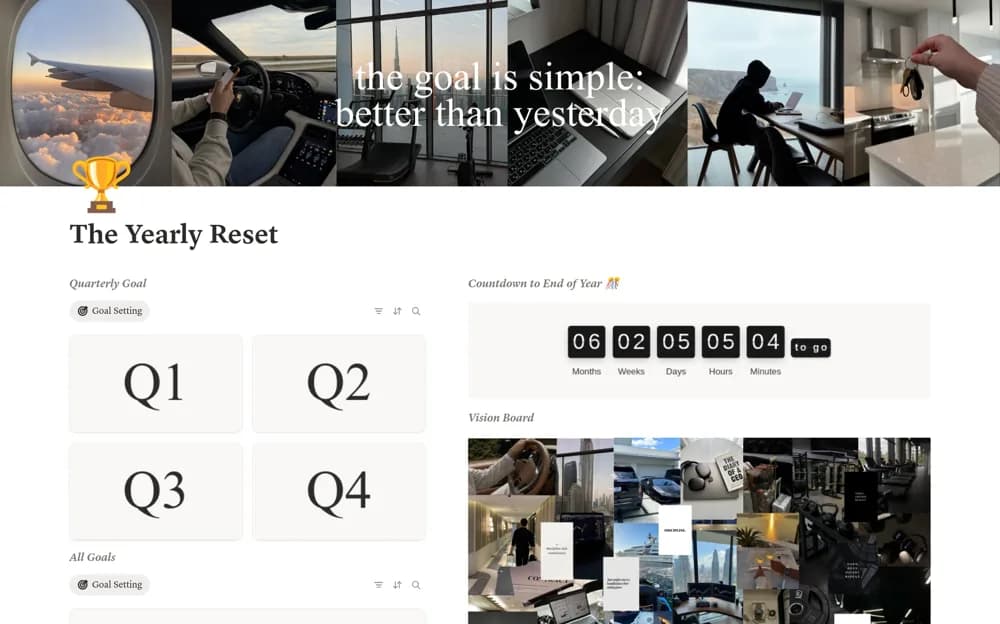
- Yearly and quarterly goal planning
- Goal calendar
- Morning and evening routine resets
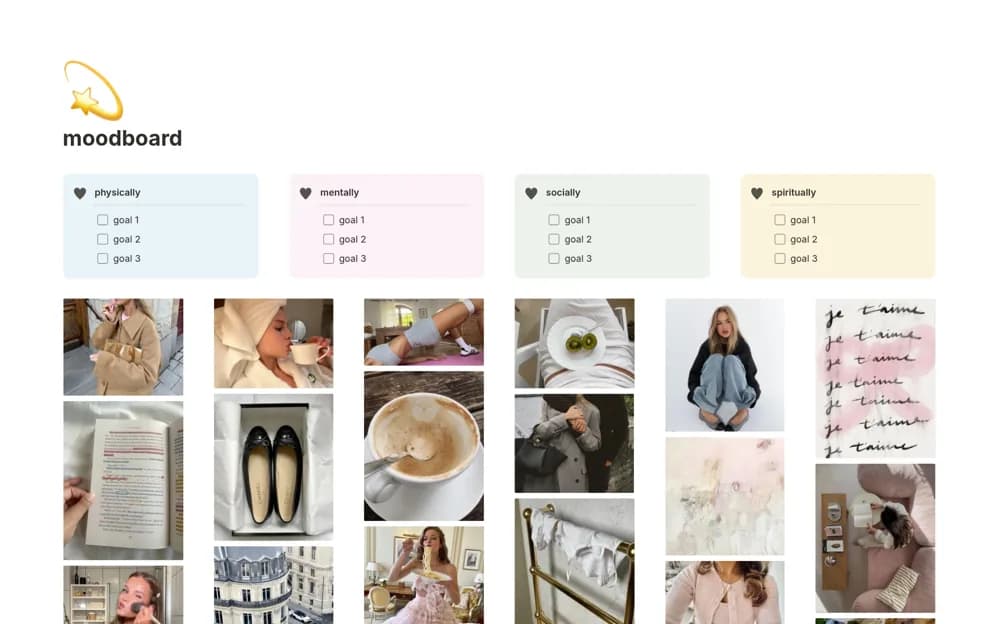
- Vision board and future-self reflection
How to use it in practice
Choose a few goals you can explain in concrete terms and decide what the next quarter should contribute. Build a short morning or evening routine that supports those choices, then try it for an ordinary week. Review the plan and simplify it when the daily maintenance becomes unrealistic.
Set it up in your workspace
- Open the original Notion Marketplace listing and add the template to your chosen workspace while signed in. Keep its example records until you understand how the pages connect.
- Choose a few goals you can explain in concrete terms and decide what the next quarter should contribute.
- Try one complete example before adding a large backlog. Check that its views and any calculations show what you expect, then replace the sample content with your own.
Who it suits and what to consider
People setting a small number of personal priorities and turning them into a repeatable routine. The planner records intentions and completed routines. A vision board or checked habit does not establish that an outcome will happen.