 Free
Interior design Mood board
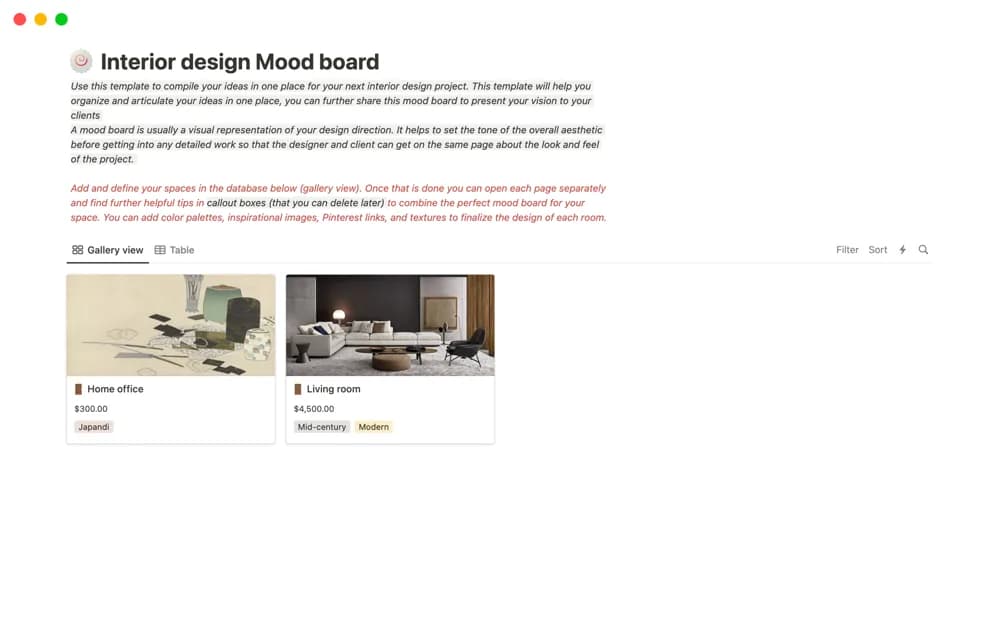
A room-based interior mood-board layout for images, references, links, colors, furniture, and textures, intended for collaboration or presenting a design direction.
Collect visual references with a purpose. Find Notion mood boards for project directions, image notes, source credits, and explaining what a reference contributes to the work.
Showing 1–4 of 4 templates
FreeA room-based interior mood-board layout for images, references, links, colors, furniture, and textures, intended for collaboration or presenting a design direction.
 Free
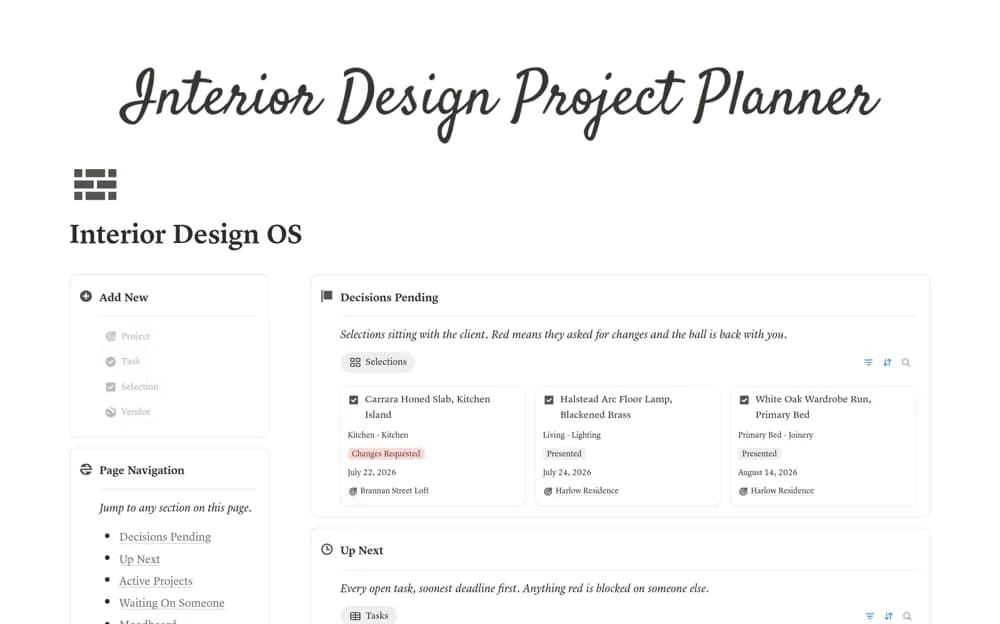
An interior design workspace for project briefs, room selections, moodboards, client decisions, tasks, and vendors.
 Free
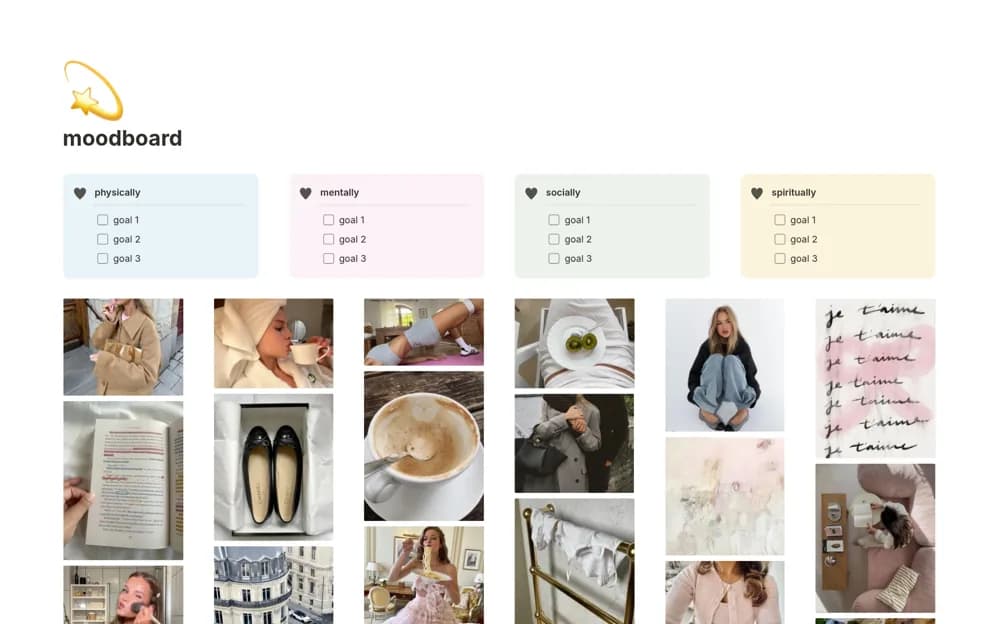
An aesthetic personal moodboard for inspiration images, quotes, life areas, and a few goals in each area.
 Free
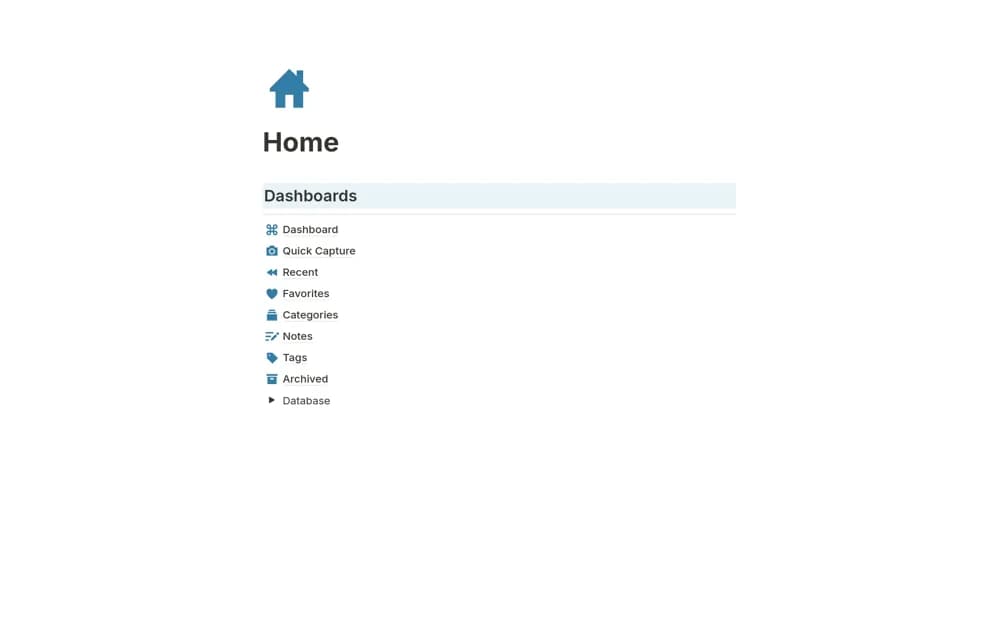
A screenshot reference library with quick capture, tags, source notes, favorites, and recent-item views.
Compare the purpose and included features before choosing a workspace.
People who enjoy visual references alongside personal goal reflection.
Designers and creatives organizing visual research they want to retrieve later.
Interior designers preparing an early visual conversation with clients or collaborators.
4 working templates from 4 creators: 4 free. Links last checked October 11, 2026.
| Template | Best for | Price | Creator |
|---|---|---|---|
| moodboard | People who enjoy visual references alongside personal goal reflection. | Free | achlys |
| Screenshots Organizer | Designers and creatives organizing visual research they want to retrieve later. | Free | Akshay Raveendran |
| Interior design Mood board | Interior designers preparing an early visual conversation with clients or collaborators. | Free | Krati Bhambry |
| Interior Designer Project Manager | Solo interior designers and small studios coordinating design and approvals. | Free | NotoMantra |
Choose a small group of references that support the project’s intended mood or message. Add a sentence about what matters in each image, such as color, composition, or texture. Keep source credits and distinguish inspiration from assets licensed for production. Review the board with collaborators before treating it as an approved visual direction.
References with useful notes
Original source credits
A coherent project direction
About the directoryChoose a purpose for the board and collect a small set of relevant references. Add source credit and a note about the useful quality, such as color, composition, texture, or tone. Remove conflicting material or explain the alternatives. Use the board to support a conversation about direction rather than expecting collaborators to infer the brief from images alone.
Jump straight to any listing in the collection.
Use enough to communicate the direction without introducing unexplained contradictions. There is no universal useful count. A smaller board with specific annotations can make a decision easier than a large collection of attractive but unrelated images.
It depends on the job you need it to do. Good starting points in this collection include moodboard (people who enjoy visual references alongside personal goal reflection), Screenshots Organizer (designers and creatives organizing visual research they want to retrieve later) and Interior design Mood board (interior designers preparing an early visual conversation with clients or collaborators). Compare the included features below, then try your first choice with a week of real information before moving everything across.
Yes. This collection currently includes 4 listings with a confirmed free creator offer. Use the Free filter to compare them. A free version can have different features from a creator’s paid upgrade, so check the original listing and current access terms before adding it to your workspace.