About Thesis & Dissertation Planner | Research & Writing
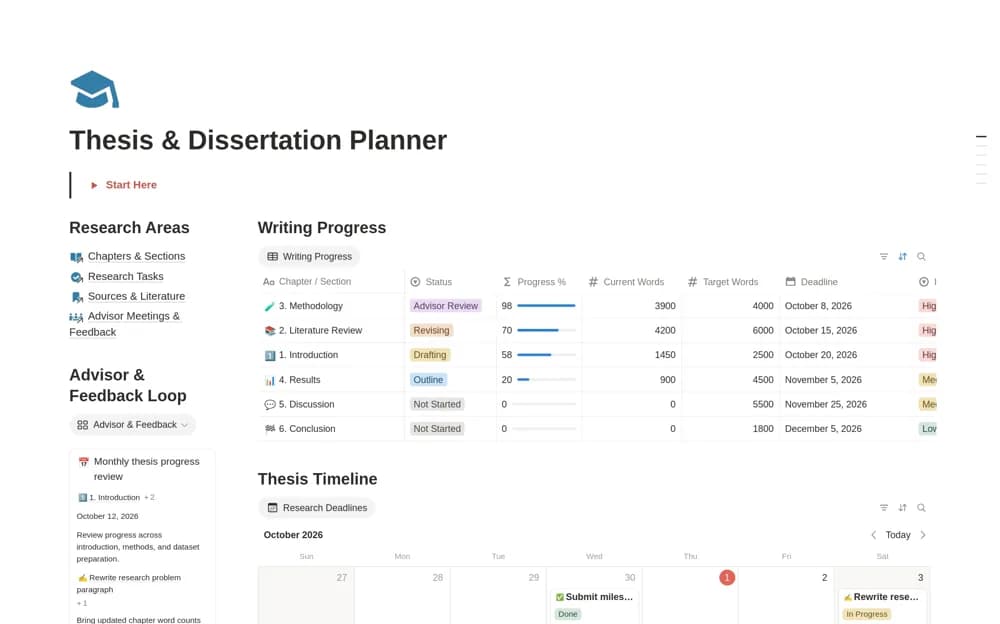
A thesis planning system linking chapters, writing progress, research tasks, literature notes, deadlines, and supervisor feedback.
What’s included
- Chapter and word-count organization
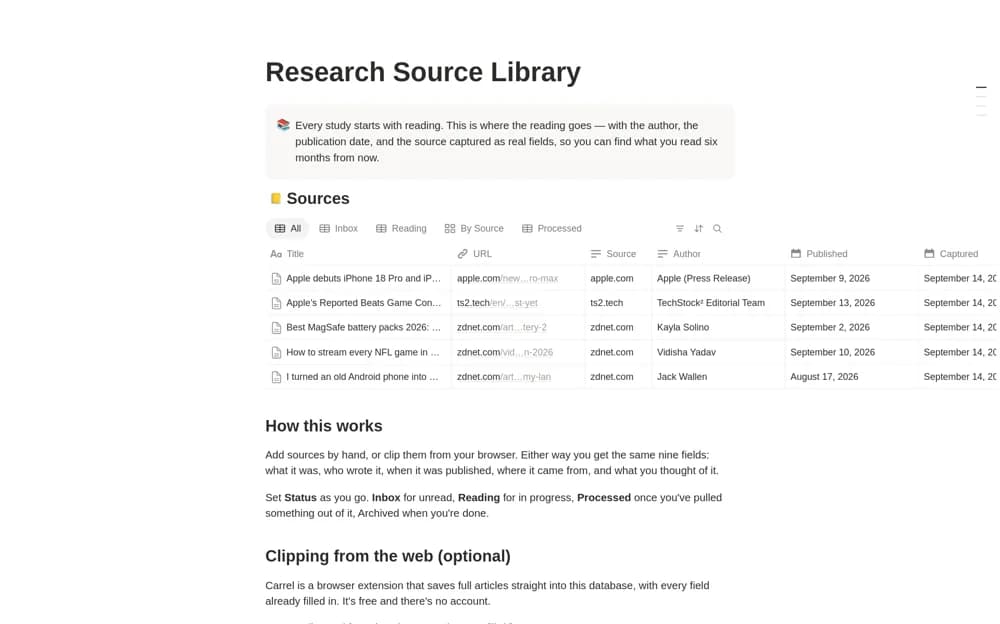
- Research tasks, timeline, and literature-review records
- Advisor meetings, feedback, and revision follow-up
How to use it in practice
Align the timeline with institutional milestones and choose a chapter-level next action. Link feedback to the revision it requires and retain the source of citation notes. Review progress through completed arguments and evidence, alongside word counts, before the next supervisory meeting.
Set it up in your workspace
- Open the original Notion Marketplace listing and add the template to your chosen workspace while signed in. Keep its example records until you understand how the pages connect.
- Align the timeline with institutional milestones and choose a chapter-level next action.
- Try one complete example before adding a large backlog. Check that its views and any calculations show what you expect, then replace the sample content with your own.
Who it suits and what to consider
Students managing a substantial research-writing project across several milestones. The planner supports organization; it does not establish research quality or replace institutional and supervisory guidance.