About Travel Itinerary Planner by Jaque
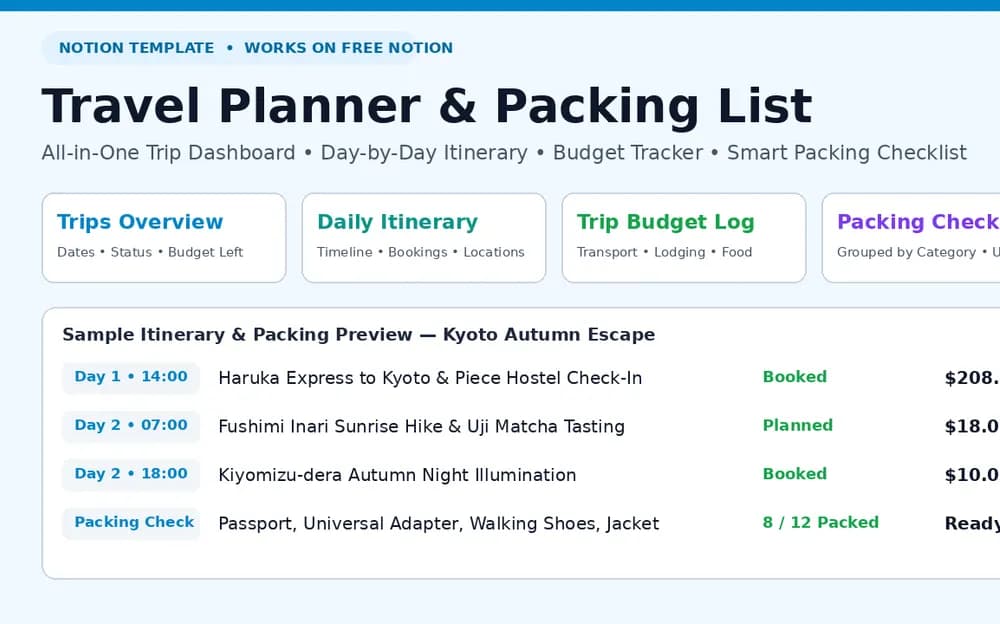
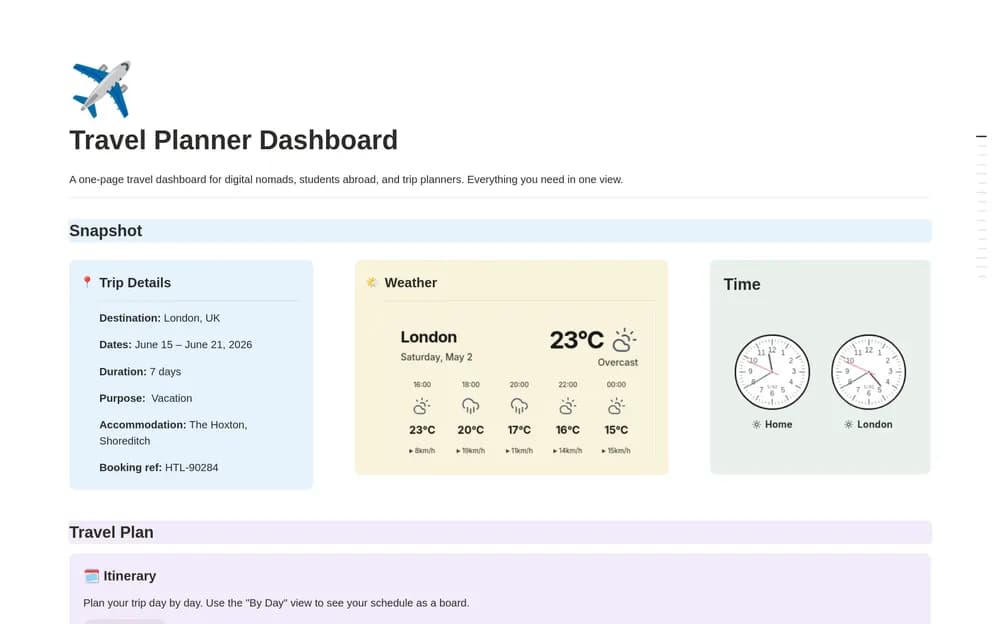
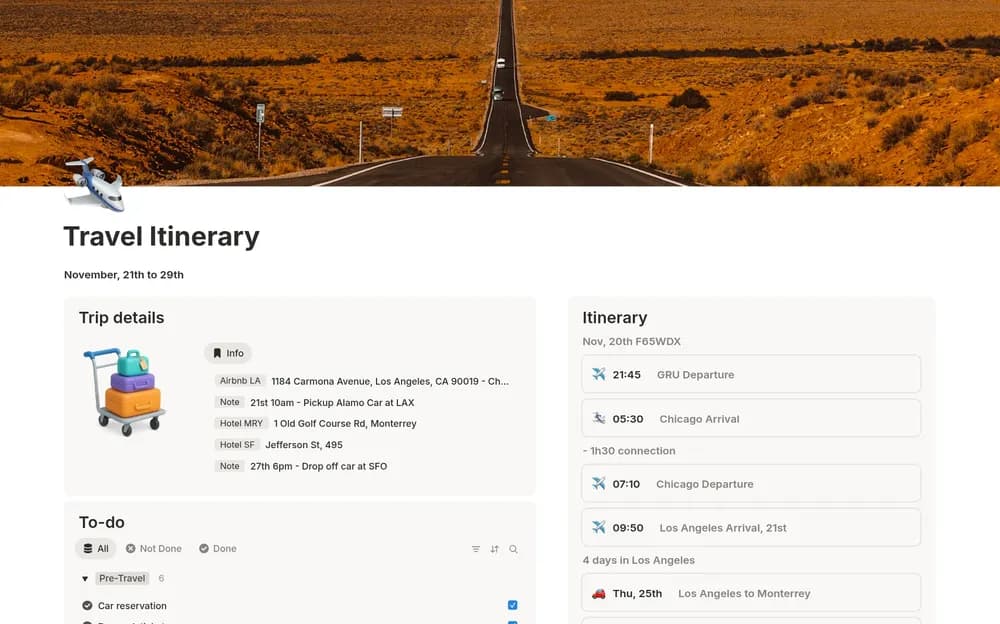
Plan flights, hotels, routes, and daily stops in a Notion travel itinerary with stage-based to-dos, an expense tracker, and a route map.
What’s included
- Trip overview with destinations, dates, and notes
- Itinerary with daily activities and times
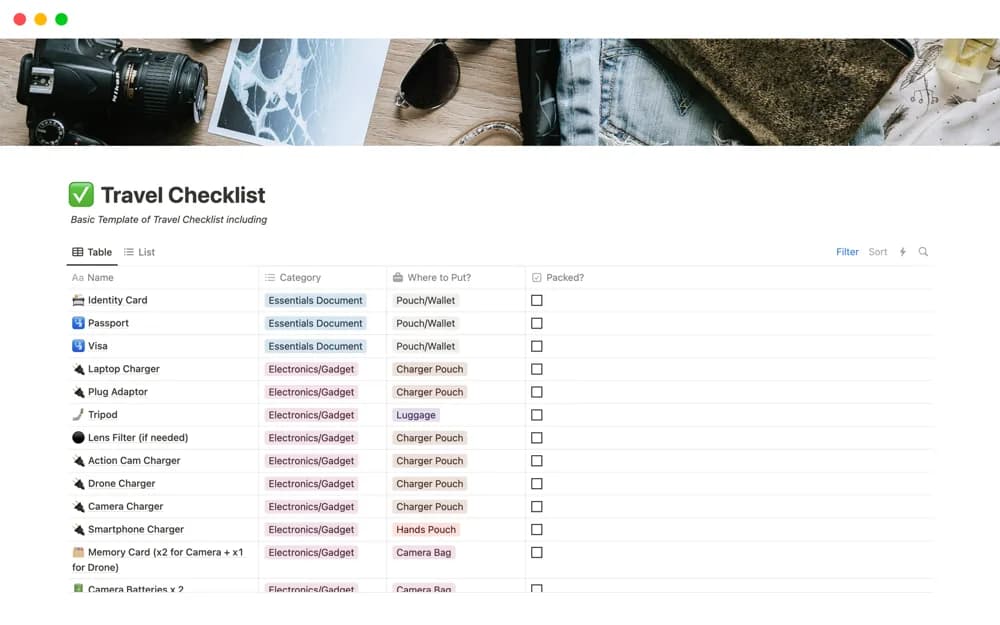
- To-do lists grouped by trip stage
- Expense tracker and shopping list
- Map for stops and routes plus hotel, restaurant, and attraction sections
How to use it in practice
Enter the destinations and dates for your next trip in the overview. Plot the main stops on the map and build the first days of the itinerary with times. Work through the pre-trip to-dos this week and log bookings in the expense tracker as you make them.
Set it up in your workspace
- Open the original Notion Marketplace listing and add the template to your chosen workspace while signed in. Keep its example records until you understand how the pages connect.
- Enter the destinations and dates for your next trip in the overview.
- Try one complete example before adding a large backlog. Check that its views and any calculations show what you expect, then replace the sample content with your own.
Who it suits and what to consider
Solo travelers, couples, and friends planning road trips or short getaways. The listing mentions map integration without explaining how it works, so check whether routes rely on an embedded map service.