About Travel Planner Dashboard
Run a trip from one Notion page with a trip snapshot, itinerary board, budget with remaining amounts, packing and pre-trip checklists, and weather.
What’s included
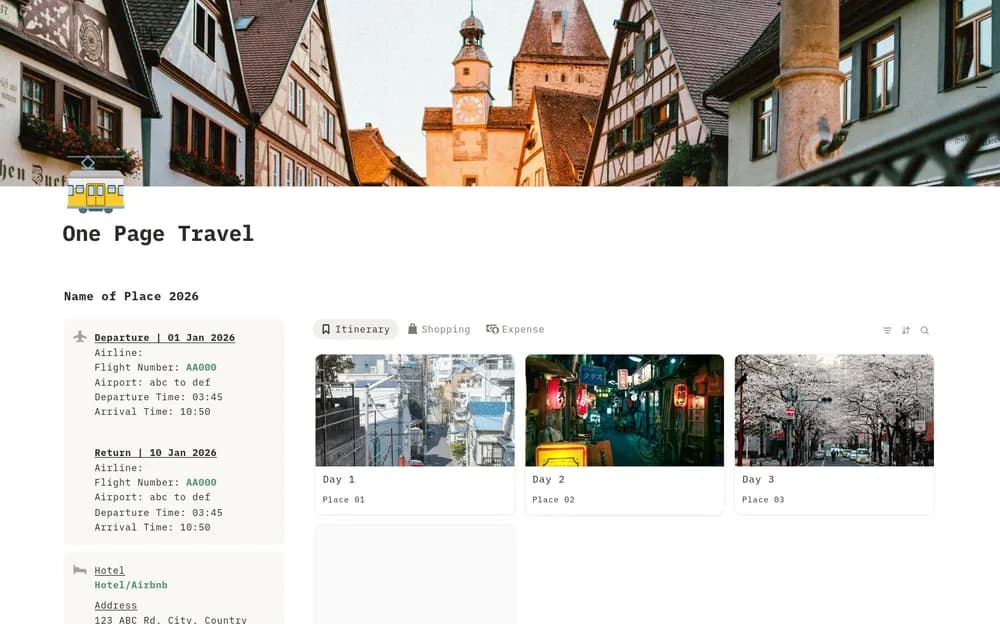
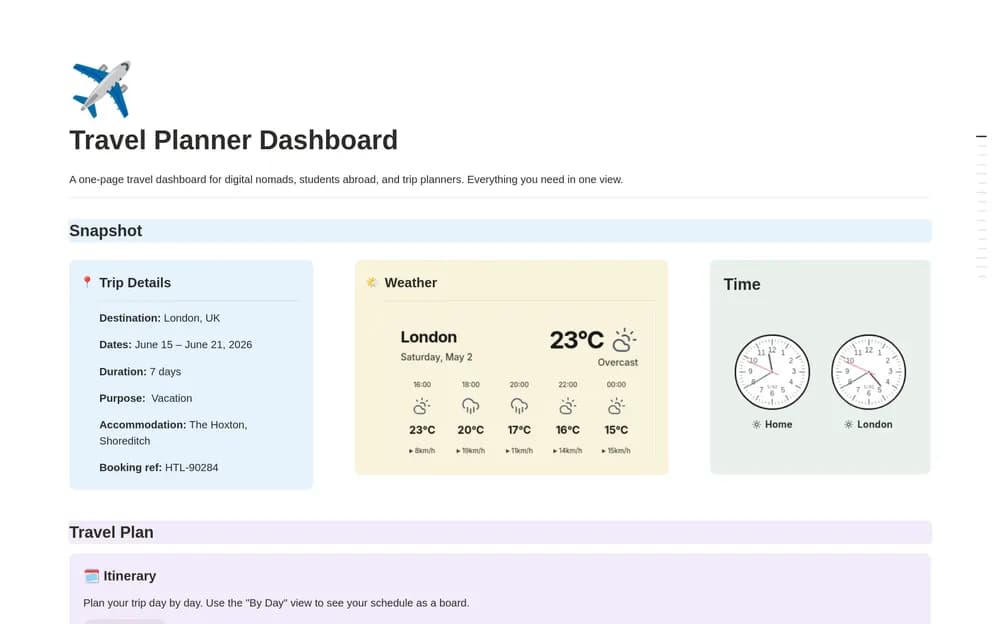
- Trip snapshot with destination, dates, accommodation, and booking references
- Live weather and local-time widgets
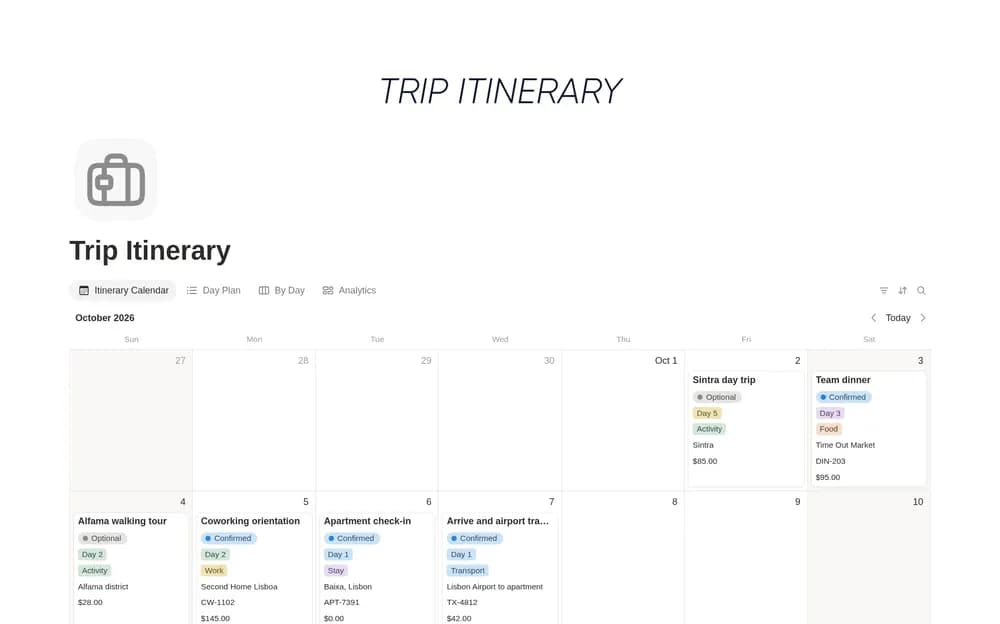
- Day-by-day itinerary database with board view
- Budget tracker with spent and remaining amounts and a linked expense log
- Packing and pre-trip checklists for visas, insurance, eSIMs, and offline maps
How to use it in practice
Fill in the trip snapshot for your next trip, including booking references. Add each day to the itinerary board and set budget categories. Work through the pre-trip checklist during the week, log any expenses already paid, and check that the remaining budget figures match your own math.
Set it up in your workspace
- Open the original Notion Marketplace listing and add the template to your chosen workspace while signed in. Keep its example records until you understand how the pages connect.
- Fill in the trip snapshot for your next trip, including booking references.
- Try one complete example before adding a large backlog. Check that its views and any calculations show what you expect, then replace the sample content with your own.
Who it suits and what to consider
Remote workers, overseas students, and regular travelers who like one page per trip. The weather and local-time widgets are likely external embeds, so confirm they display correctly on mobile. Expenses are logged by hand.