About Travel Planner for Trip Ideas, Bookings & Lessons
Take each trip from early idea to booked journey and post-trip lessons in a Notion database that tracks dates, budget, bookings, and preparation.
What’s included
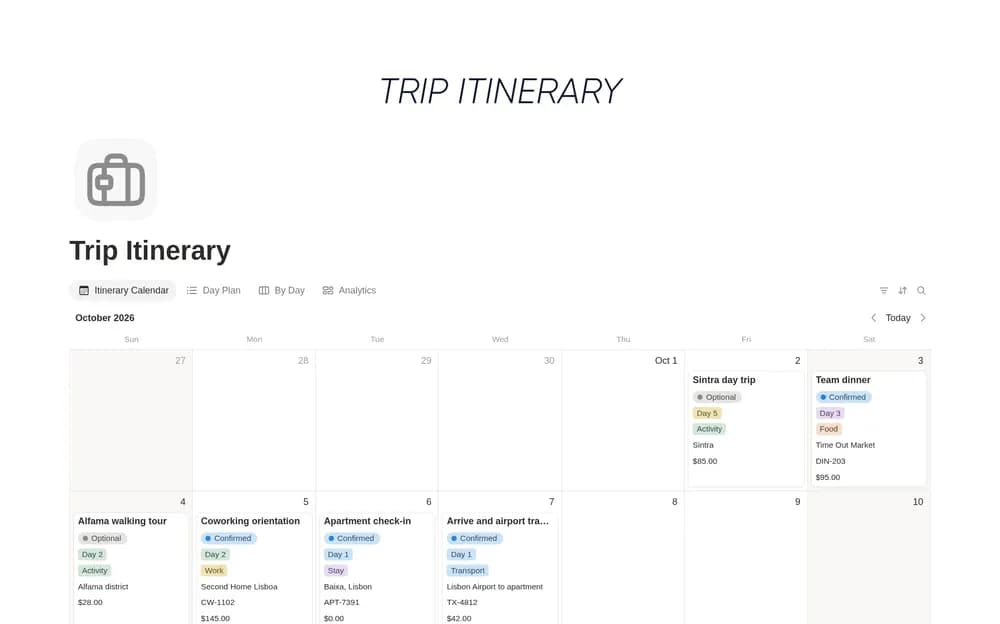
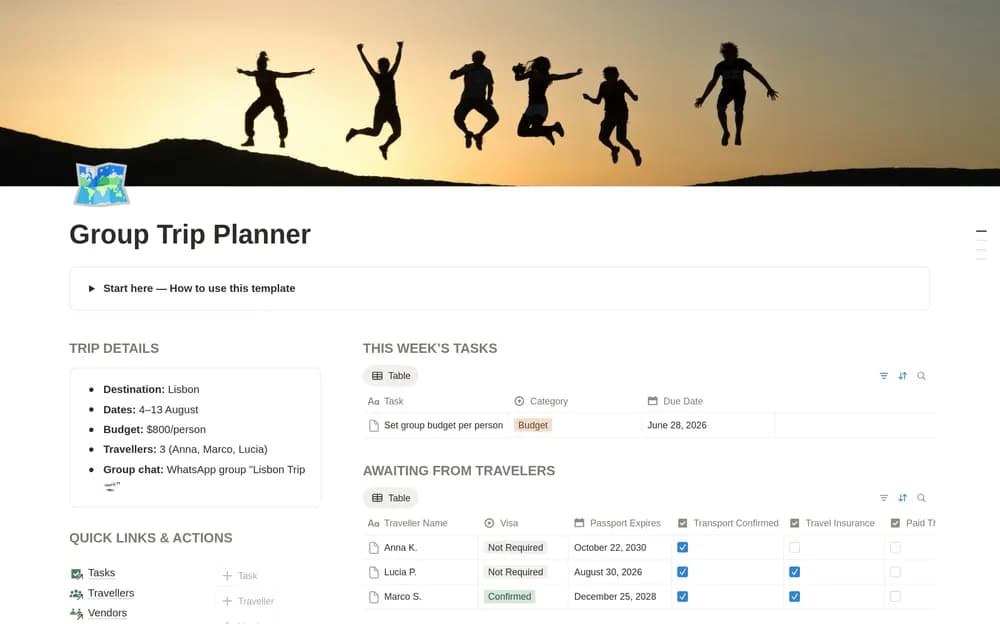
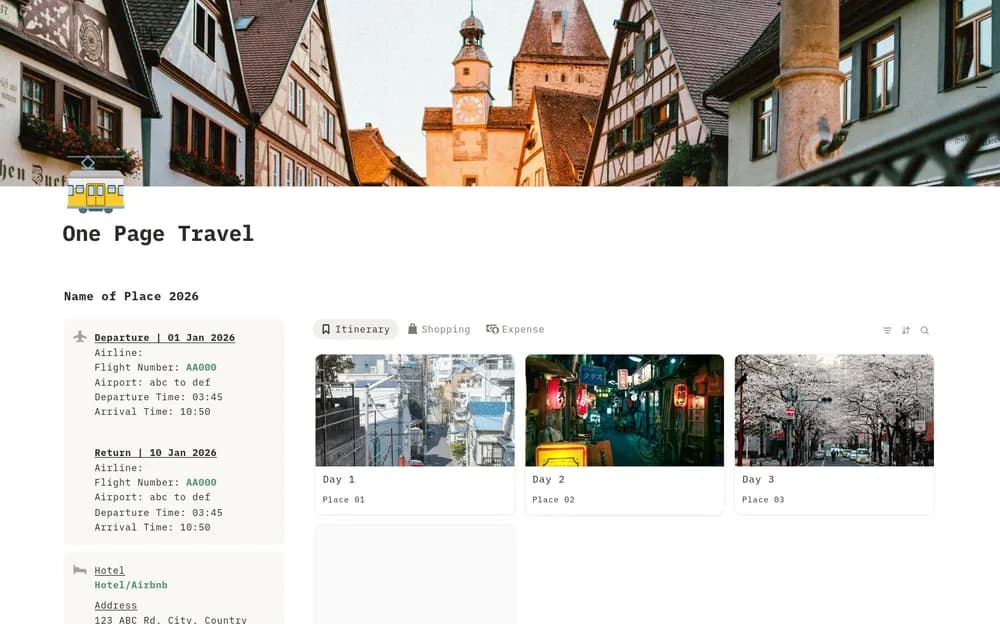
- Travel planner database for trips
- Destination, dates, budget, bookings, preparation, status, and lessons fields
- Separate views for ideas, trips in planning, booked trips, and finished travel
How to use it in practice
Add one upcoming trip and two destinations you are only considering. Fill in dates, budget, and the bookings you have already made for the upcoming trip. Update its preparation notes during the week, and record a few lessons from a recent trip so the completed view starts to be useful.
Set it up in your workspace
- Open the original Notion Marketplace listing and add the template to your chosen workspace while signed in. Keep its example records until you understand how the pages connect.
- Add one upcoming trip and two destinations you are only considering.
- Try one complete example before adding a large backlog. Check that its views and any calculations show what you expect, then replace the sample content with your own.
Who it suits and what to consider
Frequent travelers, families, and digital nomads who plan several trips a year. Each trip is a single database entry, and the listing does not describe separate databases for daily schedules or detailed expenses.